
Adding Playtesters in Fortnite Creative
Playtesters help to ensure island quality before publishing by working out the bugs and issues on your project through playtesting. This kind of quality control is part of a project release schedule and good practice for serious island developers.
Playtesters are people you invite to playtest your islands. They should be people you trust, and who will provide feedback on the quality of the experience and log any issues they encounter during gameplay.
Ideally, a playtester would look for possible issues with game mechanics, art, messaging, and clarity of goals in the game.
Playtesters do not have a hand in creating the island.
Create a Playtest
To turn the Private Version of your island into a playtestable project, follow the steps below.
-
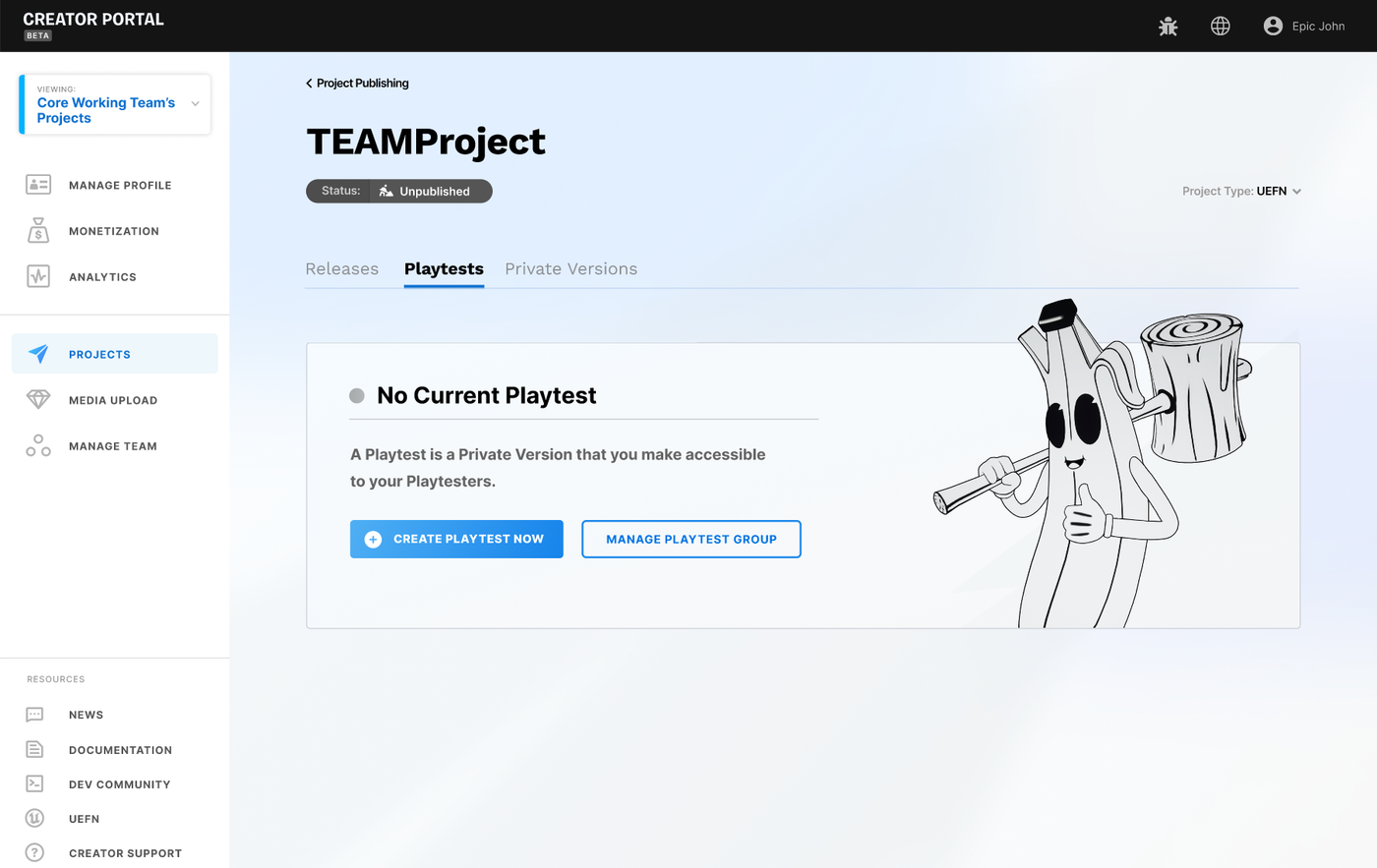
Open the Projects page and select Playtests from the tab menu.
-
Click Create Playtest and a Private Version panel opens.
-
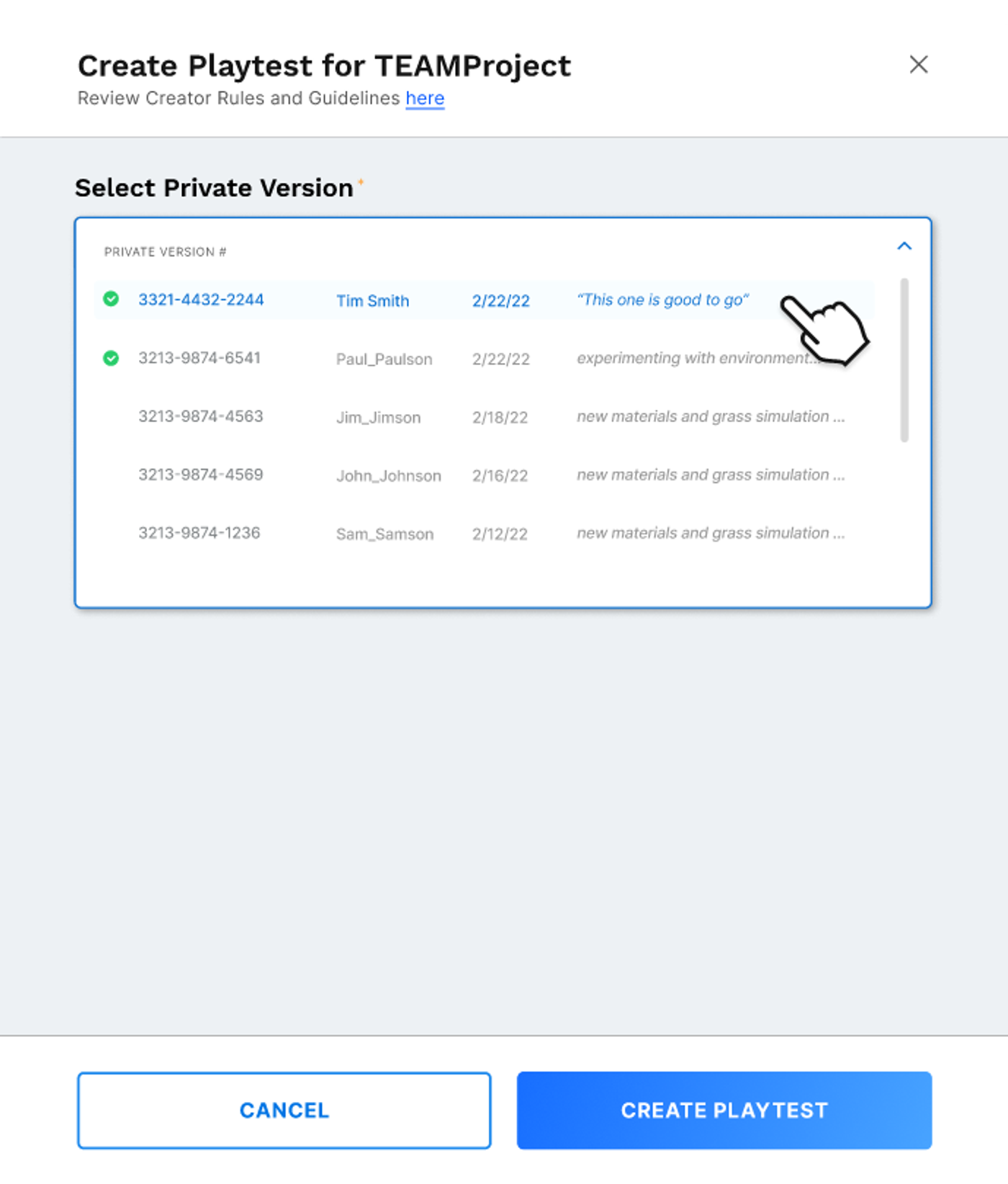
Select the Private Version from the panel and click Create Playtest.
You're reading a preview
The full reference is free for BrainDeadGuild Discord members — sign in to read it all, or open the original at the source.
Sign in with your BrainDead.TV / BrainDeadGuild Discord account for full access.