
Class Setup In An Arena
The Class Setup In an Arena gameplay example shows you how to set up multiple devices and zones which, when interacted with or walked through by a player, change many of their attributes, including health, shields, movement modifier, jump height, and items in inventory.
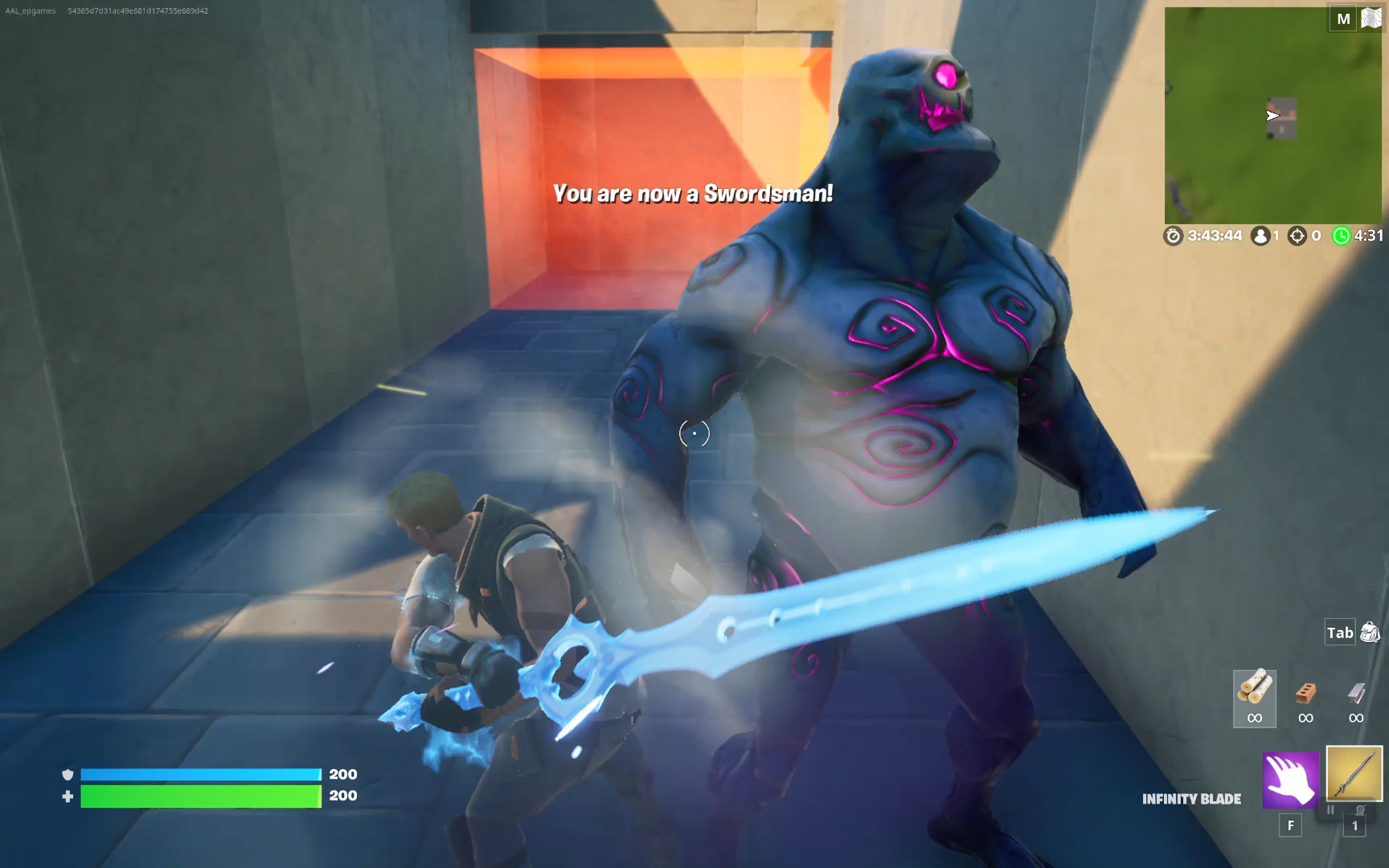
This example also shows how to send a message to the player’s HUD.
Some devices and zones are visible, while others are invisible but triggered when a player enters the area or defeats an enemy.
As you follow this tutorial, you will learn how to build your own Class Setup In an Arena using the following devices:
You're reading a preview
The full reference is free for BrainDeadGuild Discord members — sign in to read it all, or open the original at the source.
Sign in with your BrainDead.TV / BrainDeadGuild Discord account for full access.