
Decides
Like other Island Settings, any settings you change here apply only to your current island. To access the debug features, go to Island Settings and select the Debug category.
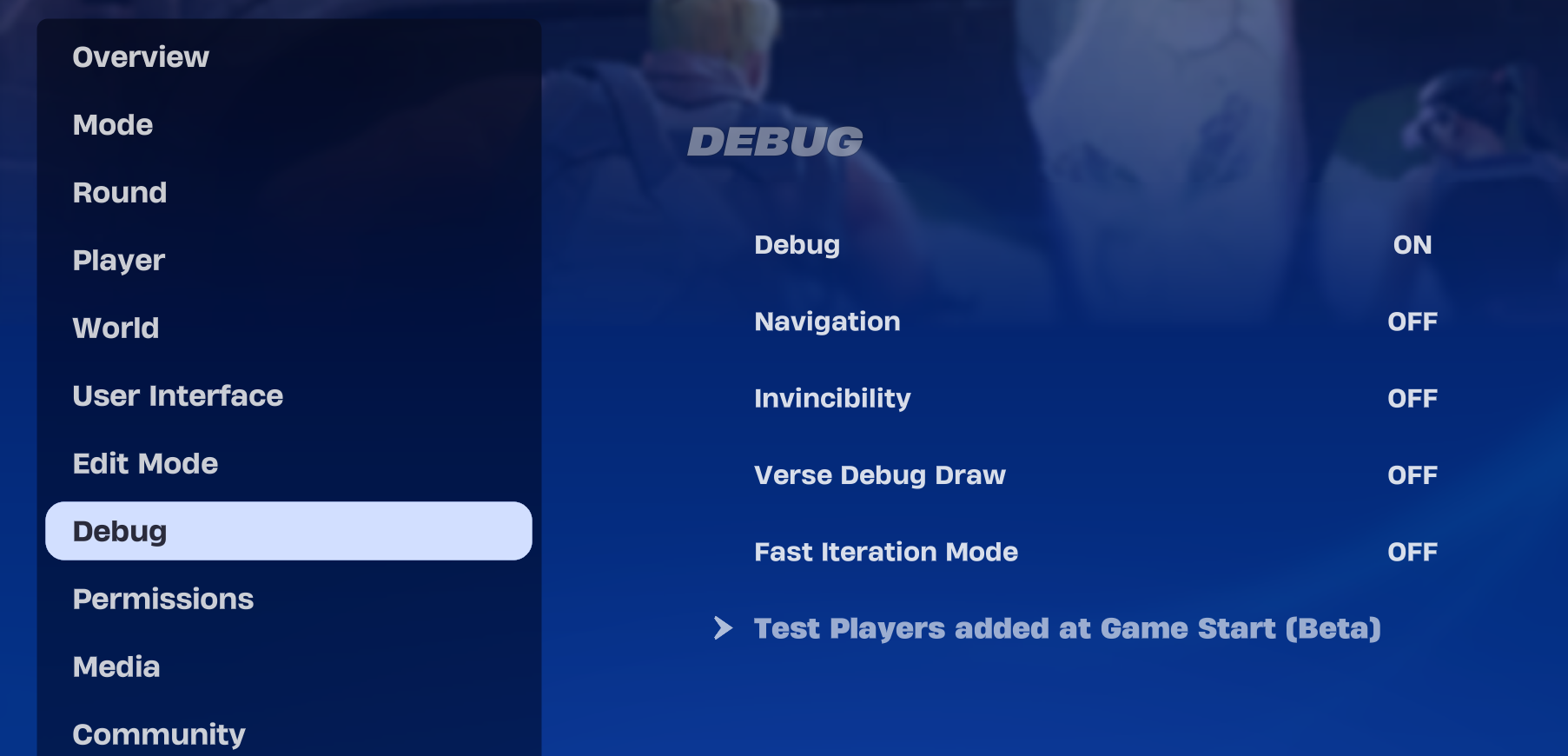
The debug settings can be changed at runtime in UEFN when you're playtesting. These settings do not affect published islands.
Debug Options
The Debug category provides a way to debug the movement of AI entities on your island (such as guards or wildlife). While some of the options available on this tab are only useful if you're working in Unreal Editor for Fortnite (UEFN), others — particularly the navigation option — are also useful in Fortnite Creative.
Debug settings can be managed from Fortnite Creative or from UEFN. Any toggle settings you change here are reflected in the Island Settings in UEFN, and vice versa.
You're reading a preview
The full reference is free for BrainDeadGuild Discord members — sign in to read it all, or open the original at the source.
Sign in with your BrainDead.TV / BrainDeadGuild Discord account for full access.