
Mobile Preview Session
The Mobile Preview session lets you launch your experience on PC as though it were running on a target iOS or Android device. This allows you to easily test how your islands look and feel to mobile players, and make crucial adjustments to improve the user experience.
Launch an Island with Mobile Preview
To launch a session in mobile preview:
- Click the vertical ellipsis dropdown next to Launch Session.
- Select Mobile Preview (This PC) under the Platform section.
- Hover over the Mobile Preview (This PC) option to select the desired screen size. Available sizes include Common Mobile (20:9), Older Mobile (16:9), or Tablets (4:3).
- Select a Device Profile based on the target devices for your tests.
- Click Launch Session.
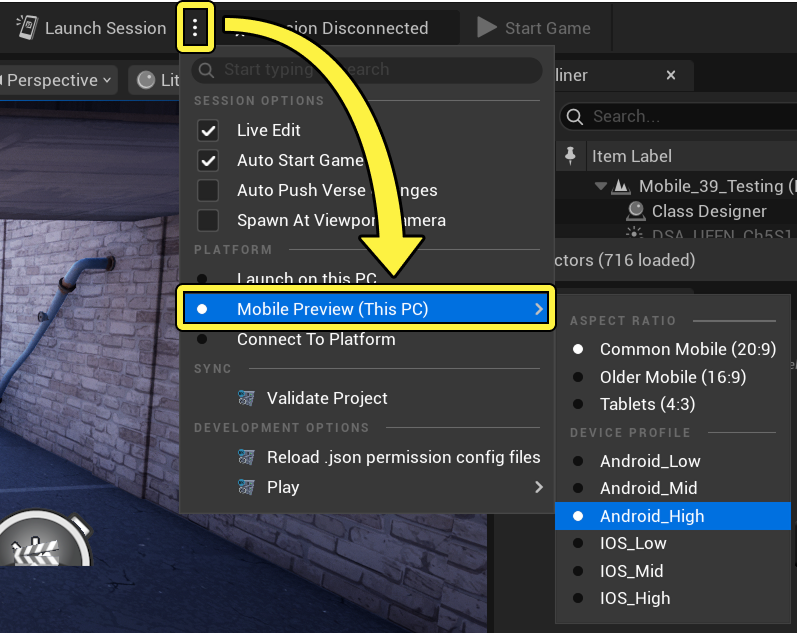
Choosing a mobile preview in UEFN.
Test Controls
When the session is running:
-
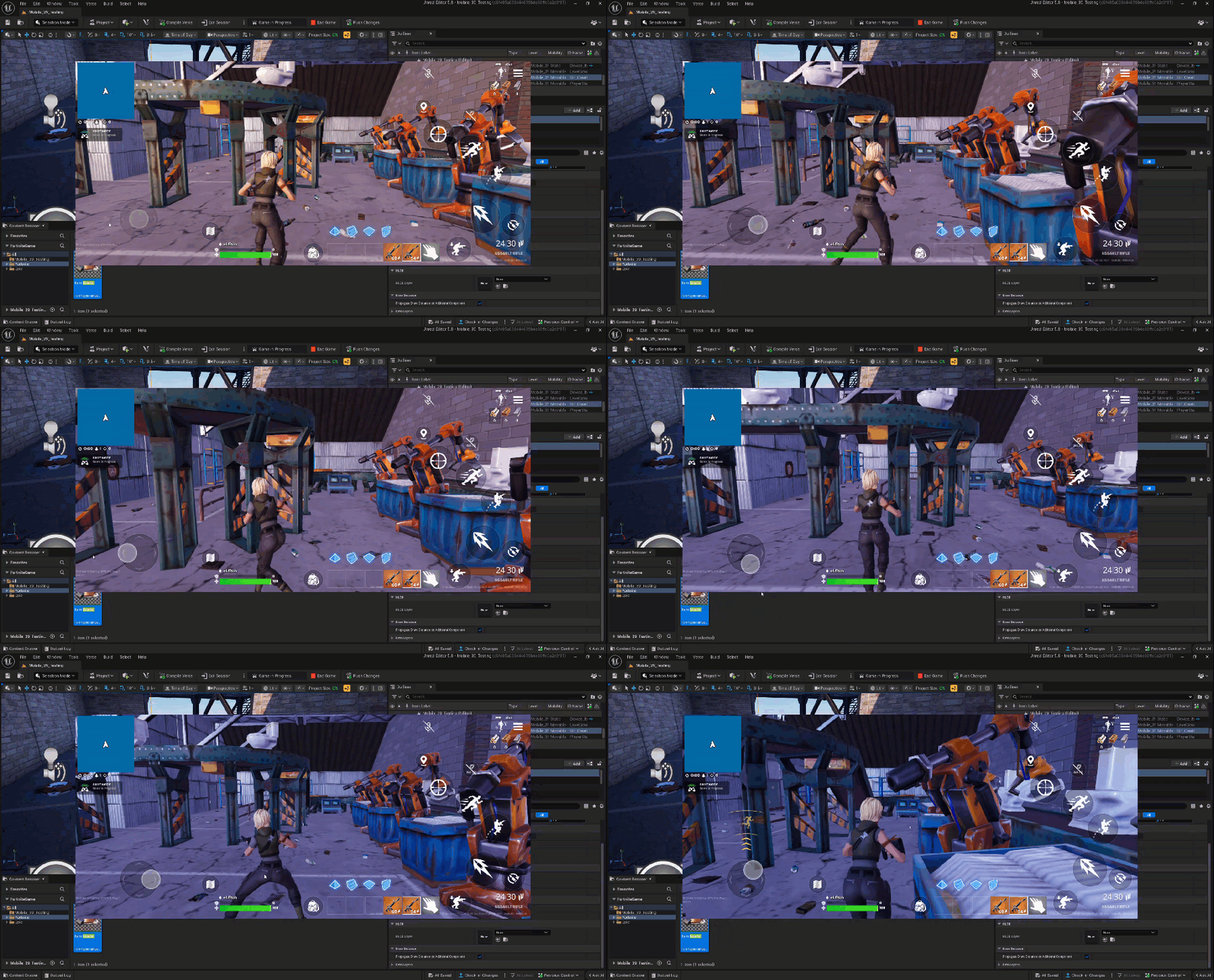
Clicking and dragging the mouse on the left side of the screen emulates touch movement inputs.
You're reading a preview
The full reference is free for BrainDeadGuild Discord members — sign in to read it all, or open the original at the source.
Sign in with your BrainDead.TV / BrainDeadGuild Discord account for full access.