
Project Analytics For Fortnite Games
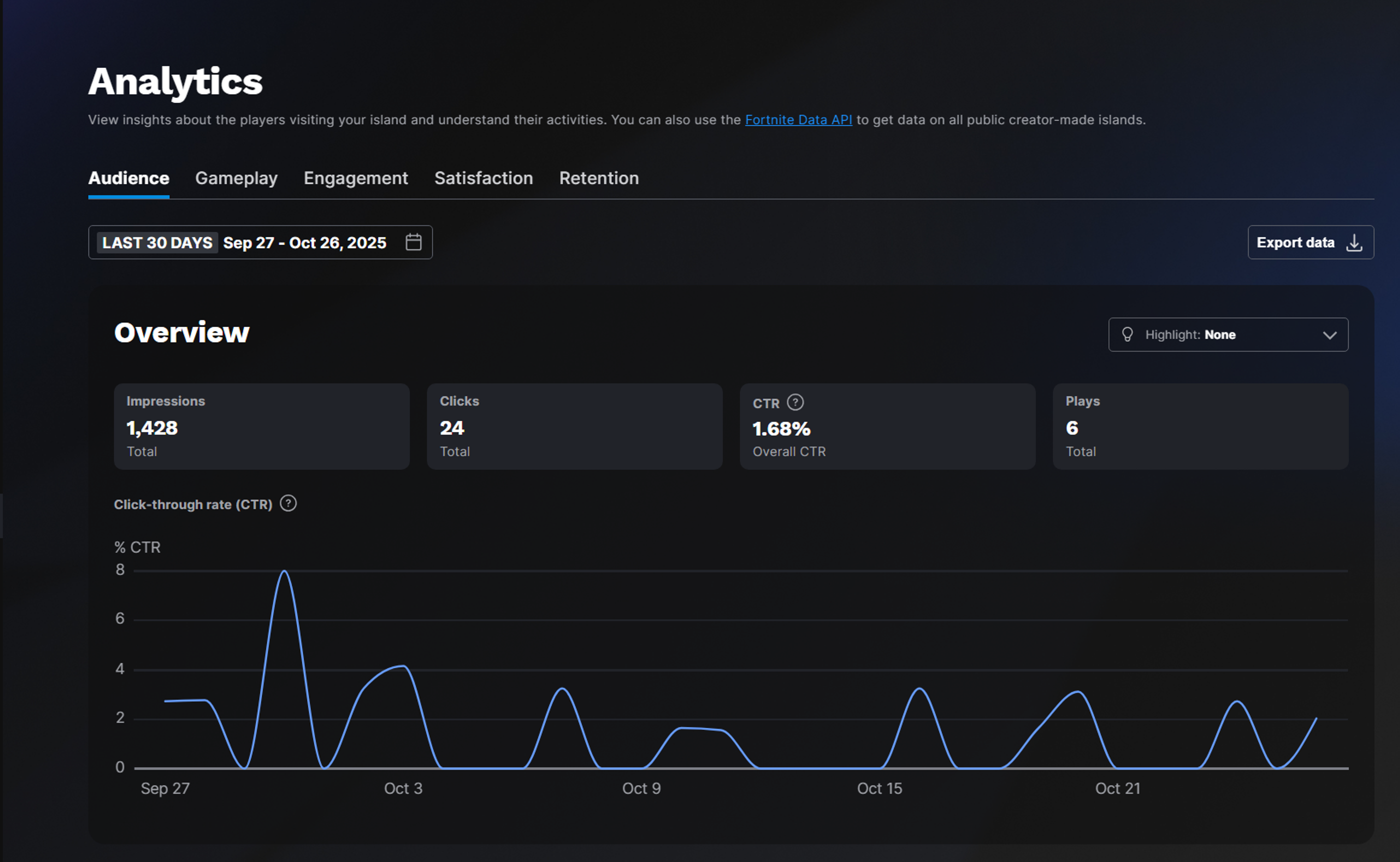
The Analytics page for each project gives developers and their teams insight into the players their games attract, and the player levels of engagement. This helps you understand everything from how compelling a thumbnail is, to how players interact with your games themselves.
Filters for Analytics Charts
The following filters are available on several charts within the analytics tab beginning with some of your audience metrics such as Impressions and Clicks. For some filters, if the filter causes the sample data to be too low, it will default to "Other Sources" or will not report data.
Countries
The Countries filter allows developers to get more insight into where their players are from out of 150 countries globally. You can use this filter on the Impressions and Clicks charts on the Audience tab, and on the Playtime, **Players,**and Links charts on the Engagement tab.
Party Size
The Party Size filter represents the number of players who were grouped together in a party in the Fortnite Lobby when they played on your island. For example, two players can be in a party of two in the Lobby, even if the game places them on a team of four during matchmaking.
You're reading a preview
The full reference is free for BrainDeadGuild Discord members — sign in to read it all, or open the original at the source.
Sign in with your BrainDead.TV / BrainDeadGuild Discord account for full access.