
Implementing Multiplayer Skill Checks
The Skilled Interaction Device (Multiplayer) room in the Minigame Mastery template is all about teamwork. The room focuses on how to approach the new multiplayer aspects of the Skilled Interaction device to unlock new types of quick time events (QTE).
Add the pressure to teams through synchronous skill checks or put the pressure on a random teammate.
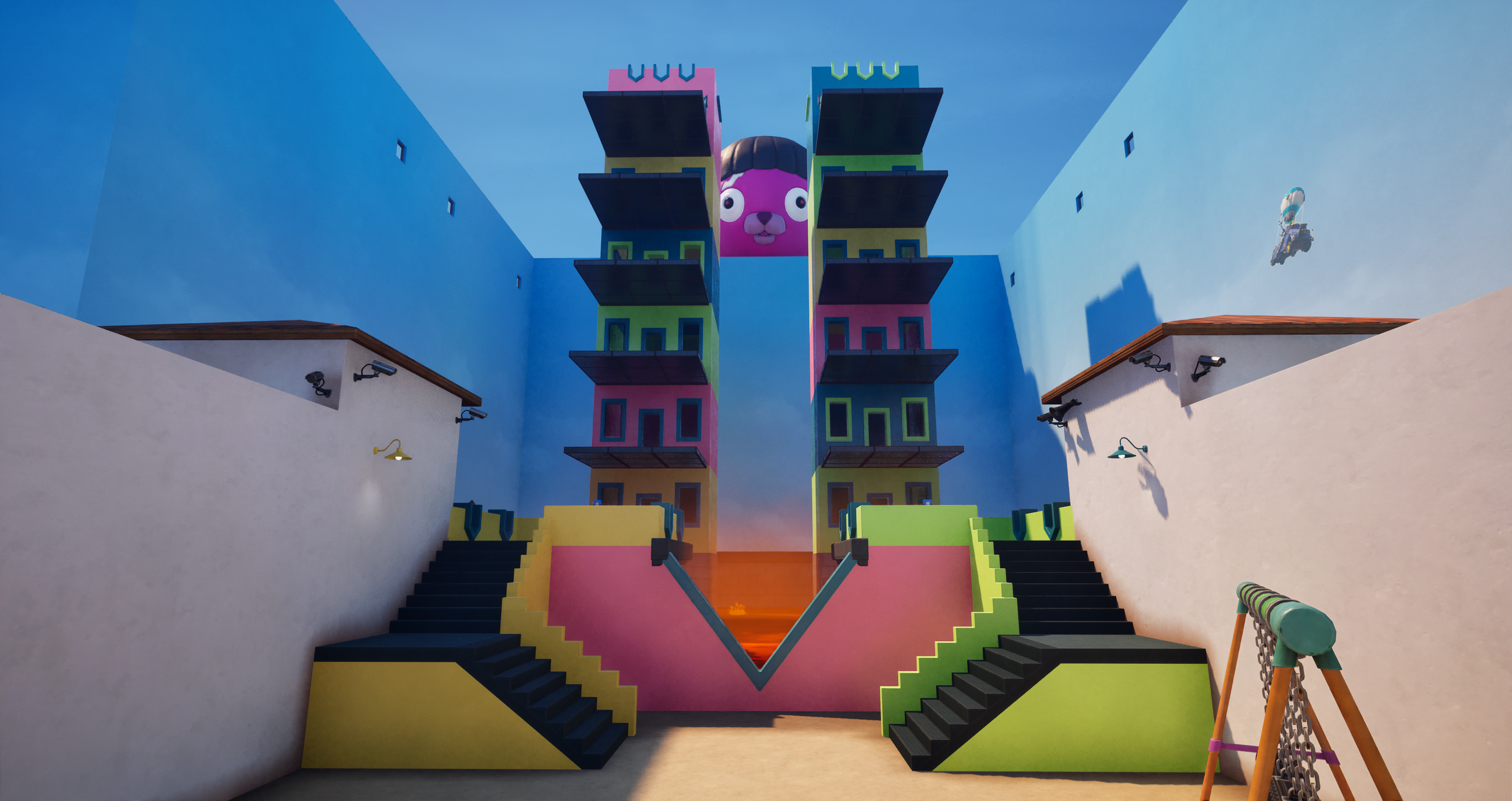
Skilled Interaction Device
You can configure multiplayer for the Skilled Interaction device in the Queue category of the device options. There are three multiplayer event types to choose from: Synchronous, Random, and Sequential. Activating one of the Queue Event Types enables multiplayer.
| Queue Event | Description |
| Synchronous | Plays the skill check for all players at the same time.This can put the most pressure on a group. You can set how many successes are required to pass the event. For example, setting it so that all participants must pass. This can get players to seek out skilled teammates. |
| Random | Plays the skill check for one random player. This skill check is useful for adding in a bit of pressure to a random player in the queue. |
| Sequential | Plays the same skill check one at a time in the order players joined. Useful for relay-based gameplay. Everyone in a line must succeed, perhaps to pass a hot potato from player to player, or a ball from player to player before reaching a goal. |
You're reading a preview
The full reference is free for BrainDeadGuild Discord members — sign in to read it all, or open the original at the source.
Sign in with your BrainDead.TV / BrainDeadGuild Discord account for full access.