
Using Portable Items In Fortnite Creative
Portable items can be equipped to offer aid to players in need. This on-demand aid includes item bundles and full structures that can provide cover during combat gameplay.
Portable items include:
- Alien Nanites
- Port-A-Fort
- Port-A-Fortress
- Presents!
- Rift-To-Go
- Repair Torch
- Port-A-Bunker
- Birthday Presents!
- Launchpad
- Dial-a-Drop
When these items are needed, players can throw these to a desired location by using both the aiming arc and the building outline as a guide to offer immediate aid to either themselves or other teammates, though any player can access the structures and items once thrown.
Finding and Placing Items
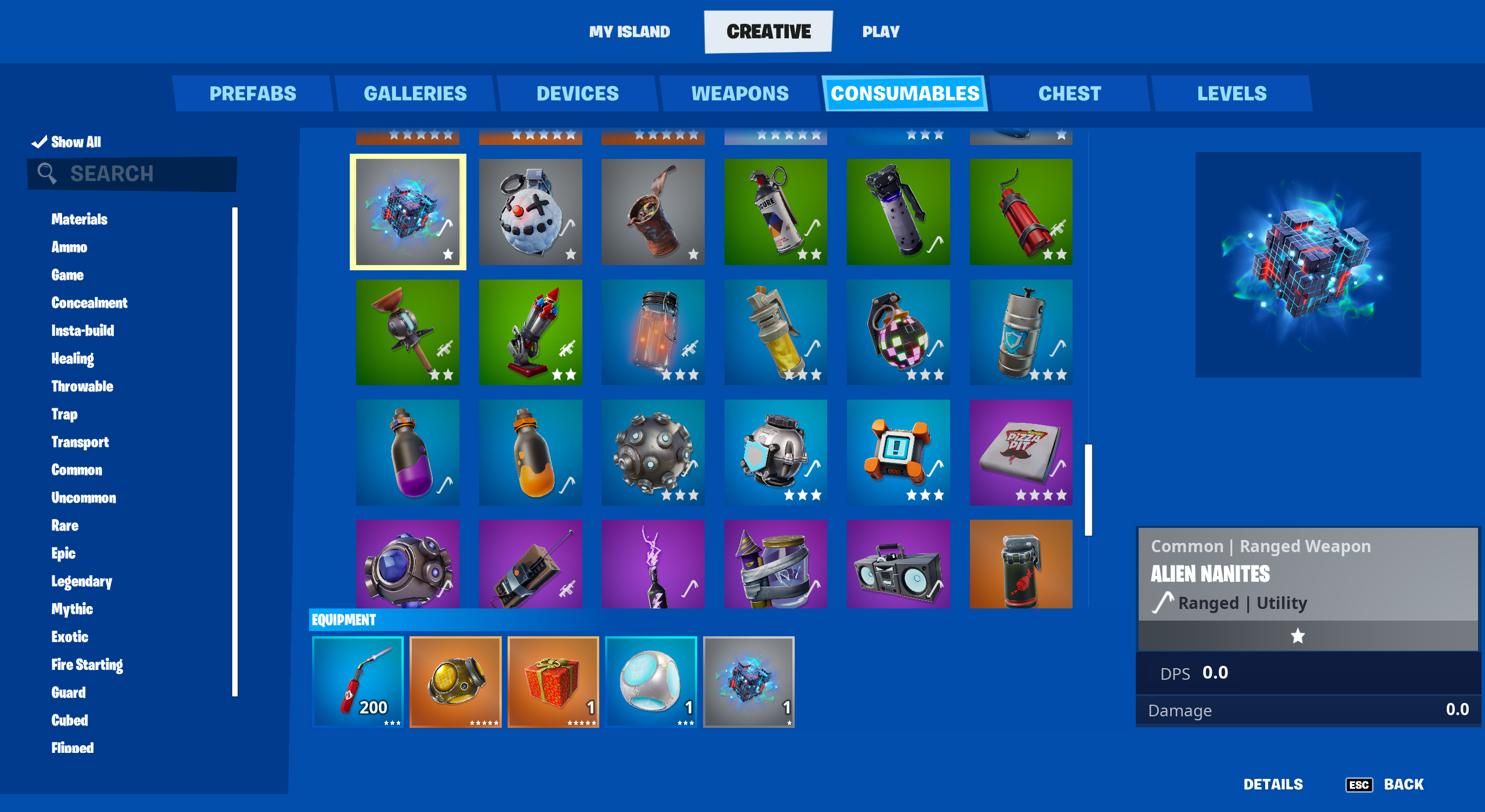
Click image to enlarge.
- From Build mode, press the Tab key, then click CREATIVE on the top navigation bar to select the CREATIVE inventory screen if not already displayed.
- Click the CONSUMABLES tab.
- Scroll to find and select the item, use the Search box to look up the item by name, or check the list of relevant Categories specific to the item you're looking for to filter the view.
- Click the item, then click either Equip or Add To Chest.
You're reading a preview
The full reference is free for BrainDeadGuild Discord members — sign in to read it all, or open the original at the source.
Sign in with your BrainDead.TV / BrainDeadGuild Discord account for full access.