
Fireworks Material and Niagara Emitter
1. Create the Firework Material and Niagara Emitter
In this section, you will learn how to make a firework material with an emissive effect. The special material makes the sprites appear like tiny lights.
In this section, you will learn how to make a firework material with an emissive effect. The special material makes the sprites appear like tiny lights.
Once the material is ready, you’ll create the emitter that houses all the modules that make up the firework.
Create the Firework Material
To create this effect, you must first create a custom material to base your fireworks from.
Find a flashlight beam image where the beam is focused in a circle. Save this as a .jpg file and import it into UEFN.
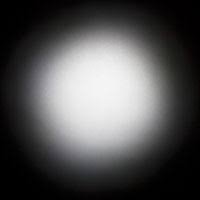
Example of a flashlight beam.
Now you’re ready to create the material.
-
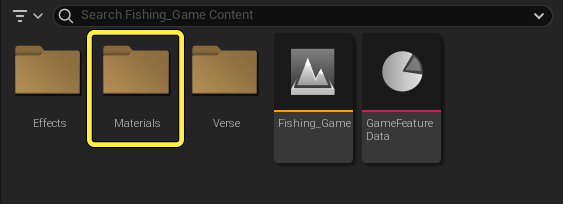
Create a folder in the Content Browser called Materials, then double-click the folder to open it.
-
Right-click inside the Content Browser and select Material from the dropdown menu.
-
Name the material Firework.
You're reading a preview
The full reference is free for BrainDeadGuild Discord members — sign in to read it all, or open the original at the source.
Sign in with your BrainDead.TV / BrainDeadGuild Discord account for full access.