
Editor Launch Guide
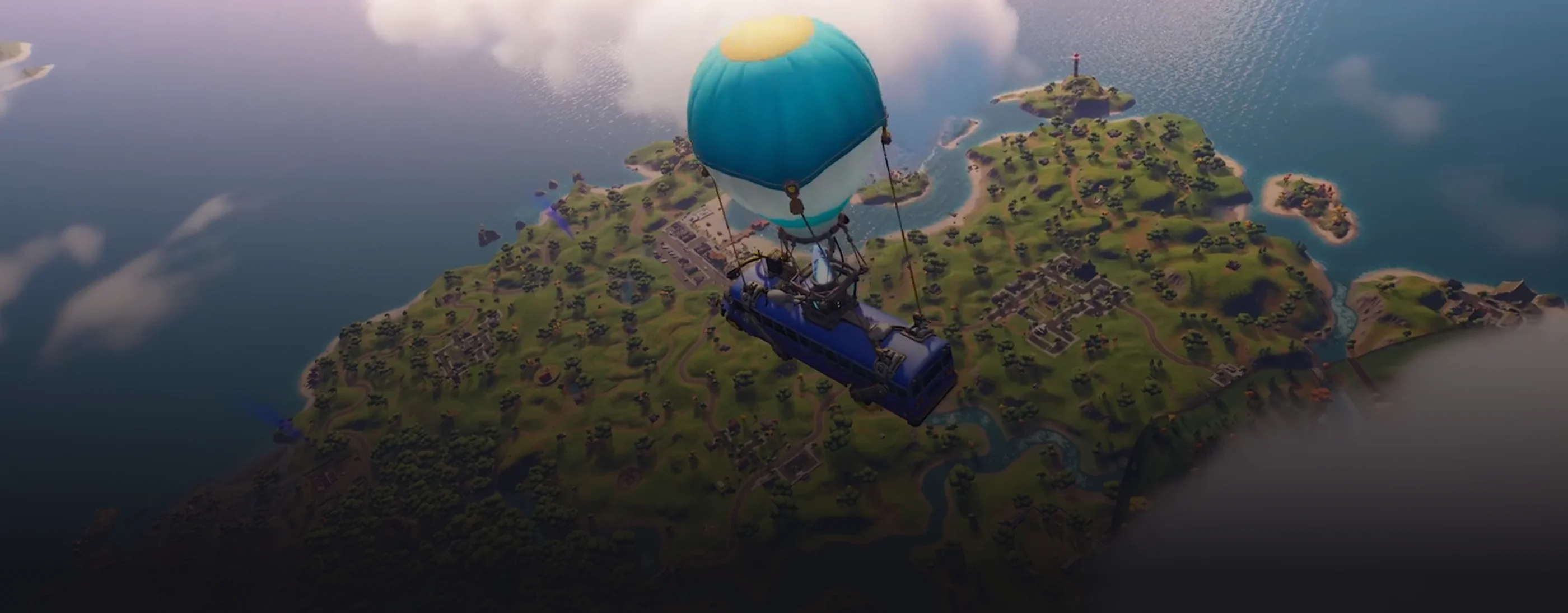
Welcome to the official Fortnite Documentation — the source of truth for everything to do with building your own islands in Fortnite.
Our content is adapted to all skill levels, made to help you create with confidence.
Your success powers the whole community!
🌟 What's New?

-
[

41.00 Fortnite Ecosystem Updates and Release Notes
Find out what's new with the 41.00 release of Fortnite on June 5th!](https://dev.epicgames.com/documentation/fortnite/41-00-fortnite-ecosystem-updates-and-release-notes)
-
[
Custom Items and Inventory Overview
Learn more about using Verse and Scene Graph to create custom items and customize the player inventory.](https://dev.epicgames.com/documentation/fortnite/custom-items-and-inventory-overview-in-fortnite)
You're reading a preview
The full reference is free for BrainDeadGuild Discord members — sign in to read it all, or open the original at the source.
Sign in with your BrainDead.TV / BrainDeadGuild Discord account for full access.