
Setting Up Teams and Classes
4. Setting up Teams and Classes
This section will show you how to determine and customize teams and classes for players.
This section will show you how to determine and customize teams and classes for players.
Devices used:
- 2 x Team Settings and Inventory
- 2 x Class Designer
- 2 x Class Selector
Team Setting and Inventory
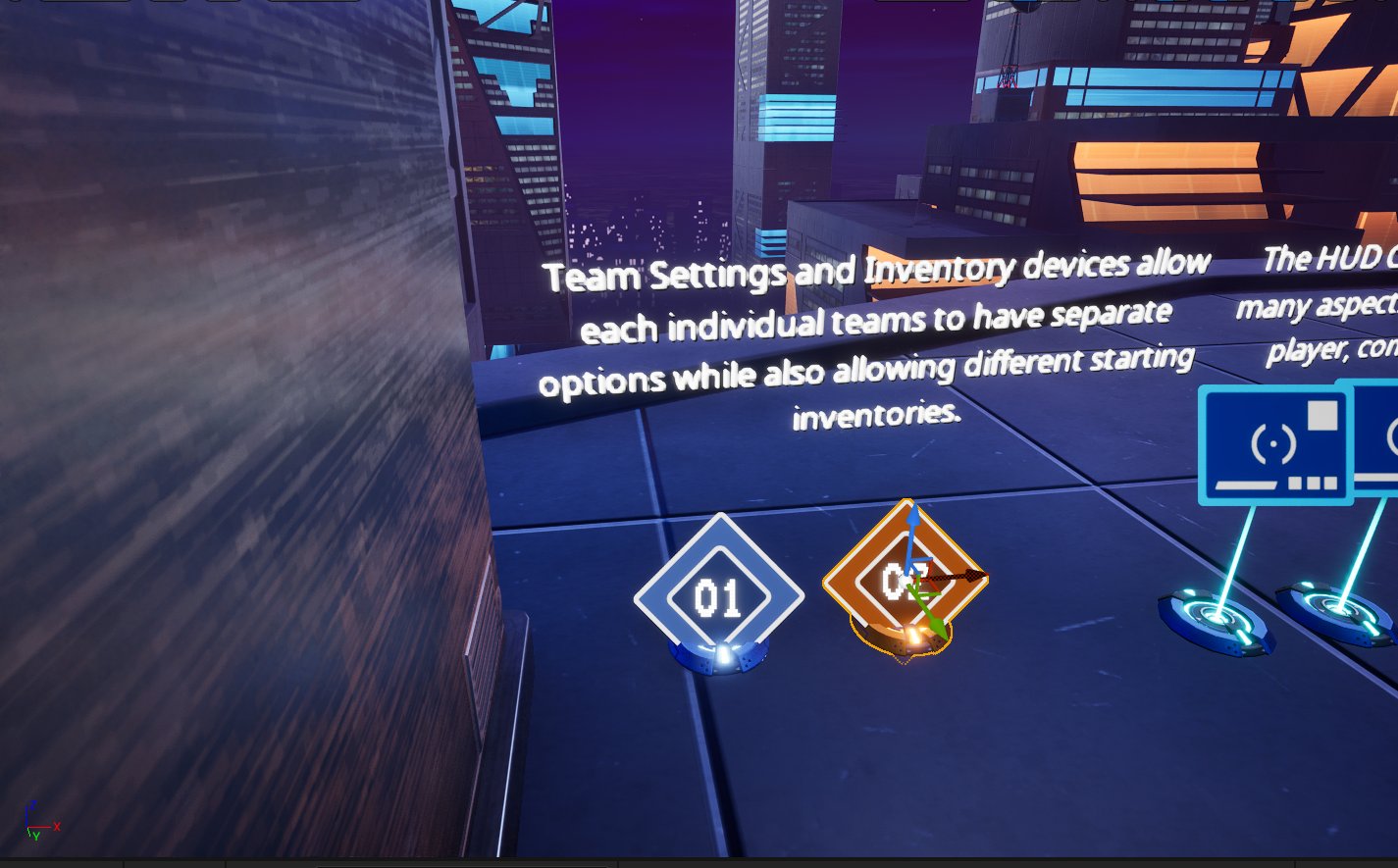
Use Team Settings and Inventory devices to set team names and colors for the scoreboard display.
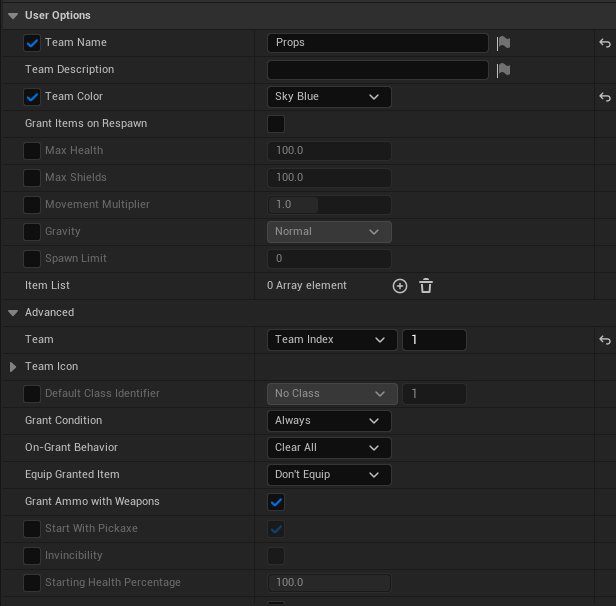
Place one device for each team in an area unseen by players. To set up the Prop team, configure the User Options to match the table below.
You're reading a preview
The full reference is free for BrainDeadGuild Discord members — sign in to read it all, or open the original at the source.
Sign in with your BrainDead.TV / BrainDeadGuild Discord account for full access.