
The Heartbeat of Your Game: Building a Game Loop
The Heartbeat of Your Game: Building a Game Loop
Imagine you are playing a video game. The world doesn't just sit there like a statue. It breathes. It reacts. It changes every second. This constant change is called the game loop. It is the heartbeat of your island. Without it, your game would be frozen forever.
In this tutorial, we will build a simple "Pizza Chase" game. You will make a pizza appear. Then, you will make it disappear when a player touches it. Finally, you will make the game check if the player has won. This is how we create the loop. Let's get cooking!
What You'll Learn
- What a game loop is in plain English.
- How to use a timer to keep the game moving.
- How to check for a win condition.
- How to write code that repeats itself safely.
How It Works
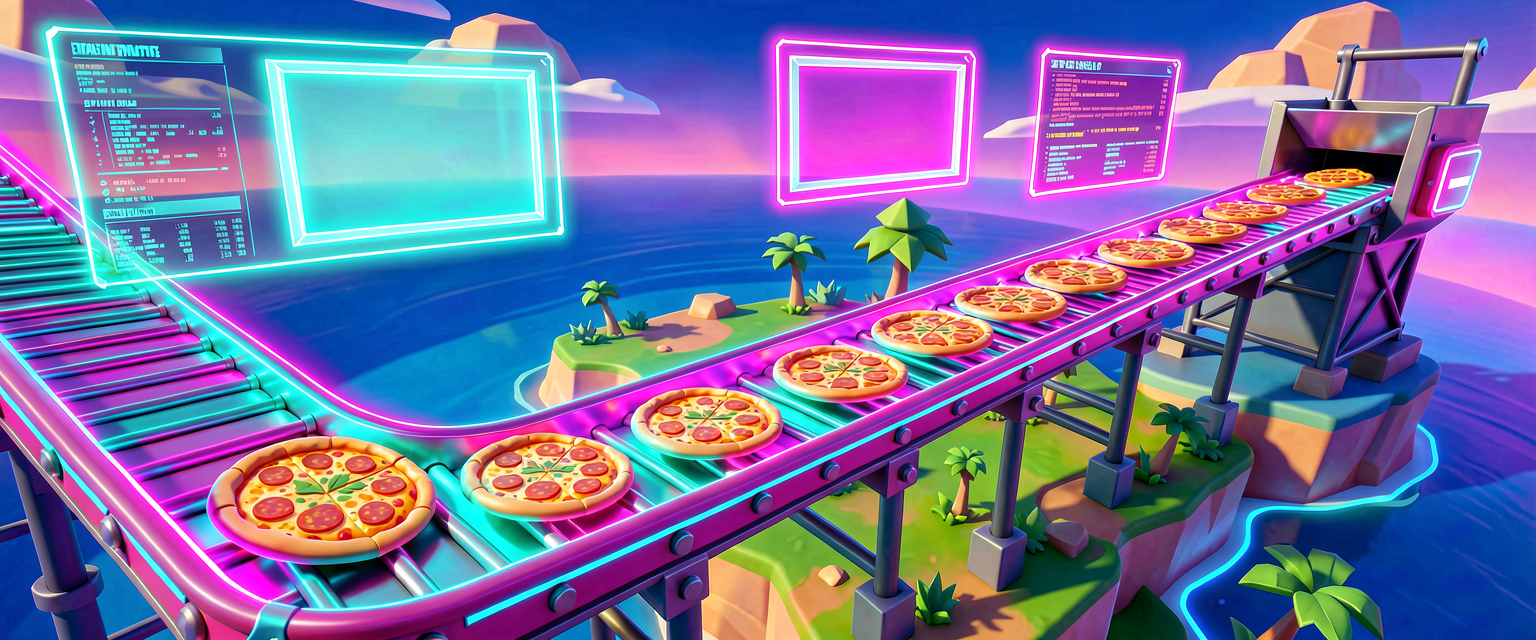
Think of a game loop like a conveyor belt in a factory.
- Input: A worker (the player) grabs a box (a pizza).
- Update: The machine counts the box. "One pizza collected!"
- Output: The machine flashes a light to say "Good job!"
- Repeat: The belt moves to the next spot.
If the belt stops, the factory stops. Your code must keep running. In Verse, we often use a timer to help us loop. A timer is like an alarm clock. It rings every second. When it rings, we check: "Did the player win yet?" If not, we wait for the next ring.
We also need to know when the game ends. This is called a state.
- Playing: The player is still trying.
- Won: The player finished the task.
- Lost: The player ran out of time.
We will build a loop that keeps checking if the player touched the pizza.
Let's Build It
We will create a script that handles the "Pizza Chase." We will use a Device called a Timer. This timer will tick every second.
Here is the code. Copy it into a new Verse script in UEFN.
# We are making a Pizza Chase game loop.
# This script will watch for the player to win.

using { /Fortnite.com/Devices }
using { /Verse.org/Simulation }
using { /Verse.org/Native }

# This is our main device. It holds the code.
# Think of it as the "Game Manager" box.
pizza_chase_device := class(creative_device):

    # This variable tracks if the game is over.
    # It starts as false (not over).
    # 'var' means we can change it later.
    var IsGameOver : logic = false

    # This is the function that runs when the game starts.
    # 'override' means we are changing the default start behavior.
    # 'suspends' means this code can pause and wait.
    OnBegin<override>()<suspends> : void =
        # Run the main loop function.
        # This will run forever until the game ends.
        RunGameLoop()

    # This is our Game Loop function.
    # It runs in a circle until IsGameOver is true.
    RunGameLoop()<suspends> : void =
        # We use a 'loop' with an early exit.
        # 'loop' means: "Keep doing this forever."
        # 'if' with 'break' means: "Stop if the game is over."
        loop:
            # Wait for 1.0 seconds before checking again.
            # This pauses the code for 1 second.
            # 'Sleep' is the real Verse function for waiting.
            Sleep(1.0)

            # Stop the loop if the game is over.
            if (IsGameOver?):
                break

            # Check if the player won!
            # (We will add the winning logic later)
            CheckForWin()

    # This function checks if the player touched the pizza.
    CheckForWin() : void =
        # For now, we just print a message.
        # In a real game, you would check player positions.
        Print("Checking if player won...")
Walkthrough
OnBegin: This is the start button. When your island loads, this runs. It starts the timer and callsRunGameLoop.RunGameLoop: This is the heart. It uses aloopwith abreakcondition. Aloopkeeps going forever until we usebreakto stop it. Here, it stops whenIsGameOverbecomestrue.Sleep(1.0): This is the magic pause. It stops the code for 1 second. This prevents the game from crashing. It gives the computer time to think.CheckForWin: This is where we decide if the player succeeded. Right now, it just prints a message.
Try It Yourself
You have the loop! Now, let's make it do something fun.
Challenge: Make the timer ring faster!
Hint: Look at the Sleep(1.0) line. The number 1.0 is the time in seconds. Try changing it to 0.5. What happens when you play your island?
Bonus Challenge: Add a counter. Create a new variable called PizzaCount. Increase it by 1 every time the timer rings. Print the count to the screen.
Recap
- A game loop is code that repeats to keep your game alive.
- It checks for input (what the player does).
- It updates the state (like scores or game over).
- It uses timers to pause and prevent crashes.
- You built a loop that checks for a win condition every second!
Great job! You now understand the heartbeat of every video game. Keep building!
References
- https://dev.epicgames.com/documentation/en-us/uefn/pizza-pursuit-3-creating-the-game-loop-in-verse
- https://dev.epicgames.com/documentation/en-us/fortnite/how-to-design-a-game-in-fortnite-creative
- https://dev.epicgames.com/documentation/en-us/fortnite/pizza-pursuit-3-creating-the-game-loop-for-time-trial-in-verse
- https://dev.epicgames.com/documentation/en-us/fortnite-creative/how-to-design-a-game-in-fortnite-creative
- https://dev.epicgames.com/documentation/en-us/fortnite/7-construct-the-game
Verse source files
- 01-device.verse · device
Turn this into a guided course
Add 3. Creating the Game Loop to your free study plan — we'll suggest related pages and stitch the lot into one compile-checked, self-guided lesson with worked examples and quizzes.
References
Original tutorial generated by Verse Island from the Verse/UEFN knowledge base, with references to the Epic Games sources above. Code is validated against the knowledge base.