
The Infinite Bus: Mastering the Game Loop in Verse
The Infinite Bus: Mastering the Game Loop in Verse
So, you’ve built a cool trap. It shoots fire. It’s deadly. It’s beautiful. But then a player runs in, gets shot once, and... nothing happens. The trap just sits there, waiting for the next person, while the first player respawns, walks back in, and gets shot again. It’s not a game; it’s a broken vending machine.
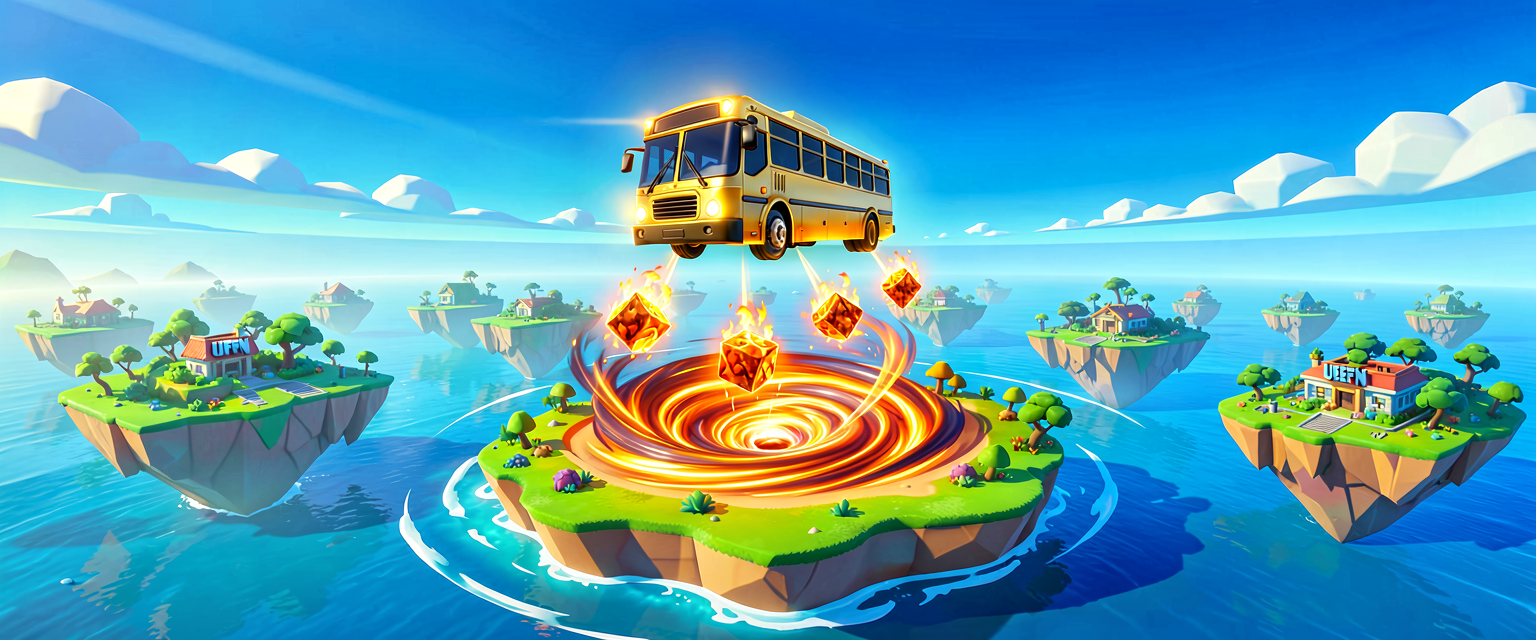
To make a game—something with a start, a middle, and an end that actually repeats—you need the Game Loop. Think of the Game Loop as the Battle Bus. Every round, the bus flies out, drops players, the match happens, and then the bus flies back to reset for the next drop. In Verse, we don’t just write code that runs once; we write code that says, "Do this, then wait for the next round, then do it again."
In this tutorial, we’re going to build a "Chaos Button." When pressed, it spawns a wave of angry NPCs, waits for everyone to be eliminated (or a timer runs out), and then resets everything for the next wave. No more broken vending machines. Just pure, repeatable chaos.
What You'll Learn
- The Game Loop: How to structure code that repeats itself like a match starting over.
- Awaiting Events: How to make your code "pause" and wait for something to happen (like players dying) before moving on.
- Resetting the State: How to clean up the map so the next round starts fresh.
How It Works
In traditional programming, you might write a script that runs from top to bottom and then stops. In Fortnite Creative, that’s boring. We want our script to live forever, managing round after round.
The Loop is the Bus
Imagine the Game Loop is the Battle Bus.
- Pre-Round: The bus is flying. You’re spawning NPCs, setting up traps, and telling players to get ready.
- The Match: The bus drops. Players fight. The chaos happens.
- Post-Round: The bus lands. You check who won, clear the bodies, reset the traps, and send the bus back up for Round 2.
In Verse, we use a special kind of loop called an infinite loop (a loop that never stops unless you tell it to) combined with await. Await is like the Storm Timer. When you set a storm timer, the game doesn’t freeze; it just waits for the timer to hit zero. Similarly, await in Verse tells your code: "Pause right here and wait for this specific thing to happen before you move to the next line."
The Scene Graph Connection
Remember the Scene Graph (the family tree of objects on your map)? When we "reset" a round, we aren’t just deleting things. We are manipulating that hierarchy. We might turn off a prop-mover, reset a switch, or despawn an NPC. The Game Loop manages the state of these objects. It ensures that when Round 2 starts, the objects are in the same "ready" state they were in at the start of Round 1.
Let's Build It
We are going to create a Verse device that acts as the "Round Manager." It will:
- Wait for a player to hit a button.
- Spawn a "Boss" NPC.
- Wait until the Boss is eliminated OR 30 seconds pass.
- Reset the Boss (respawn it) and wait for the button to be hit again.
The Setup
Before you paste any code, make sure you have these devices in your level:
- Button Device: Name it
StartRoundButton. - NPC Spawner: Name it
BossSpawner. Place a Boss NPC in it. - Verse Device: This is where our code lives. Name it
RoundManager.
The Verse Code
Open the Verse editor for RoundManager and paste this in. Don’t worry if it looks weird; we’ll break it down.
# This is our main "Round Manager" device.
# Think of this device as the "Game Director."
verse_device class RoundManager:
    # These are the "props" (variables) we need to talk to other devices.
    # We connect these in the UEFN editor later.
    StartButton: ButtonDevice = ButtonDevice{}
    BossSpawner: NpcSpawnerDevice = NpcSpawnerDevice{}

    # This is the main function. It runs when the device starts.
    # It contains our infinite Game Loop.
    RunGameLoop(): void =
        # The "Infinite Loop" is the Battle Bus that never lands.
        # It keeps running forever until we stop it.
        loop:
            # 1. WAIT FOR THE BUTTON
            # We "await" the button being pressed.
            # This is like waiting for the Storm to close.
            # The code pauses here until a player hits the button.
            await StartButton.Pressed

            # 2. START THE ROUND
            # The button was hit! Now we start the round.
            # We tell the spawner to spawn the Boss.
            BossSpawner.Spawn()

            # 3. WAIT FOR THE ROUND TO END
            # We need to wait for the Boss to die OR time to run out.
            # We use "any" to wait for the first of two things to happen.
            # - BossSpawner.Eliminated: The Boss died.
            # - TimerDevice.After(30s): 30 seconds passed.
            # Note: In a real scenario, you'd connect a TimerDevice here.
            # For this simple example, we'll just wait for the Boss to die.
            await BossSpawner.Eliminated

            # 4. RESET FOR NEXT ROUND
            # The round is over. Do some cleanup.
            # Maybe play a sound, show a UI message, etc.
            # Then, the loop goes back to the top and waits for the button again!
Walkthrough: What Just Happened?
verse_device class RoundManager:: This defines our device. It’s like creating a new type of object in Fortnite.StartButton: ButtonDevice: This is a variable. It’s a placeholder that will hold the actual Button Device you place in the editor. We’ll connect them in a second.loop:: This starts the infinite loop. The code inside this block will repeat forever.await StartButton.Pressed: This is the magic. The code stops here. It doesn’t move to the next line until a player presses the button. It’s passive. It’s waiting.BossSpawner.Spawn(): Once the button is pressed, the code wakes up and tells the spawner to create the Boss.await BossSpawner.Eliminated: The code pauses again. It waits for the Boss to die.- Back to
loop:: Once the Boss is dead, the code reaches the end of the loop block and jumps back to the top, waiting for the button to be pressed again.
Try It Yourself
You’ve got the basics, but let’s make it more interesting.
Challenge: Add a Timer to the loop.
Currently, the loop waits for the Boss to die. But what if the players are too good and kill the Boss in 2 seconds? The round ends too fast. Or what if they’re too lazy and the Boss sits there for 10 minutes?
Modify the code to:
- Wait for the Boss to die OR 30 seconds to pass.
- If the Boss is still alive after 30 seconds, force-eliminate it (or just reset the round).
Hint: You’ll need to introduce a TimerDevice and use the any keyword to wait for multiple conditions. Look up TimerDevice.After() in the Verse docs.
Recap
The Game Loop is the heartbeat of your Fortnite island. It’s the cycle that keeps players coming back for "just one more try." By using loop and await, you can create systems that wait for player actions, run events, and reset themselves automatically. You’re no longer just placing props; you’re directing the show.
References
- https://dev.epicgames.com/documentation/en-us/uefn/verse-prop-hunt-template-4-setting-up-teams-and-classes-in-unreal-editor-for-fortnite
- https://dev.epicgames.com/documentation/en-us/uefn/verse-prop-hunt-template-5-game-loop-and-round-management-in-unreal-editor-for-fortnite
- https://dev.epicgames.com/documentation/en-us/uefn/verse-starter-template-6-managing-game-loop-in-unreal-editor-for-fortnite
- https://dev.epicgames.com/documentation/en-us/fortnite/how-to-design-a-game-in-fortnite-creative
- https://dev.epicgames.com/documentation/en-us/fortnite/prop-hunt-template-in-unreal-editor-for-fortnite
Verse source files
- 01-fragment.verse · fragment
Turn this into a guided course
Add 5. Game Loop and Round Management to your free study plan — we'll suggest related pages and stitch the lot into one compile-checked, self-guided lesson with worked examples and quizzes.
References
Original tutorial generated by Verse Island from the Verse/UEFN knowledge base, with references to the Epic Games sources above. Code is validated against the knowledge base.