
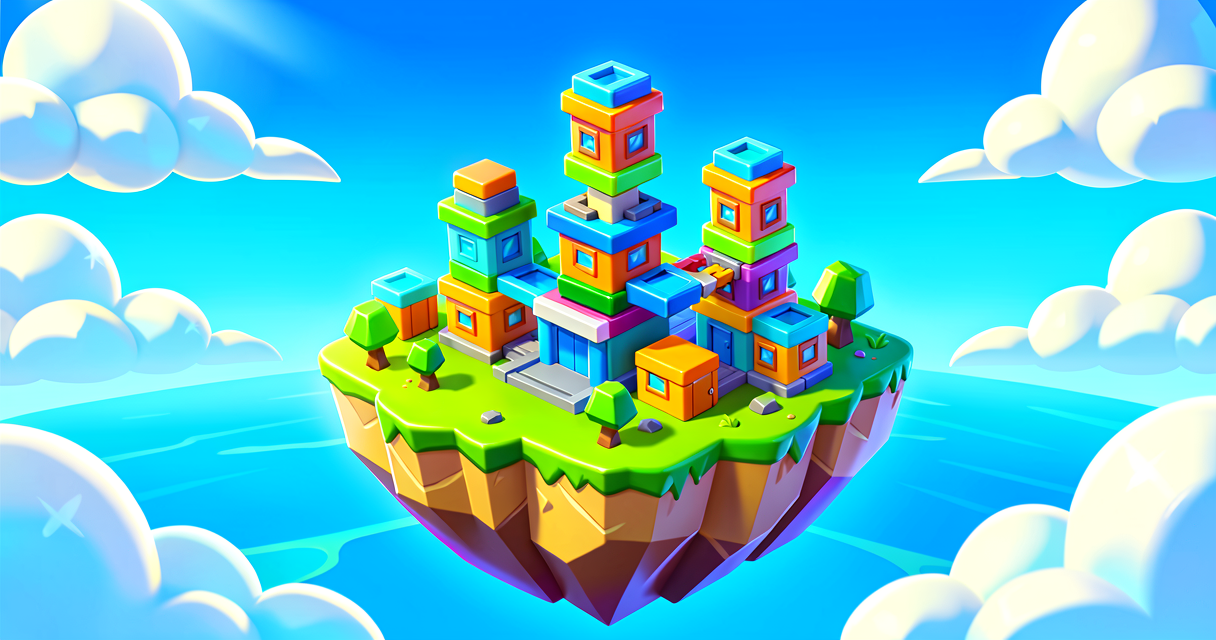
Build Your First Fortnite Island Base
Build Your First Fortnite Island Base
Welcome to UEFN! Today, we are going to build the foundation for your very own game island. Think of this like laying the concrete floor and walls of a treehouse. Without a solid base, you can’t put any fun devices on it. We will learn how to place walls, floors, and spawn pads using the grid system.
What You'll Learn
- How to use the Grid to snap pieces together.
- How to place Player Spawn Pads so friends know where to start.
- How to build a simple Play Area with walls and obstacles.
How It Works
Imagine you are building with LEGO bricks. If you just drop them on a table, they might roll away. But if you put them on a baseplate, they stay put. In Fortnite Creative, that baseplate is called the Grid.
The Grid is an invisible checkerboard on the ground. When you place a wall or floor, it snaps perfectly to this grid. This makes building super fast and easy. You do not have to guess where things go. They just click into place.
We also need to tell the game where players start. This is done with a Player Spawn Pad. Think of this as the "Start Line" in a race. When a player joins your game, they appear right on this pad.
Let's Build It
Here is how you build a simple starting area. Follow these steps in the UEFN editor.
Step 1: Turn Off "Building as Prop"
First, we need to make sure our pieces snap to the grid.
- Press the B key on your keyboard. This opens the Quick Menu.
- Look for the option called Building as Prop.
- Set it to Off.
When this is off, your walls and floors will snap together. It is like magnetic tiles. When it is on, you can place things anywhere like free-floating toys. For now, keep it Off.
Step 2: Build the Floor
- Open your Creative Inventory by pressing Tab.
- Click the Building tab.
- Select a Floor Tile.
- Click to place it on the grid.
You can place more tiles to make a bigger room. Try making a square that is 5 tiles wide and 5 tiles long. This is your main play area.
Step 3: Add Walls
- Select a Wall Piece from the inventory.
- Place walls around the edge of your floor tiles.
This creates a box. Players cannot walk through walls. It keeps them inside your game area. You can make the walls as high as you want. Try stacking two walls high.
Step 4: Add Player Spawn Pads
Now, let’s add the start point.
- Press Tab to open the Creative Inventory.
- Click the Devices tab.
- Find the Player Spawn Pad.
- Click Place Now.
- Place it on the floor inside your walls.
You can add more than one spawn pad. If you add two, players will start in different spots. This is great for team games.
Step 5: Add Obstacles (Optional)
To make the game fun, add some obstacles.
- Go back to the Building tab.
- Place some crates or boxes in the middle of the floor.
These are just props. Players can jump over them or hide behind them. They do not need any code. They are just part of the map.
Try It Yourself
You have built a basic room with a spawn pad. Now, try this challenge:
Challenge: Add a second Player Spawn Pad on the opposite side of the room. Then, build a small tower in the corner using floor tiles.
Hint: To make a tower, place a floor tile, then place another floor tile on top of it. You can keep stacking them up!
Recap
You just built the first part of your Fortnite island. You learned to use the Grid to snap pieces together. You placed floors, walls, and Player Spawn Pads. This is the foundation for all your future games. Great job!
References
- https://dev.epicgames.com/documentation/en-us/fortnite/create-a-free-for-all-game-in-fortnite-creative
- https://dev.epicgames.com/documentation/en-us/fortnite-creative/create-a-free-for-all-game-in-fortnite-creative
- https://dev.epicgames.com/documentation/en-us/fortnite/boat-spawner-device-design-examples
- https://dev.epicgames.com/documentation/en-us/fortnite/campfire-device-design-example-in-fortnite-creative
- https://dev.epicgames.com/documentation/en-us/fortnite/design-a-1v1-box-fight-in-fortnite-creative
Turn this into a guided course
Add Construct the Play Area to your free study plan — we'll suggest related pages and stitch the lot into one compile-checked, self-guided lesson with worked examples and quizzes.
References
Original tutorial generated by Verse Island from the Verse/UEFN knowledge base, with references to the Epic Games sources above. Code is validated against the knowledge base.