
Your First Island: Building Your Own World in Fortnite
Your First Island: Building Your Own World in Fortnite
Welcome, Creator! Are you ready to build something amazing? Today, you will make your very first island. It is like getting a blank canvas for a painting. But instead of paint, you use game pieces. You will learn how to find your spot and start your project. Let’s go!
What You'll Learn
- How to find your special Personal Rift.
- How to open the Console to start building.
- How to pick the right size for your island.
- How to name your new creation.
How It Works
Think of Fortnite Creative as a giant playground. Everyone has their own corner to play in. This corner is called your Personal Rift. It is your special door to your world. You can spot it because it glows with a golden light. It looks like a magical portal.
To build, you need a tool. This tool is the Console. The console is like a computer screen inside the game. It helps you make choices. When you press a button, it opens a menu. This menu is called the Game Creation screen.
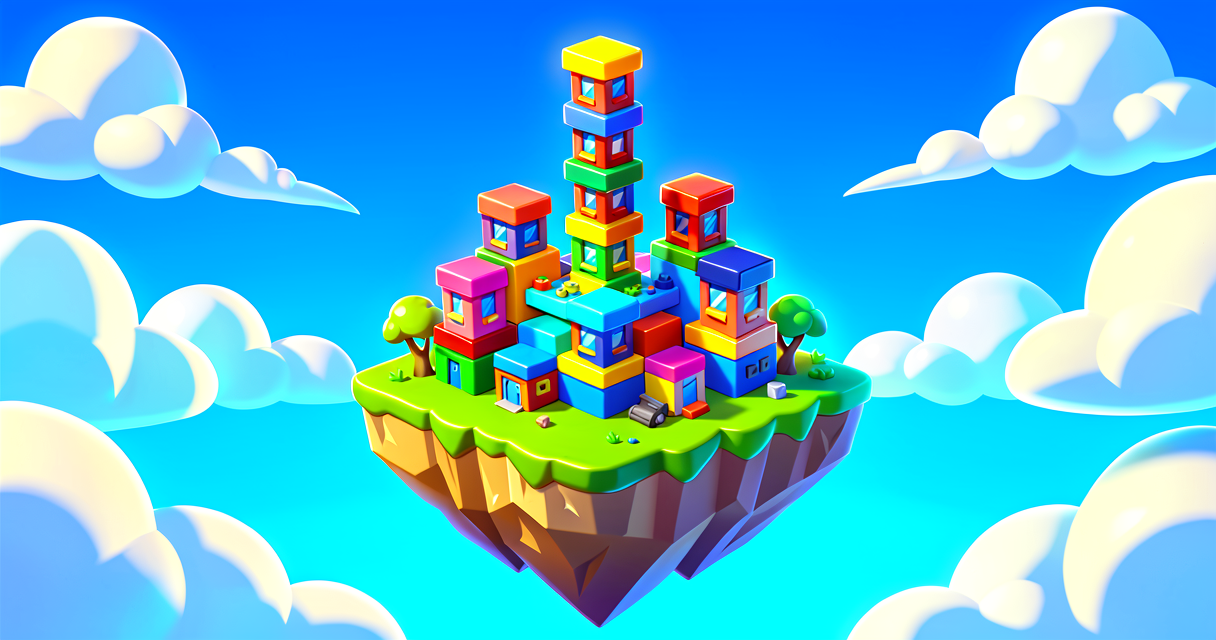
You must pick a size for your island. Think of this like choosing a paper size. A small paper is easy to fill. A huge paper takes more time. For your first time, a Starter Island is best. It is a pre-made space ready for you. It is like a LEGO baseplate. You just add the bricks!
Let's Build It
Follow these steps carefully. You are the boss of your island now.
Step 1: Find Your Rift Go to the main Hub. Look for the golden glow. That is your Personal Rift.
Step 2: Open the Console Stand near the Rift. Look for a console device next to it. Press E on your keyboard. This opens the Game Creation screen.
Step 3: Create New Click the + Create New button. You will see a list of island types.
Step 4: Pick Your Size Look for the Starter Islands tab. Choose the Grid Island. It is a good size for beginners. Click Confirm.
Step 5: Name It Type a name for your island. You can use up to 40 characters. Make it fun! Click Confirm again.
The game will load. You are now on your island! You can start building right away.
Here is a simple "map" of what happens in the code behind the scenes. It helps to know how the computer thinks.
// This is a simple guide for your brain
// It shows the steps the game takes

When you press E:
    Open the Game Creation Screen.
    Wait for your choice.

When you pick "Grid Island":
    Create a new empty space.
    Call it "Your Island Name".
    Teleport you into that space.

When you arrive:
    Show the building tools.
    Let you place blocks.
    Start the fun!
- Teleport: Moving instantly from one place to another.
- Prefab: A pre-made structure you can drop in.
- Hub: The main lobby area of Fortnite.
Try It Yourself
You have made your island! Now, try this challenge.
Challenge: Go back to the Hub. Find your Personal Rift again. Open the console. Look at the list of islands. Can you find the island you just made? What is its name?
Hint: If you forgot your name, look for the golden Rift. The console will show your saved islands. Pick the one with the name you chose.
Recap
You did it! You found your Personal Rift. You used the Console to start a new project. You picked a Starter Island and gave it a name. Your creative journey has begun. Keep building and having fun!
References
- https://dev.epicgames.com/documentation/en-us/fortnite-creative/pinbrawl-in-fortnite-creative
- https://dev.epicgames.com/documentation/en-us/fortnite-creative/design-a-creature-rush-game-in-fortnite-creative
- https://dev.epicgames.com/documentation/en-us/fortnite/create-a-hoverboard-race-in-fortnite-creative
- https://dev.epicgames.com/documentation/en-us/fortnite/design-a-creature-rush-game-in-fortnite-creative
- https://dev.epicgames.com/documentation/en-us/fortnite-creative/building-your-first-island-in-fortnite-creative
Verse source files
- 01-fragment.verse · fragment
Turn this into a guided course
Add Create your Island to your free study plan — we'll suggest related pages and stitch the lot into one compile-checked, self-guided lesson with worked examples and quizzes.
References
Original tutorial generated by Verse Island from the Verse/UEFN knowledge base, with references to the Epic Games sources above. Code is validated against the knowledge base.