
How to Make Your Island Sparkle with Fireworks
How to Make Your Island Sparkle with Fireworks
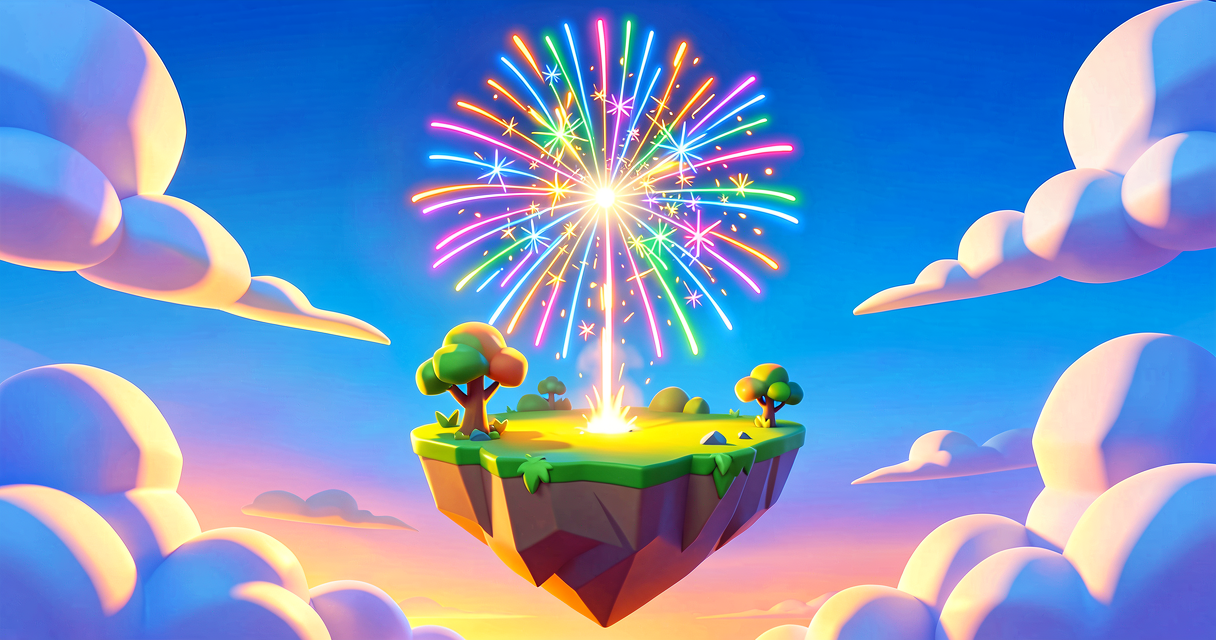
Have you ever wanted to light up the night sky on your Fortnite island? You can do it! We are going to build a cool firework effect. It will shoot up and explode into colorful sparks. This is called a Visual Effect or VFX. We will use a tool called Niagara to make it happen.
What You'll Learn
- What a Visual Effect is in Fortnite.
- How to make a Material that glows like a light.
- How to use Niagara to create particles.
- How to connect a Trigger to your firework.
How It Works
Imagine a firework is like a party popper. First, it shoots up into the air. Then, pop! It explodes into many small pieces. In Fortnite, we call these small pieces particles.
We use a special tool called Niagara to control these particles. Think of Niagara like a director for a movie. The director tells each particle where to go and how it should look.
We also need a Material. A Material is like a skin for an object. For fireworks, we want a skin that glows. This is called an emissive material. Emissive means it makes its own light. It does not need the sun to shine.
Finally, we need a Trigger. A trigger is like a switch. When a player steps on it, the switch flips. This tells Niagara to start the firework show!
Let's Build It
We will build this in three steps. First, we make the glow. Second, we make the sparkles. Third, we make it work with a button.
Step 1: Make the Glowing Skin
- Open Unreal Editor for Fortnite (UEFN).
- Right-click in the Content Browser.
- Select New Material. Name it
FireworkGlow. - Open the material. Add a Constant3Vector node. Set it to a bright color, like pink or blue.
- Connect it to the Emissive Color of the material. This makes it glow!
Step 2: Create the Firework Effect
- Right-click in the Content Browser again.
- Select New Niagara System. Name it
FireworkEffect. - Open the Niagara Editor. This is your director’s desk.
- Add an Emitter. This is where the particles live.
- Inside the Emitter, add a Spawn module. This creates new particles.
- Add a Velocity module. This tells particles to move fast.
- Set the Sprite Renderer. Link it to your
FireworkGlowmaterial. - Now, add a Color Over Life module. This changes the color as the particle fades.
- Add a Size Over Life module. This makes the sparkles shrink as they die.
Step 3: Connect It to Your Island
- Place a Trigger Volume on your island.
- Place a Niagara System Actor in the scene.
- Drag your
FireworkEffectinto the Niagara Actor’s slot. - Go to the Event Graph in Verse.
- Use the
OnBeginOverlapevent. This fires when a player enters the trigger. - Call the
Activatefunction on your Niagara Actor.
Here is how the logic looks in simple terms:
# This code runs when a player steps on the trigger
OnBeginOverlap(Other: Actor): void =
    # Check if the other actor is a player
    if (Other.IsPlayer() == true):
        # Tell the firework to start!
        FireworkSystem.Activate()
Walkthrough
- The Material: We made a pink glow. This is the "skin" for our sparks.
- The Emitter: This is the box that holds all the sparks.
- The Modules: These are the instructions. "Spawn" creates them. "Velocity" moves them. "Color" paints them.
- The Trigger: This is the button. When you step on it, the code runs. The code tells the Niagara system to
Activate. The system then shoots up and explodes!
Try It Yourself
Can you make your firework change color? Try changing the Constant3Vector in your material. You can also change the Velocity to make the sparks go faster or slower. What happens if you make the sparks very small?
Recap
You learned how to make a firework! You used a Material to make it glow. You used Niagara to create the sparkles. You used a Trigger to start the show. Now your island can have a light show!
References
- https://dev.epicgames.com/documentation/en-us/fortnite/creating-fireworks-using-niagara-in-unreal-editor-for-fortnite
- https://dev.epicgames.com/documentation/en-us/uefn/creating-fireworks-with-niagara-in-unreal-editor-for-fortnite
- https://dev.epicgames.com/documentation/en-us/fortnite/creating-fireworks-1-create-the-firework-material-and-niagara-emitter-in-unreal-editor-for-fortnite
- https://dev.epicgames.com/documentation/en-us/uefn/fireworks-material-and-niagara-emitter-in-unreal-editor-for-fortnite
- https://dev.epicgames.com/documentation/en-us/uefn/visual-effects-in-unreal-editor-for-fortnite
Verse source files
- 01-fragment.verse · fragment
Turn this into a guided course
Add creating-fireworks-using-niagara-in-unreal-editor-for-fortnite to your free study plan — we'll suggest related pages and stitch the lot into one compile-checked, self-guided lesson with worked examples and quizzes.
References
- creating-fireworks-using-niagara-in-unreal-editor-for-fortnite ↗
- creating-fireworks-with-niagara-in-unreal-editor-for-fortnite ↗
- creating-fireworks-1-create-the-firework-material-and-niagara-emitter-in-unreal-editor-for-fortnite ↗
- fireworks-material-and-niagara-emitter-in-unreal-editor-for-fortnite ↗
- Visual Effects ↗
Original tutorial generated by Verse Island from the Verse/UEFN knowledge base, with references to the Epic Games sources above. Code is validated against the knowledge base.