
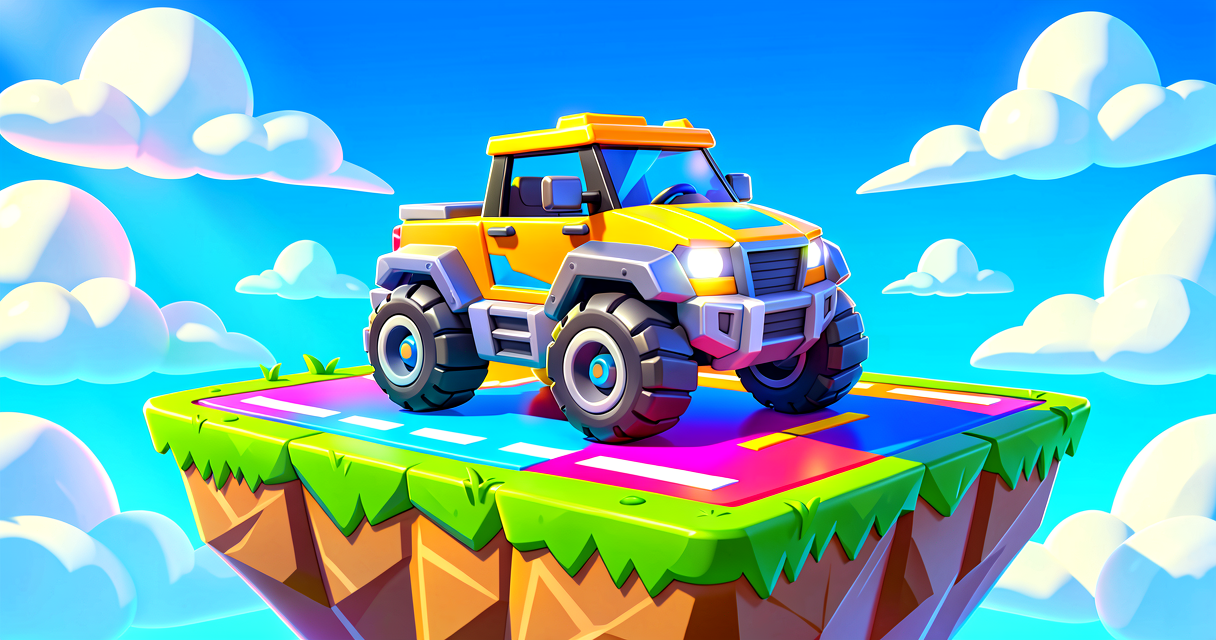
Zoom! Build Your Own Car Race with Verse
Unverified — this example may not compile as-is.
The Verse code below did not pass our automated compile check, so it isn't marked verified and is hidden from the guide listing. The explanation may still be useful, but treat the code as a draft and adapt it before use.
Zoom! Build Your Own Car Race with Verse
Do you love racing fast cars in Fortnite? Imagine building your own track. You can add checkpoints and a scoreboard. This tutorial shows you how to make a race game. We will use Verse to make the rules. You will learn how cars spawn. You will also learn how to track who wins. Let's start the engine!
What You'll Learn
- How to place cars and players.
- How to use checkpoints for a race.
- How to use Verse to track the winner.
- How to connect devices with simple code.
How It Works
Think of a race like a treasure hunt. You must visit spots in order. First spot, then second spot. If you miss one, you might lose points. In Fortnite Creative, we use special devices. These are like magic boxes. They do things when you touch them.
We need three main parts. First, we need cars. Players drive them. Second, we need a track. The track has checkpoints. Third, we need a brain. This is the Verse code. The code listens for events. An event is like a doorbell. When a player hits a checkpoint, the doorbell rings. The code hears it. Then it updates the score.
Let's look at the "brain" of our game. We will use a Score Manager. This device keeps track of points. We will write Verse code to tell the Score Manager what to do. This is better than setting it up by hand. It makes the game smart!
Let's Build It
We will build a simple race. You need the Pickup Truck Spawner. You also need Race Checkpoints. Finally, we need a Score Manager.
Here is the Verse code. It connects the checkpoints to the score. Copy this into your Verse file.
# This is our main script. It runs the race logic.
using { /Fortnite.com/Devices }
using { /Verse.org/Simulation }

# We make a new type of object for our race.
# Think of this as a blueprint for our game brain.
RaceController := class(creative_device):

    # We declare the Score Manager as a property.
    # Drag your Score Manager device onto this slot in the editor.
    ScoreMgr : score_manager_device = score_manager_device{}

    # This function starts when the game begins.
    OnBegin<override>()<suspends>: void =>
        # We wait for the game to start.
        # This is like waiting for the flag to drop.
        Sleep(1.0)

        # Now we tell the Score Manager to reset.
        # ScoreMgr is wired up in the editor, so it is always found.
        ScoreMgr.ResetScores()
        Print("Race is ready! Go!")
Walkthrough of the Code
using: This tells Verse where to find the tools. We need Fortnite devices.class: This creates a container for our code. It is like a toolbox.OnBegin: This runs once when the game starts. It is like the "Go!" signal.ScoreMgr: This is a device property you wire up in the editor. Drag your Score Manager device onto this slot in the Details panel. No searching by name is needed.ResetScores: This clears the old points. It starts fresh for the new race.
Setting Up the Island
- Place a Pickup Truck Spawner. Name it "CarSpawner".
- Place four Player Spawners. These are where players start.
- Place three Race Checkpoints. Name them "Checkpoint1", "Checkpoint2", and "Checkpoint3".
- Place a Score Manager. Name it "ScoreManager".
- Connect the checkpoints to the Score Manager. In the device settings, set the score value for each checkpoint.
Now, run your island! Drive through the checkpoints. Watch the score go up!
Try It Yourself
Can you make the race harder? Try adding a fourth checkpoint. Then, update the Verse code to check for it. Or, try making the score higher for each checkpoint. This makes the end of the race worth more points. Hint: Look at the ScoreMgr part of the code. You can change the numbers there!
Recap
You built a car race game! You learned about devices. You learned about Verse classes. You connected checkpoints to a score. Great job! Keep experimenting with your island. You are a game designer now!
References
- https://dev.epicgames.com/documentation/en-us/fortnite/design-a-car-racing-game-in-fortnite-creative
- https://dev.epicgames.com/documentation/en-us/fortnite-creative/design-a-car-racing-game-in-fortnite-creative
- https://dev.epicgames.com/documentation/en-us/fortnite-creative/template-islands-in-fortnite-creative
- https://dev.epicgames.com/documentation/en-us/fortnite/designing-a-speedway-race-in-fortnite-creative
- https://dev.epicgames.com/documentation/en-us/fortnite/template-islands-in-fortnite-creative
Verse source files
- 01-device.verse · device
Turn this into a guided course
Add design-a-car-racing-game-in-fortnite-creative to your free study plan — we'll suggest related pages and stitch the lot into one compile-checked, self-guided lesson with worked examples and quizzes.
References
Original tutorial generated by Verse Island from the Verse/UEFN knowledge base, with references to the Epic Games sources above. Code is validated against the knowledge base.