
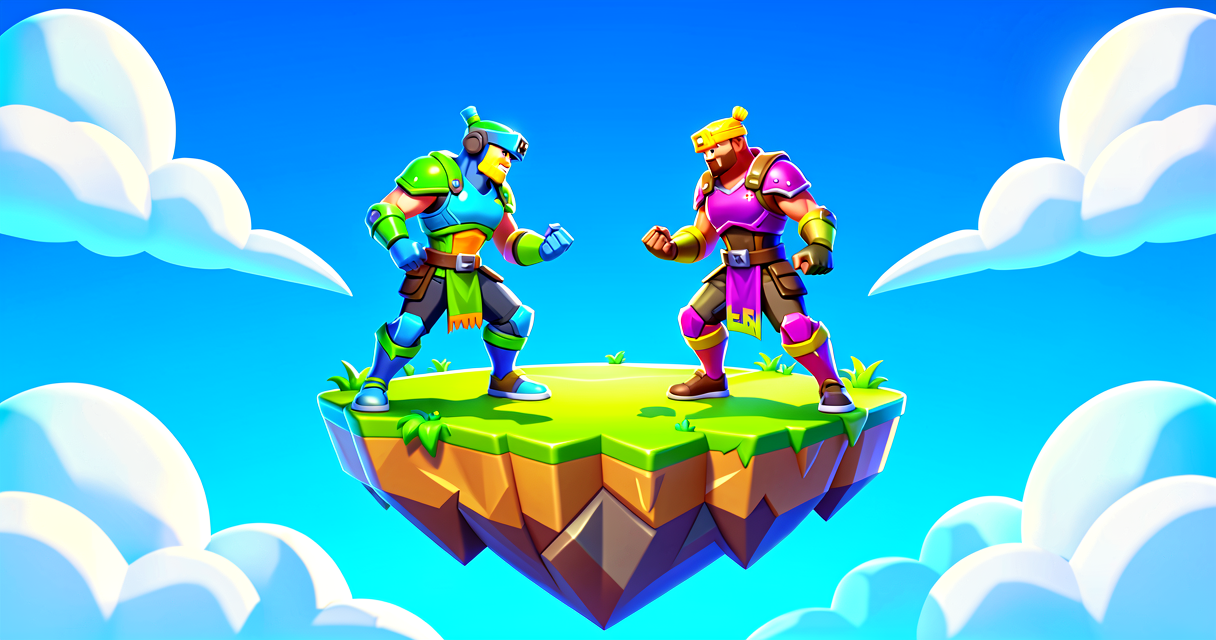
The Magic Floor: Make a Platform Disappear When You Touch It
The Magic Floor: Make a Platform Disappear When You Touch It
Have you ever wanted to build a trap in Fortnite? Maybe a floor that looks safe but vanishes the moment you step on it? That is super fun to play!
In this tutorial, we will build a "Disappearing Platform." We will use Verse to watch for the player's feet. When they land, the platform will hide. It is like a magic trick!
What You'll Learn
- Events: How to tell the computer to "wait" for something to happen.
- Triggers: Using a device to sense when a player touches a spot.
- Functions: Writing a small set of instructions for the computer to follow.
- Scene Graph: How to find your specific platform in the game world.
How It Works
Imagine you are playing hide-and-seek. You want to know when someone finds you. You don't stare at them every second. Instead, you put up a "Ding!" sign. When they touch it, the sign rings, and you know they are there.
In Fortnite, we use a Trigger Device for this. It is like a pressure plate. When a player walks on it, it sends a signal.
In Verse, we use an Event. An event is like a notification on your phone. You do not check your phone every millisecond. You just wait for the notification to pop up. When it does, you read it and react.
We will link our Trigger Device to an Event. When the player lands, the Event fires. Then, we run a Function. A function is just a recipe. It tells the platform to hide its mesh (its visible shape).
Let's Build It
First, let's set up your island in UEFN.
- Place a Player Spawn Pad on the ground.
- Place a Platform (like an Airborne Hoverplatform) above the ground. Make sure it is high enough that you fall if you miss it!
- Place a Trigger Device. Place it directly on top of the Platform.
- In the Trigger Device settings, set Times Can Trigger to
1. This means it only works once per game round. - Rename the Platform in the Outliner to
MyMagicFloor. This helps us find it in code.
Now, let's write the Verse code. Open the Verse file for this device.
# This is the main script for our magic floor
# It lives inside the class for the Trigger Device
using { /Fortnite.com/Devices }
using { /UnrealEngine.com/Temporary/SimpleMath }

# We define our own special device type
# It inherits behavior from a Trigger Device
trigger_device my_magic_trigger = trigger_device{}

# This is our "Recipe" (Function)
# It runs when the trigger is activated
OnPlayerTouch(ActivatingPlayer:?agent):void=
    # First, we check if a player actually touched it
    # The ?agent means it might be empty (null)
    if ActivatingPlayer==nil:
        return # Stop here if no player touched it

    # Next, we find the platform we want to hide
    # We look for the parent device in the scene graph
    # The trigger is usually a child of the platform
    platform := ActivatingPlayer.GetParentDevice()

    # Now we tell the platform to hide!
    # We change its visibility to false
    platform.SetVisibility(false)

# This is the "Ding!" sign (Event Subscription)
# We connect the trigger's event to our recipe
my_magic_trigger.TriggeredEvent.Subscribe(OnPlayerTouch)
Walkthrough of the Code
OnPlayerTouch(ActivatingPlayer:?agent):void=: This is our function. It waits for a signal. TheActivatingPlayeris the person who stepped on the trigger. The?agentmeans it might be empty.if ActivatingPlayer==nil:: Sometimes code triggers itself, not a player. We check if it is empty. If it is, we stop (return). This keeps our code safe.platform := ActivatingPlayer.GetParentDevice(): This finds the object holding the trigger. In our setup, the trigger is attached to the platform. So, the parent is the platform!platform.SetVisibility(false): This is the magic. It makes the platform invisible. To the player, it looks like it vanished!my_magic_trigger.TriggeredEvent.Subscribe(OnPlayerTouch): This is the most important line. It connects the hardware (Trigger) to the software (Function). It says, "When the trigger fires, runOnPlayerTouch."
Try It Yourself
You did it! You made a platform disappear. Now, let's make it harder.
Challenge: Make the platform reappear after 3 seconds.
Hint: You will need a Timer Device. You can start the timer in your OnPlayerTouch function. Then, you need to create a new function that runs when the timer finishes. In that new function, set the visibility back to true.
Think about where you would put the Timer Device in your scene graph. Does it need to be a child of the platform?
Recap
- Events let your code wait for something to happen.
- Triggers detect when a player touches a spot.
- Functions are recipes that tell the game what to do.
- The Scene Graph helps you find one device using another device.
You are now a Verse wizard! You can make traps, puzzles, and cool effects. Keep building!
References
- https://dev.epicgames.com/documentation/en-us/fortnite/disappearing-platform-on-touch-using-verse-in-unreal-editor-for-fortnite
- https://dev.epicgames.com/documentation/en-us/uefn/disappearing-platform-on-touch-using-verse-in-unreal-editor-for-fortnite
- https://dev.epicgames.com/documentation/en-us/fortnite/using-atk-spawner-device-design-examples-in-fortnite-creative
- https://dev.epicgames.com/documentation/en-us/uefn/synchronized-disappearing-platforms-using-verse-in-unreal-editor-for-fortnite
- https://dev.epicgames.com/documentation/en-us/fortnite/onboarding-sample-island-in-fortnite-creative
Verse source files
- 01-fragment.verse · fragment
Turn this into a guided course
Add Detecting the Player Landing on the Platform to your free study plan — we'll suggest related pages and stitch the lot into one compile-checked, self-guided lesson with worked examples and quizzes.
References
Original tutorial generated by Verse Island from the Verse/UEFN knowledge base, with references to the Epic Games sources above. Code is validated against the knowledge base.