
Capture the Flag in UEFN: Build the Classic, the Right Way
Capture the Flag in UEFN: Build the Classic, the Right Way
Capture the Flag (CTF) is the game mode everybody already understands. Two bases, two flags, one rule: steal theirs, bring it home, don't lose yours. This guide is the first in the Game Modes series — we'll break down what makes CTF tick, who built the great ones, and then build a working, compile-clean CTF objective in Verse on top of Fortnite's creative devices.
1. What it is
<!-- section-art:1-what-it-is -->
Flag Strategy
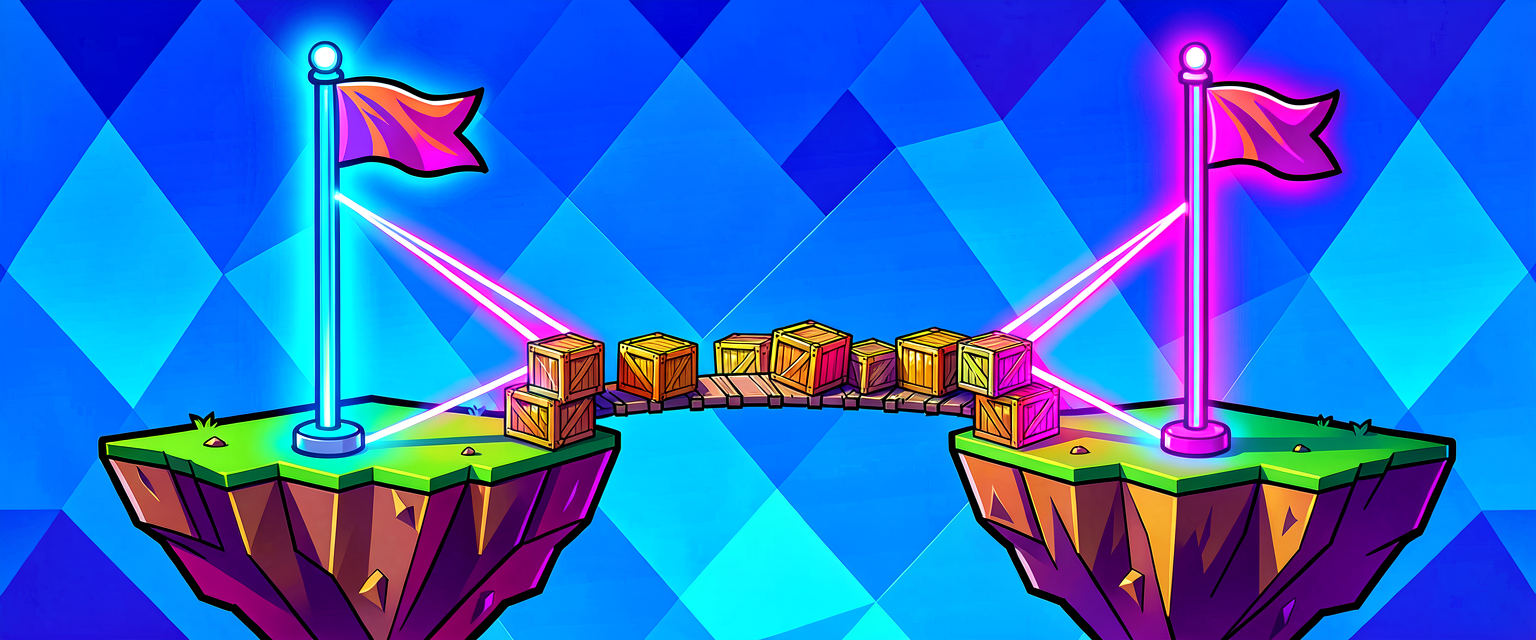
Capture the Flag is a team objective mode. Each team guards a flag at its own base. To score, you raid the enemy base, grab their flag, and carry it back to yours. The twist that creates all the drama: in classic rules your own flag must be home for a capture to count, so the same players can't just blindly rush — somebody has to defend.
It's the oldest competitive format in multiplayer gaming for a reason: the rules fit in one sentence, but the decisions (push or defend? trade flags or stalemate?) run deep.
2. Type of game
| Attribute | Typical value |
|---|---|
| Genre | Team objective / arena shooter |
| Teams | 2 (sometimes 3-4 for chaos variants) |
| Players | 4v4 up to 16v16; sweet spot is 5v5-8v8 |
| Match length | 8-15 minutes, or first-to-N captures |
| Respawns | On (CTF lives on constant pressure, not elimination) |
| Map shape | Mirrored — two symmetric bases connected by lanes |
3. The loop
The core loop is a tug-of-war between offense and defense. Every player is always choosing which side of it to be on.

The magic is in the feedback: a single grab flips the whole team from attack to escort, and the defenders from holding to hunting. Momentum swings fast.
4. Why it's fun
- Instant legibility. A new player gets the goal in five seconds — there's a glowing flag and an arrow pointing home. No tutorial needed.
- Role fluidity. You choose offense or defense moment to moment, so nobody is locked into a boring job.
- The escort hero moment. Carrying the flag while your whole team forms a wall around you is one of gaming's great cooperative highs.
- Built-in comebacks. Because your flag has to be home to score, a desperate defensive stand can deny a capture at the buzzer.
- Symmetry = fairness. Mirrored maps mean every loss is on the team, not the spawn — which is exactly what keeps people queuing again.
5. Who made the great ones
CTF is a staple, so the strongest Fortnite Creative versions tend to come from creators who nail feel and balance:
- ozycreates — the long-running
🚩CAPTURE THE FLAG🚩(code 0678-0014-4695) is one of the most-played straight-rules CTF islands. - boe —
2Fort: Capture The Flag(code 4051-8130-9275), a loving rebuild of the iconic Team Fortress map, proves how much theme carries CTF. - Class-based designers keep CTF fresh with role kits — Crystal Keep Clash and Slumlord CTF hand each player a class (medic, assaulter, sniper) so the offense/defense choice also becomes a loadout choice.
- Epic / ESL ran an official
EWC CAPTURE THE FLAGcompetitive build for the Esports World Cup, a good study in tournament-grade pacing.
6. Examples / variants
- Classic 4v4 — the purest form; mirrored map, one flag each.
- One-Flag CTF — a single neutral flag in the middle; both teams fight to deliver it to the enemy base. Removes turtling.
- Sniper-only / class CTF — restrict the loadout (e.g. Bullseye's sniper-only build) to change the whole rhythm.
- Multi-flag chaos — 3-4 teams, several flags, scoring by total captures — great for big public lobbies.
7. How to make it in UEFN / Verse
<!-- section-art:7-how-to-make-it-in-uefn-verse -->

Flag Tether
The devices you'll place
- Capture Item Spawner (
capture_item_spawner_device) — this is the flag. It spawns the carryable, tracks who's holding it, and fires events on pickup / capture / drop / return. - Team Settings & Inventory (
team_settings_and_inventory_device) — one per team, to define the two teams and each side's starting kit. - Class Designer + Class & Team Selector (
class_designer_device,class_and_team_selector_device) — optional but recommended: define role kits (assaulter, defender, medic) and let players pick one at their base. - Player Spawn Pads (
player_spawner_device) — several per base, each assigned to that base's team. - Timer / Round Settings (
timer_device,round_settings_device) — the match clock and round rules; set the match length so the game can end on time as well as on captures. - End Game (
end_game_device) — the round terminator: activate it when a team hits the capture target (or the clock expires) to show the victory screen and end the round.
Assembly order — from empty plaza to playable event
- Teams — place two Team Settings & Inventory devices, set Team 1 / Team 2, and give each its starting loadout.
- Classes (optional) — build 2–3 role kits in Class Designer devices, then place a Class & Team Selector at each base so players choose a job.
- Spawns — drop several Player Spawn Pads per base and assign each pad to that base's team.
- Flags — one Capture Item Spawner per base; set which team can capture it, and switch on the “own flag must be home” rule in its options.
- Score — the Verse device below tallies captures per team (add a Score Manager if you also want the built-in scoreboard).
- Timer — set the match length (8–15 minutes) in Island Settings, or place a Timer device for a visible countdown.
- Round logic — wire the win: when
CapturesToWinis reached — or time runs out — an End Game device ends the round and declares the winner.
That's the whole event — teams, classes, spawns, score, timer, round logic — and the Verse below is the glue for the score + round pieces.
The Verse mechanic that ties it together
You can build CTF with pure device settings, but Verse is where you add the polish: announce captures, keep a clean team score, and enforce the "flag must be home" rule. The pattern is the same one you'll reuse all series long — subscribe to a device's event, then react.
The flag fires four events you care about:
# capture_item_spawner_device exposes the flag lifecycle as events:
#   ItemPickedUpEvent : agent  - someone grabbed it
#   ItemCapturedEvent : agent  - someone scored it
#   ItemDroppedEvent  : agent  - carrier was eliminated / dropped it
#   ItemReturnedEvent : agent  - it reset to base
FlagSpawner.ItemCapturedEvent.Subscribe(OnFlagCaptured)
To answer "which team just scored?", ask the playspace's team collection for the scorer's team — the single most useful team-mode call in all of Verse:
TeamCollection := GetPlayspace().GetTeamCollection()
if (ScoringTeam := TeamCollection.GetTeam[ScoringAgent]):
    # ScoringTeam is the team to credit with the capture
The full, compile-verified objective device
Drop this capture_the_flag_device into your project, set its two @editable flag references in the Details panel, and it credits + announces every capture, per team. It is a standalone creative_device, so it compiles on its own.
How it works, line by line
- Two
@editableflag references let a designer drag the actual Capture Item Spawners onto this device in the editor — no hard-coded names. OnBeginsubscribes toItemCapturedEventon both flags. One handler covers both because we resolve the team from the agent, not the flag.GetPlayspace().GetTeamCollection().GetTeam[Scorer]is the canonical "who is this player playing for?" lookup. It's a<decides>call, so it lives inside anif.Scores : [team]intis a map keyed by the team object itself — clean, no magic numbers.Scores[ScoringTeam] or 0reads a default for a team that hasn't scored yet.set Scores[ScoringTeam] = NewScoremutates the map; it's wrapped in anif (...) {}because map-set is a failable expression.
Gotchas
- The carryable, not the carrier, is the flag. Use
capture_item_spawner_device, not a generic item granter — only the spawner tracks pickup/return. GetTeam[]fails for spectators / unassigned agents. Always guard it withif, exactly as above, or your handler will silently do nothing.- "Flag must be home" is a rules choice. The Capture Item Spawner has a setting for this; enforce it in the device options first, and only reach for extra Verse if you want custom messaging.
- Mirror your map. CTF balance is 90% level design. Equal cover, equal sightlines, equal travel time — build one half and copy-mirror it.
Recap
- CTF is the most legible team-objective mode: steal the enemy flag, bring it home, defend your own.
- The fun comes from fluid offense/defense roles, the escort hero moment, and symmetry-driven fairness.
- In UEFN the Capture Item Spawner is the flag; it fires pickup/capture/drop/return events.
- The Verse pattern is universal: subscribe to the event, resolve the team with
GetTeamCollection().GetTeam[], tally, announce. - Assembly order for a playable event: teams → classes → spawns → flags → score → timer → round end (End Game device).
- Balance is level design — mirror the map and equalize every lane.
Get the complete code — free
You've read the full walkthrough. The complete, copy-paste-ready Verse solution is free for members — sign in to unlock it.
Free with your BrainDead.TV / BrainDeadGuild Discord account. The walkthrough above is always free.
Check your understanding
Test yourself with an interactive quiz and track your progress + earn XP — free for members.
Turn this into a guided course
Add Game Modes — Capture the Flag: design, the offense/defense loop, and a compile-clean Verse scoring device to your free study plan — we'll suggest related pages and stitch the lot into one compile-checked, self-guided lesson with worked examples and quizzes.
References
Original tutorial generated by Verse Island from the Verse/UEFN knowledge base, with references to the Epic Games sources above. Code is validated against the knowledge base.