

Red vs Blue in UEFN: Endless Team Warfare
Red vs Blue in UEFN: Endless Team Warfare
Red vs Blue is the simplest pitch in Creative: pick a side, grab every weapon imaginable, and fight forever. No objectives to learn, no rules to read — just two teams, infinite ammo, and a kill counter ticking up. It's one of the most-played casual categories in the game. This Game Modes entry breaks the format down and builds a compile-verified Verse device that tallies eliminations per team.
1. What it is
<!-- section-art:1-what-it-is -->
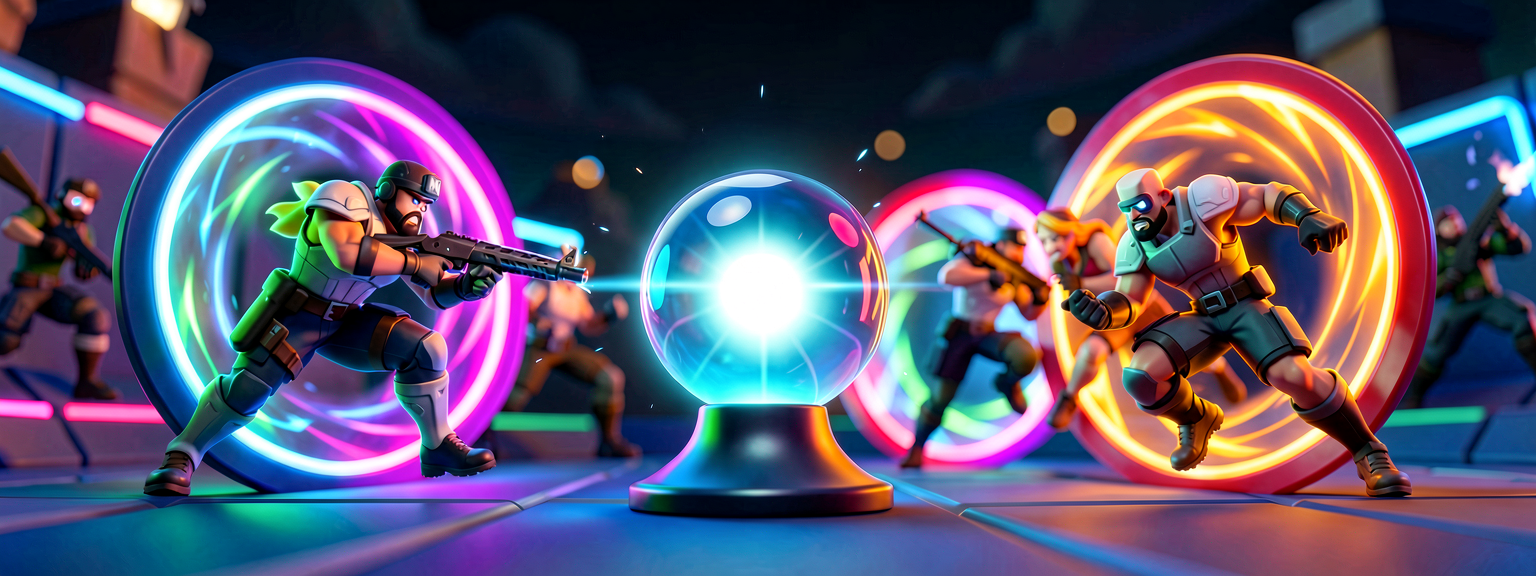
Infinite Brawl
Red vs Blue is endless team deathmatch. The lobby splits into two color-coded teams, everyone gets unlimited supplies and infinite ammo, and the teams brawl across an arena. The "win" is usually just the team with more eliminations — but honestly, the score is secondary. The product is constant, consequence-free action: respawn instantly, run back in, fight again.
It's the comfort-food mode — zero friction, pure chaos, endlessly replayable.
2. Type of game
| Attribute | Typical value |
|---|---|
| Genre | Team deathmatch / casual PvP |
| Teams | 2 (Red, Blue) |
| Players | 8-32; the bigger the lobby, the better the chaos |
| Match length | Endless, or first-team-to-N eliminations |
| Respawns | Instant and constant — the whole point |
| Map shape | One shared arena, often symmetrical, with vaults/easter eggs |
3. The loop
Pick a side, spawn, fight, die, respawn instantly, fight again — with a team kill counter climbing the whole time.
There's no downtime: the moment you die you're back in, so the action never stops.
4. Why it's fun
- Zero learning curve. Pick red or blue, shoot the other color. A new player is fully up to speed in five seconds.
- Nonstop action. Instant respawns and infinite ammo mean you're always fighting — no looting, no waiting.
- Loadout sandbox. Every weapon available at once turns it into a playground for trying guns and combos.
- Big-lobby chaos. 30+ players in one arena is glorious mayhem — the bigger the better.
- Secret-vault depth. Many builds hide easter-egg vaults and unlockables, giving the curious something to chase between fights.
5. Who made the great ones
Red vs Blue is a perennial top category:
- Typical Gamer —
SUPER RED VS BLUE(code 2786-2114-8349): pick a side, grab every weapon imaginable, and battle — one of the most action-packed team-deathmatch builds in Creative, from a major creator. - "Crazy Red vs Blue" lineage — community builds that layer secret "Crazy Vault" easter eggs and unlockables on top of the core fight, pulling hundreds of thousands of players.
- The format's strength is that it's simple to build and endlessly remixable — the best ones win on arena flow, weapon variety, and hidden extras rather than rules.
6. Examples / variants
- Classic TDM — two teams, most eliminations wins (or first to N).
- Infinite / no-score — pure sandbox, fight forever, no win condition (the most casual).
- Vault hunt — secret rooms and easter eggs to unlock mid-match (the "Crazy" school).
- Loadout rounds — periodically swap everyone's weapons to keep it fresh.
7. How to make it in UEFN / Verse
<!-- section-art:7-how-to-make-it-in-uefn-verse -->
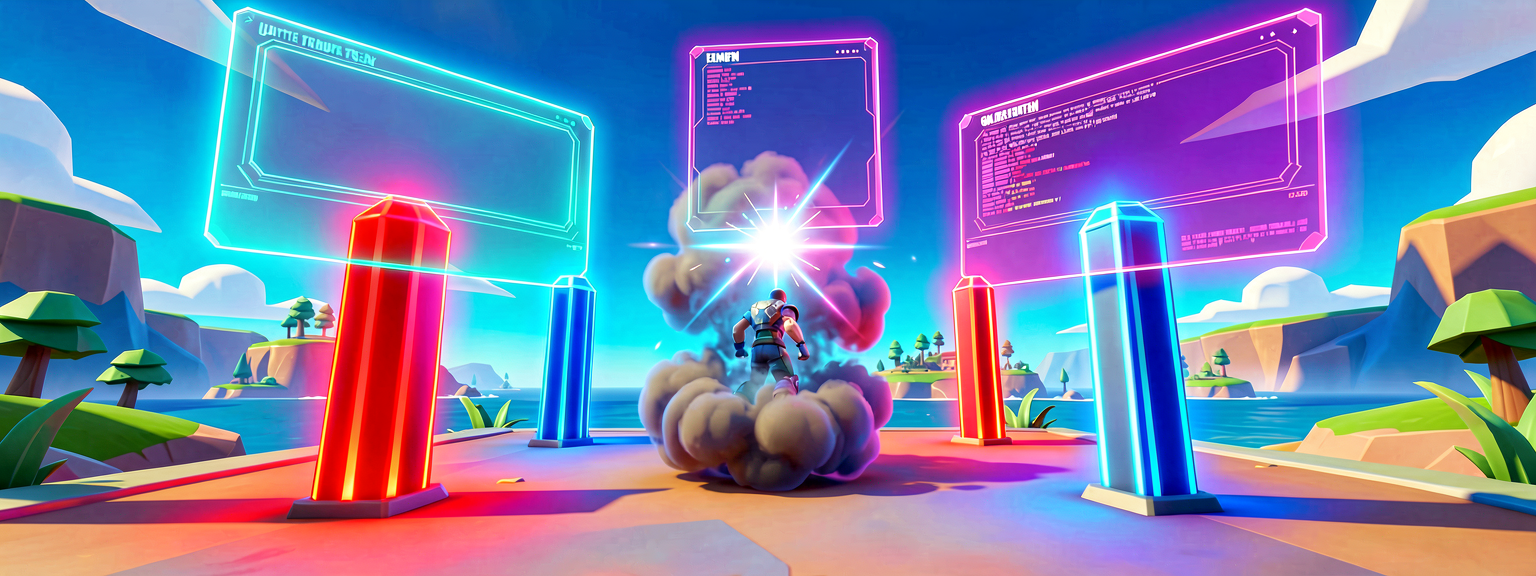
Team Score Tally
The devices you'll place
- Team Settings & Inventory Device — two of them, one per team, defining Red and Blue plus each side's loadout and infinite-ammo settings.
- Elimination Manager Device (
elimination_manager_device) — firesEliminationEventon every kill, carrying the eliminator. - Player Spawn Pads — assigned per team, ideally on opposite sides of the arena.
The Verse mechanic that ties it together
The teams and loadouts are device-driven. Verse owns the team scoreboard: on each elimination, find the eliminator's team and add a point. This is the same canonical team lookup from the Capture the Flag guide — subscribe to the event, resolve the team, tally.
# elimination_manager_device fires on every kill, carrying the eliminator:
#   EliminationEvent : ?agent   - the eliminator (optional)
EliminationManager.EliminationEvent.Subscribe(OnElimination)
Then resolve the killer's team and add to a [team]int score map — the
canonical team-mode pattern:
TeamCollection := GetPlayspace().GetTeamCollection()
if (KillerTeam := TeamCollection.GetTeam[Killer]):
    # KillerTeam is the team to credit with the elimination
The full, compile-verified team scorer
Drop this red_vs_blue_device into your project, wire the @editable
Elimination Manager, and it tallies eliminations per team and announces the
winner at the target score. Standalone creative_device.
How it works, line by line
@editable EliminationManagerlets a designer drag the real device in;TargetScoreis the round win condition.OnBeginsubscribes toEliminationEvent, which carries the eliminator.- The eliminator is
?agent(optional) — a fall/storm death has no killer.if (Killer := MaybeKiller?)unwraps it before scoring. GetPlayspace().GetTeamCollection().GetTeam[Killer]is the canonical "which team is this player on?" lookup — failable, so guarded withif.Scores : [team]intkeys the score by the team object itself;Scores[KillerTeam] or 0reads the default, and the failablesetis wrapped inif (...) {}.
Gotchas
- Define teams on the devices, not in Verse. Two Team Settings & Inventory devices create Red and Blue; Verse only reads team membership via
GetTeam[]. - The eliminator is optional.
EliminationEventgives?agent; unwrap withMaybeKiller?so non-combat deaths don't fault the handler. - Guard
GetTeam[]. It fails for spectators/unassigned agents — theifis mandatory or scoring silently no-ops. - Infinite ammo is a device setting. Turn it on in the Team Settings & Inventory loadout, not in Verse — it's the whole "consequence-free" feel.
- Flow over rules. Red vs Blue lives or dies on arena layout and respawn placement. Keep spawns safe, sightlines fair, and the action constant — and hide a vault for the explorers.
Recap
- Red vs Blue is endless team deathmatch: pick a side, infinite ammo, fight forever, with a per-team kill counter.
- The fun is zero learning curve, nonstop instant-respawn action, and big-lobby chaos (plus secret vaults to chase).
- In UEFN two Team Settings & Inventory devices define the sides and the Elimination Manager reports every kill.
- The Verse pattern is the series staple: subscribe to
EliminationEvent, unwrap the?agentkiller, resolve the team withGetTeam[], tally a[team]intscore. - Arena flow and fair, safe respawns matter more than any rule.
Get the complete code — free
You've read the full walkthrough. The complete, copy-paste-ready Verse solution is free for members — sign in to unlock it.
Free with your BrainDead.TV / BrainDeadGuild Discord account. The walkthrough above is always free.
Check your understanding
Test yourself with an interactive quiz and track your progress + earn XP — free for members.
Turn this into a guided course
Add Game Modes — Red vs Blue: the endless team-deathmatch loop and a compile-clean Verse per-team scorer to your free study plan — we'll suggest related pages and stitch the lot into one compile-checked, self-guided lesson with worked examples and quizzes.
References
Original tutorial generated by Verse Island from the Verse/UEFN knowledge base, with references to the Epic Games sources above. Code is validated against the knowledge base.