
Build Your Own Mini-Map in Fortnite
Build Your Own Mini-Map in Fortnite
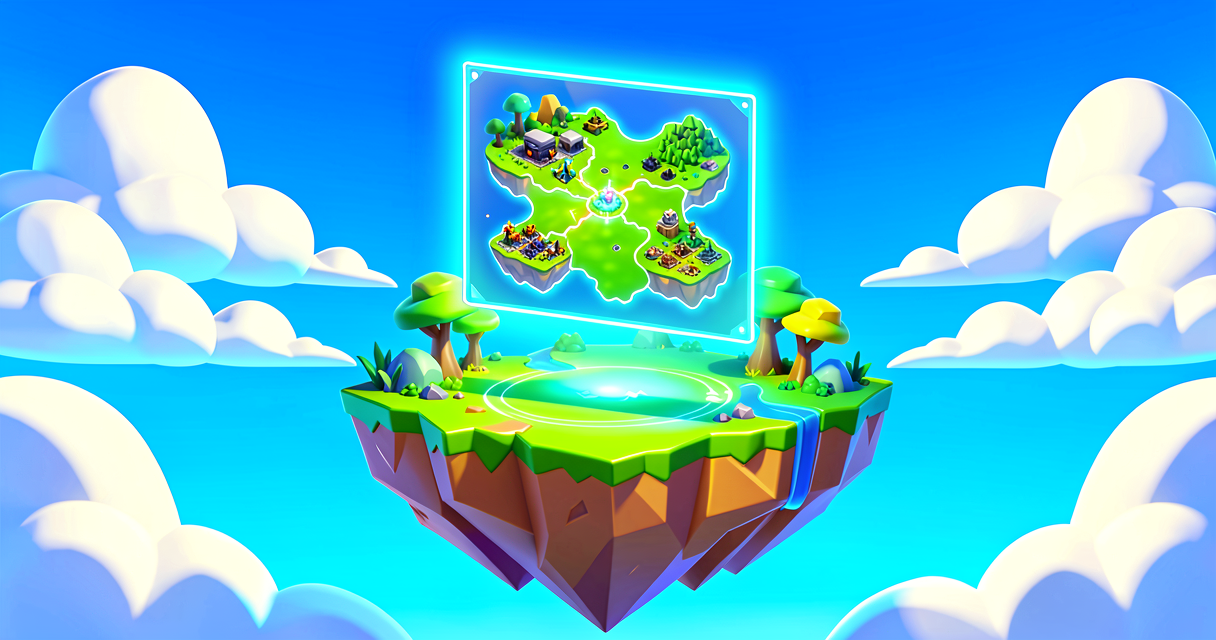
Imagine you are playing a treasure hunt. You need a map to find the X marks the spot! In this tutorial, you will build a real mini-map for your Fortnite island. It will show players where they are going. You will use a special device called the Map Controller. This device is like a magic window into your world. You can change how it looks. You can even zoom in and out. Let's make navigation easy for your players.
What You'll Learn
- What a Map Controller device is.
- How to place it in your island.
- How to change its zoom level.
- How to preview your map in the editor.
How It Works
A mini-map is a small screen in the corner of the game. It shows the player's location. It shows nearby landmarks too. Think of it like a GPS in a car. The Map Controller device is the engine behind this. It takes your island's landscape. It draws it on a small screen for the player.
You do not need to write code for this part. You use the editor tools. This is great for beginners. You can see changes instantly. You can move the device around. You can adjust its settings. The device handles the hard work. It calculates the player's position. It updates the map in real time. This makes your island feel professional. Players will feel less lost. They will explore more. This is a simple tool with big impact.
Let's Build It
We will place a Map Controller device. Then we will make it look cool. Follow these steps carefully.
- Open your island. Start with any Fortnite island.
- Find the device. Open the Devices menu. Search for "Map Controller."
- Place it. Drag the device into your world. Put it on a high spot. This gives a better view.
- Select it. Click on the device. Look at the details panel.
- Change the view. Find the "Camera" settings. You can change the angle. You can change the height.
- Adjust the zoom. Find the "Zoom" setting. Move the slider. Try a close-up view. Try a wide view.
- Preview it. Press Play in the editor. Look at your screen. Do you see the map?
Here is a simple Verse script concept. It shows how the device connects to the game. You might use this later.
# This is a simple comment explaining the code.
# We are creating a function to handle the map.
OnBegin<override>()<suspends>: void =
    # This line starts the map controller.
    # It tells the device to wake up.
    # note: map_controller must be declared as a @editable property
    # on your creative_device class and wired to the Map Controller
    # device in the UEFN Details panel before running this code.
    map_controller.Enable()

    # This line sets the zoom level.
    # 1.0 is normal. 2.0 is zoomed in.
    # note: ZoomScale is a float property set in the Details panel;
    # map_controller_device exposes no runtime SetZoom API, so we
    # activate the device and rely on the pre-configured zoom value.
    map_controller.Activate(GetPlayspace().GetPlayers()[0])

    # This line makes the map visible.
    # Enabling the device causes the mini-map to appear for all players.
    map_controller.Enable()
The code above is a placeholder. It shows the logic. In UEFN, you often use the device's visual settings first. Verse helps if you want to change things during gameplay. For now, focus on the device settings. They are powerful enough.
Try It Yourself
Can you make two different maps? Place one Map Controller in a forest. Place another in a city. Change the zoom for each one. See how they look different. Hint: Try setting one to zoom in on a specific building.
Recap
You learned how to add a mini-map. You used the Map Controller device. You changed its zoom and view. Your players will love this tool. It helps them navigate your world. Keep experimenting with the settings. Have fun building!
References
- https://dev.epicgames.com/documentation/en-us/fortnite/making-a-custom-mini-map-in-unreal-editor-for-fortnite
- https://dev.epicgames.com/documentation/en-us/fortnite/ingame-user-interfaces-in-unreal-editor-for-fortnite
- https://dev.epicgames.com/documentation/en-us/fortnite/create-a-custom-landscape-in-unreal-editor-for-fortnite
- https://dev.epicgames.com/documentation/en-us/uefn/using-map-controller-devices-in-unreal-editor-for-fortnite
- https://dev.epicgames.com/documentation/en-us/fortnite/sdg-sustainable-cities-lesson-plan-in-fortnite-creative
Verse source files
- 01-fragment.verse · fragment
Turn this into a guided course
Add making-a-custom-mini-map-in-unreal-editor-for-fortnite to your free study plan — we'll suggest related pages and stitch the lot into one compile-checked, self-guided lesson with worked examples and quizzes.
References
Original tutorial generated by Verse Island from the Verse/UEFN knowledge base, with references to the Epic Games sources above. Code is validated against the knowledge base.