
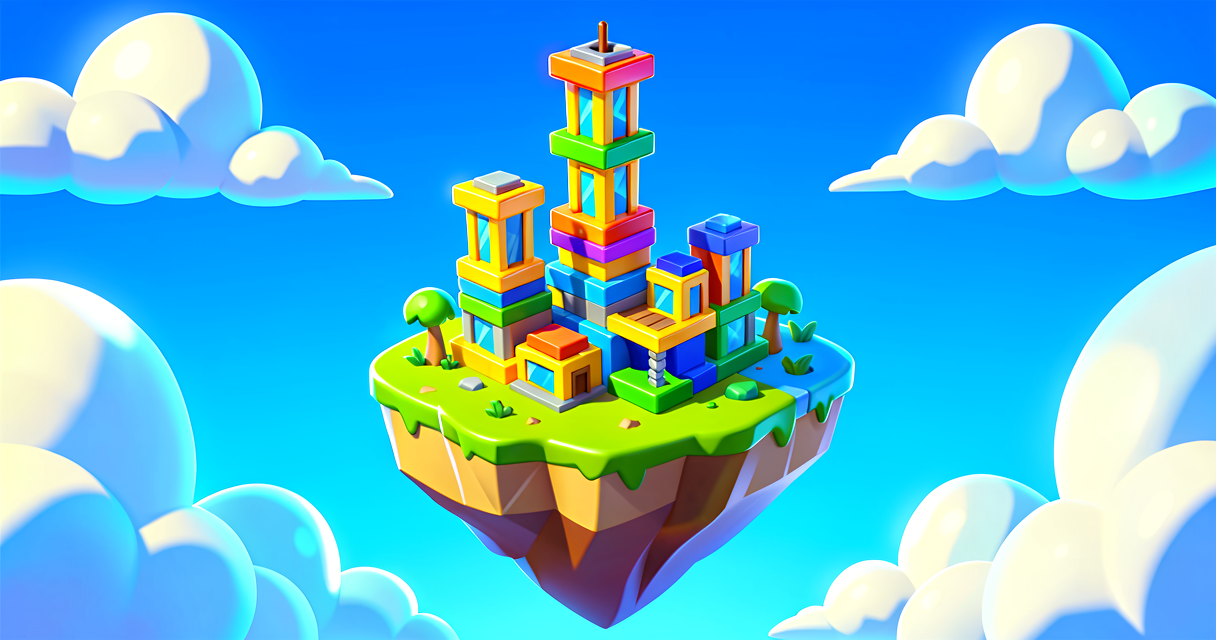
Build Your First Fortnite Island
Build Your First Fortnite Island
Welcome, future game creator! Are you ready to make your own world? Today, we will build a simple arena. You will learn how to set the stage for a game. This is like setting up the board before you play a board game. We will use UEFN tools to create a safe space. You will place teams and items. Let's get building!
What You'll Learn
- How to sketch a plan before you build.
- How to create two team bases.
- How to use Player Spawners for each team.
- How to give players a starting weapon.
How It Works
Think of your island like a stage for a play. You need a stage, props, and actors. In Fortnite Creative, you are the director. You decide where everyone stands.
First, you should draw your idea. Use paper and pencil. Sketch where the teams will stand. Sketch where the action happens. This saves time. You can fix mistakes on paper. You cannot fix them as easily in the game.
Next, you need two teams. One team is Red. One team is Blue. They need their own homes. These homes are called spawn areas. A spawn area is where players start. It keeps them safe at the beginning.
You also need a weapon. An Item Granter is a device. It gives items to players. You can set it to give a gun when the game starts. This makes the game fun right away.
Let's Build It
Here is a simple Verse script. It sets up a basic scene. It creates a platform. It places spawners. It adds a weapon.
# This is a simple Verse script for setting up a play area.
# It uses basic devices you can find in UEFN.
# note: In UEFN/Verse, devices (player_spawner, item_granter) are placed
# in the editor and referenced via @editable fields — Verse cannot
# spawn or position devices at runtime. This script shows how you wire
# up and configure those pre-placed devices in code.

using { /Fortnite.com/Devices }
using { /Fortnite.com/Game }
using { /Verse.org/Simulation }
using { /UnrealEngine.com/Temporary/Diagnostics }

# Attach this class to a Verse Device actor in the UEFN editor.
arena_manager := class(creative_device):

    # Drag your two pre-placed player_spawner devices here in the editor.
    @editable
    RedSpawner : player_spawner_device = player_spawner_device{}

    @editable
    BlueSpawner : player_spawner_device = player_spawner_device{}

    # Drag your pre-placed item_granter device here in the editor.
    @editable
    ItemGranter : item_granter_device = item_granter_device{}

    # OnBegin runs automatically when the game session starts.
    OnBegin<override>()<suspends> : void =
        Create_Arena()

    Create_Arena() : void =
        # Enable the Red Team Spawn Area.
        # Team index and spawn settings are configured in the editor
        # properties of each player_spawner_device (set Team to 1 = Red).
        RedSpawner.Enable()

        # Enable the Blue Team Spawn Area.
        # Set this spawner's Team property to 2 (Blue) in the editor.
        BlueSpawner.Enable()

        # Enable the Item Granter so it gives its configured item
        # to players. Set "Grant on Game Start" and the desired weapon
        # (e.g., Legendary Assault Rifle) in the device's editor properties.
        ItemGranter.Enable()

        Print("Arena is ready! Let's play!")
Walkthrough
- The Floor: We start with the ground. The
arena_flooris the stage. It is a simple cube. It holds everything up. - The Spawners: We place two
Player_Spawnerdevices. One is Red. One is Blue. They tell the game where players start. - The Weapon: We add an
Item_Granter. We set it to grant on game start. This gives a Legendary Rifle. Players have a weapon immediately.
Try It Yourself
Now it is your turn! Open UEFN.
- Go to the Devices tab.
- Find the Player Spawner device.
- Place two of them. Make one Red. Make one Blue.
- Find the Item Granter.
- Set it to give a gun when the game starts.
Hint: Look for the "Team" setting in the spawner properties. Change it to match your team color.
Recap
You built a play area! You sketched a plan. You placed team bases. You added a weapon. You are a game creator now. Keep practicing. Your next island will be even cooler.
References
- https://dev.epicgames.com/documentation/en-us/fortnite/barrier-device-design-examples-in-fortnite-creative
- https://dev.epicgames.com/documentation/en-us/fortnite-creative/create-a-free-for-all-game-in-fortnite-creative
- https://dev.epicgames.com/documentation/en-us/fortnite/create-a-free-for-all-game-in-fortnite-creative
- https://dev.epicgames.com/documentation/en-us/fortnite/cinematic-sequenceples-in-fortnite
- https://dev.epicgames.com/documentation/en-us/fortnite/boat-spawner-device-design-examples
Verse source files
- 01-device.verse · device
Turn this into a guided course
Add Set Up the Play Area to your free study plan — we'll suggest related pages and stitch the lot into one compile-checked, self-guided lesson with worked examples and quizzes.
References
Original tutorial generated by Verse Island from the Verse/UEFN knowledge base, with references to the Epic Games sources above. Code is validated against the knowledge base.