
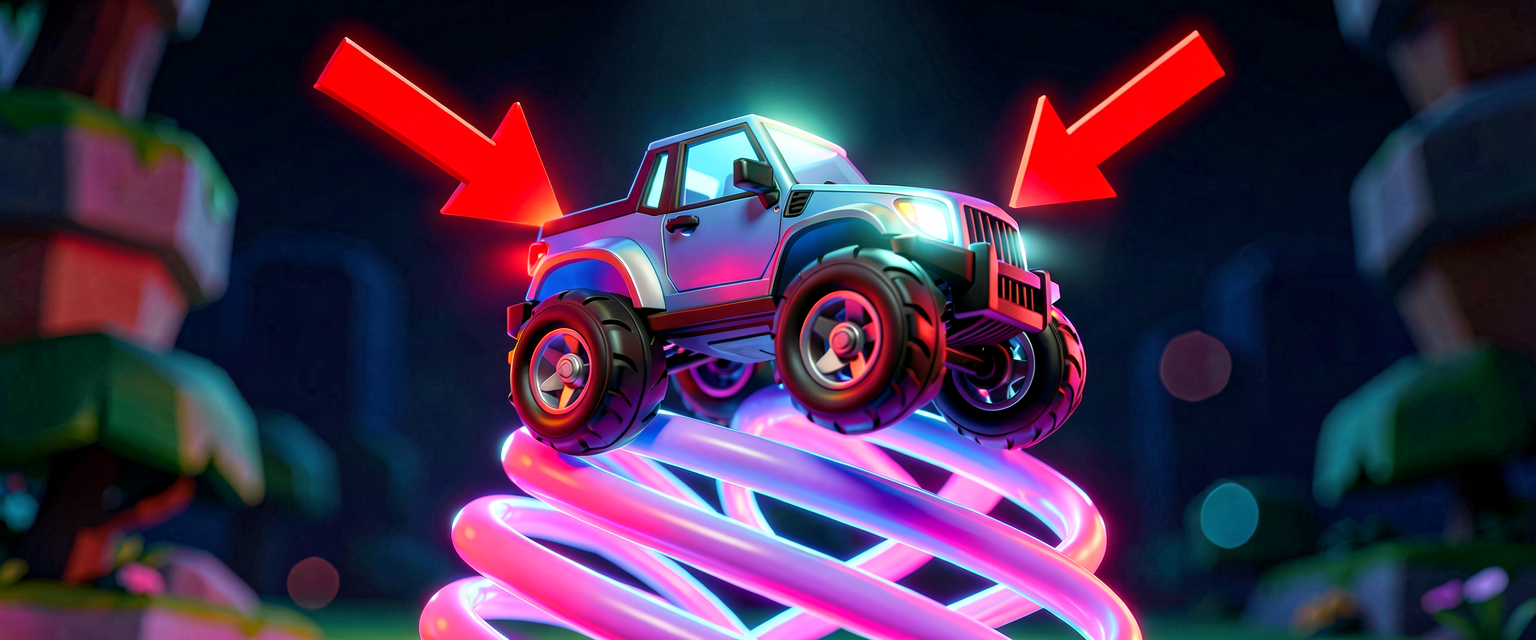
Tutorialintermediatecompiles
Custom Vehicle Physics: Suspension & Grip in Verse
Updated intermediateCode verified
What you'll learn
- How to run frame-by-frame physics math in a
<suspends>loop withSleep(0.0). - Calculating suspension compression with Hooke's Law and applying it via
ApplyForce. - Modeling tire grip by damping lateral velocity into a counter-force.
- Building a live player-UI overlay with
GetPlayerUI[],canvas, andtext_blockand updating it every tick.
How it works
- Per-frame loop:
OnBeginis<suspends>, so we can runloop:withSleep(0.0)to yield until the next update. Each iteration calls our physics step. (You could also subscribe to aTickEventphase — theSubscribecallback takes aDeltaTime:float— but a coroutine loop is simplest here.) - Read state:
Vehicle.GetLinearVelocity()andVehicle.GetGlobalTransform().Translationgive us the prop's current velocity and world position. These are<reads>/<transacts>calls, so anything that mutates state stays inside our loop. - Suspension math: Compare the prop's height (
Translation.Z) against a rest height. Hooke's LawF = -k * compressionproduces an upward spring force we feed toApplyForce(units are Newtons). - Tire grip: Take the lateral (
X) velocity component and apply a counter-force proportional to(1.0 - Grip)— high grip means a strong correcting force, low grip (ice) means the vehicle slides. - Live UI:
GetPlayerUI[Player]is fallible (bind it in anif), thenAddWidgetacanvasholding atext_block. We keep a reference to thetext_blockand callSetTexteach frame so the overlay shows current force values.
Let's build it
Drop this device on your island, assign a physics-enabled creative_prop as the vehicle body, and tweak SpringStiffness / TireGrip to feel the response.
using { /Fortnite.com/Devices }
using { /Fortnite.com/Devices/CreativeAnimation }
using { /Fortnite.com/UI }
using { /UnrealEngine.com/Temporary/UI }
using { /Verse.org/Simulation }
using { /Verse.org/SpatialMath }

# Custom arcade vehicle physics: spring suspension + tire grip, with a live UI readout.
vehicle_physics_tuner := class<concrete>(creative_device):

    @editable
    Vehicle : creative_prop = creative_prop{}   # physics-enabled prop = the vehicle body

    SpringStiffness : float = 800.0             # Hooke's Law k (N per unit compression)
    TireGrip : float = 0.8                      # 1.0 = full grip, 0.0 = frictionless ice
    RestHeight : float = 200.0                  # target ride height in cm (world Z)

    # Reusable text widget we update each frame with tuning values.
    var Readout : text_block = text_block{}

    OnBegin<override>()<suspends>: void =
        # Build the debug overlay for the first player, if UI is available.
        for (Player : GetPlayspace().GetPlayers()):
            if (UI := GetPlayerUI[Player]):
                Label := text_block{}
                set Readout = Label
                Screen := canvas{ Slots := array{ canvas_slot{ Widget := Label } } }
                UI.AddWidget(Screen)

        # Physics loop: run our step every update.
        loop:
            Sleep(0.0)
            OnPhysicsTick()

    OnPhysicsTick(): void =
        # Read current physics state (velocity in m/s, position in cm).
        Velocity := Vehicle.GetLinearVelocity()
        Pos := Vehicle.GetGlobalTransform().Translation

        # Suspension: Hooke's Law. Positive compression pushes the body up.
        Compression := RestHeight - Pos.Up
        SpringForce := SpringStiffness * Compression

        # Tire grip: counter lateral (X) velocity by (1 - grip). Low grip = slide.
        GripForce := -Velocity.Forward * (1.0 - TireGrip) * Vehicle.GetMass()

        # Inject both as a single force vector (Newtons).
        Force := vector3{ Forward := GripForce, Left := 0.0, Up := SpringForce }
        Vehicle.ApplyForce(Force)

        # Push the live values to the on-screen readout and the log.
        Readout.SetText(StringToMessage("Spring:{SpringForce}  Grip:{GripForce}"))
        Print("Spring {SpringForce} GripForce {GripForce}")

    # Helper: wrap an interpolated string as a message for the text_block.
    StringToMessage<localizes>(S : string) : message = "{S}"```

## Try it yourself

- Change `SpringStiffness` to `2000.0` and watch the vehicle bounce faster and settle higher.
- Lower `TireGrip` to `0.2` to simulate icy conditions — lateral drift is barely corrected.
- Adjust `RestHeight` to match your prop's actual ride height (read the Z on the readout when it settles).
- Multiply `GripForce` by a smaller factor for a looser, drift-happy feel.

## Recap

You built a real per-frame physics loop that reads a `creative_prop`'s velocity and position, computes suspension compression via Hooke's Law and a tire-grip counter-force, and applies them with `ApplyForce`. A live `canvas` + `text_block` overlay from `GetPlayerUI[]` shows the numbers updating every frame, giving you arcade-perfect control beyond default physics presets.
Check your understanding
Test yourself with an interactive quiz and track your progress + earn XP — free for members.
Turn this into a guided course
Add Programming Custom Vehicle Physics: Suspension Springs and Tire Grip in Verse to your free study plan — we'll suggest related pages and stitch the lot into one compile-checked, self-guided lesson with worked examples and quizzes.
References
Original tutorial generated by Verse Island from the Verse/UEFN knowledge base, with references to the Epic Games sources above. Code is validated against the knowledge base.