
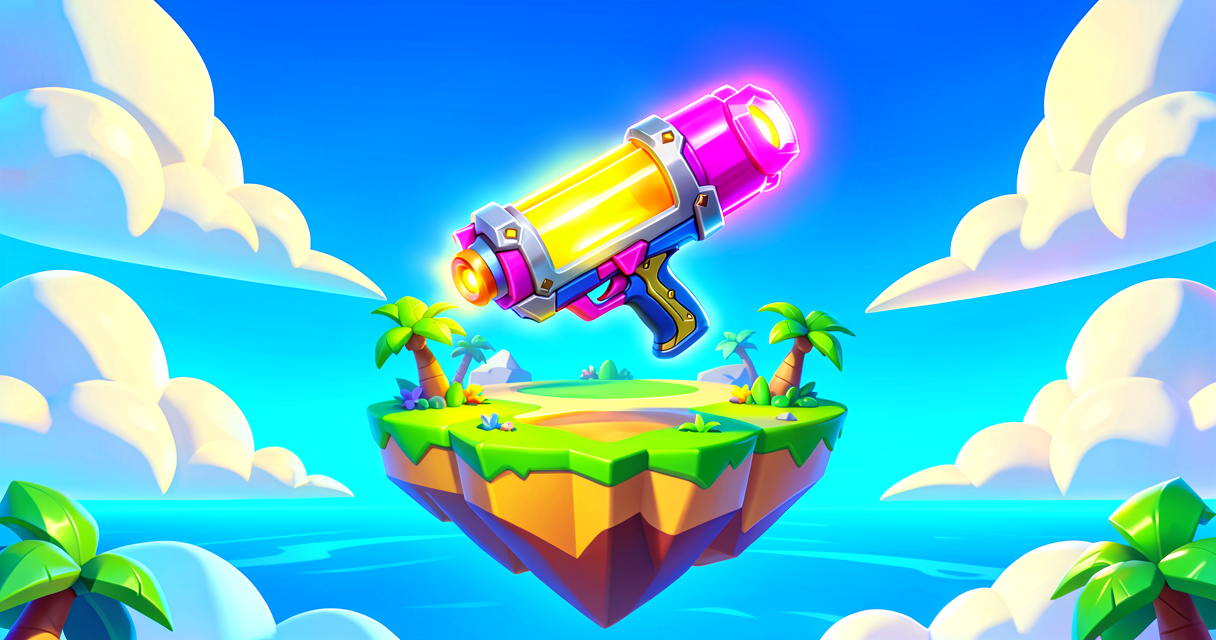
Ammo Power-Up: Keep Your Weapons Shooting!
Ammo Power-Up: Keep Your Weapons Shooting!
Do you love blasting away with your favorite weapon? But then... click. No more ammo! That is super frustrating. In this tutorial, we will fix that problem. We will build a cool power-up station. Players will walk up to it to get more bullets. It is like a magic vending machine for ammo!
What You'll Learn
- What an Ammo Item is in Fortnite.
- How to use an Item Granter device.
- How to give players ammo when they touch a spot.
- How to make your island more fun to play.
How It Works
Imagine you are playing a game. You have a gun. You shoot and shoot. Soon, your gun is empty. You need to find a new magazine or box of bullets. In Fortnite Creative, we call these boxes Ammo Items.
Think of an Ammo Item like a battery for a toy. When the toy stops working, you put in a new battery. When your gun runs out of ammo, you pick up an Ammo Item. Then, your gun works again!
We need a way to give these items to players. We can use a device called an Item Granter. An Item Granter is like a friendly robot. It stands still. When a player walks near it, the robot hands them an item. We do not need to code complex math. We just tell the robot what to give.
We also need to know which ammo to give. Some guns use bullets. Some use rockets. Some use arrows. We must pick the right ammo for the right gun. This makes the game fair and fun.
Let's Build It
We will build a simple ammo station. It will give players Assault Rifle Ammo. We will use the Item Granter device.
Step 1: Place Your Devices
First, go to your Creative device list. Find the Item Granter. Place it on the ground. It looks like a small pedestal or box.
Next, find a weapon you want to use. Let’s use the Assault Rifle. Place the Assault Rifle in the Item Granter’s slot. Wait, no! The Item Granter gives ammo, not the gun itself.
Look at the Item Granter’s settings. There is a slot for Ammo. Click it. Select Assault Rifle Ammo. This tells the granter to hand out bullets for the Assault Rifle.
Step 2: Set the Trigger
Now, we need to decide when the player gets the ammo. Do they get it every second? Or only when they are close? Let’s make it simple. The player gets ammo when they stand on a specific spot.
We will use a Trigger Volume. This is like an invisible box on the floor. When a player steps inside, something happens.
- Place a Trigger Volume on the ground next to your Item Granter.
- Make it big enough for a player to stand in.
- Connect the Trigger Volume to the Item Granter.
- In the connection menu, choose On Interact or On Begin Overlap (depending on your device setup, usually "On Interact" with the granter is easiest if the granter is the target).
Actually, let’s use the Item Granter’s built-in trigger. Most Item Granter devices have a setting called Grant on Interact. Turn this ON. Now, when a player walks up to the granter and presses the interact button (usually E or the face button), they get the ammo.
Step 3: Test It!
Play your island. Walk up to the Item Granter. Press the interact button. Did you get ammo? Check your inventory. You should see your bullet count go up!
Verse Code Example
In Fortnite Creative, we often use devices instead of code for simple things. But sometimes, we use Verse to make custom rules. Here is a simple Verse script. It shows how a device might "think" about giving ammo.
using { /Fortnite.com/Devices }
using { /Verse.org/Simulation }
using { /UnrealEngine.com/Temporary/Diagnostics }

# This is a simple Verse script for an Ammo Station
# It gives ammo when a player interacts with it

# First, we define what our station is.
# An 'Entity' is any object in our game world.
# Think of it like a Lego brick that can do things.
ammo_station := class():
    # This is a 'Component'. It is a part of our station.
    # The 'Item Granter' component gives items to players.
    ItemGranter : item_granter_device = item_granter_device{}

    # This is a 'Function'. It is a set of instructions.
    # It runs when a player interacts.
    GiveAmmo(Player : agent) : void =
        # We tell the granter to give the item.
        # 'GrantItem' is the action we take.
        ItemGranter.GrantItem(Player)

# This part connects the player to the action.
# When a player touches the station, run 'GiveAmmo'.
PlayerInteracts(Station : ammo_station, Player : agent) : void =
    Station.GiveAmmo(Player)```

**What does this code do?**
*   It creates a station.
*   It puts an Item Granter inside the station.
*   It sets the granter to give 30 bullets.
*   It waits for a player to interact.
*   When they do, it gives them the bullets.

## Try It Yourself

Can you make a station that gives **Rocket Launcher Ammo** instead?

**Hint:**
1.  Find the Item Granter device again.
2.  Look for the ammo slot.
3.  Scroll through the list until you see the rocket icon.
4.  Test it with a Rocket Launcher!

## Recap

*   **Ammo Items** are like batteries for your weapons.
*   **Item Granter** devices give items to players automatically.
*   You can choose exactly which ammo to give.
*   Testing your island is the best way to learn!

Great job! You just made your first ammo station. Your friends will love having infinite bullets. Keep building!

## References

*   https://dev.epicgames.com/documentation/en-us/fortnite/using-ammo-items-in-fortnite-creative
*   https://dev.epicgames.com/documentation/en-us/fortnite-creative/using-items-in-fortnite-creative
*   https://dev.epicgames.com/documentation/en-us/fortnite-creative/using-ammo-consumables-in-fortnite-creative
*   https://dev.epicgames.com/documentation/en-us/fortnite/using-items-in-fortnite-creative
*   https://dev.epicgames.com/documentation/en-us/fortnite/using-chest-and-ammo-gallery-devices-in-fortnite-creative
Verse source files
- 01-standalone.verse · standalone
Turn this into a guided course
Add using-ammo-items-in-fortnite-creative to your free study plan — we'll suggest related pages and stitch the lot into one compile-checked, self-guided lesson with worked examples and quizzes.
References
Original tutorial generated by Verse Island from the Verse/UEFN knowledge base, with references to the Epic Games sources above. Code is validated against the knowledge base.