
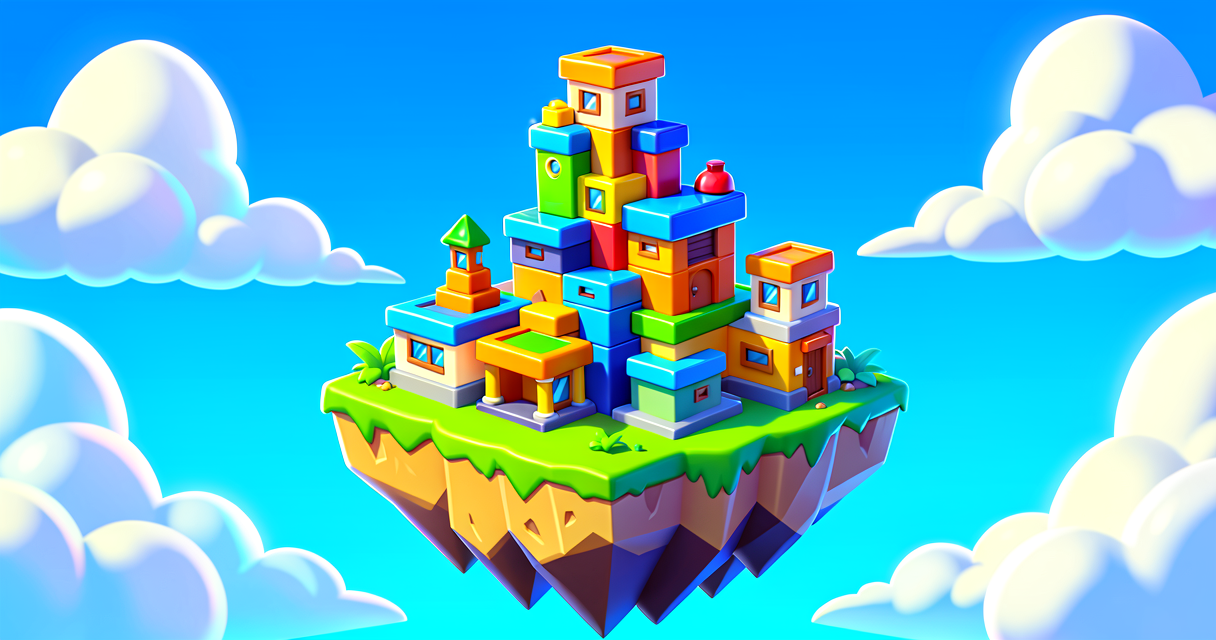
Catching Code: Build Your First Fishing Island
Catching Code: Build Your First Fishing Island
Welcome, young creators! Today, we are going to build a fishing island. You will learn how to make water that gives you rewards. You will also learn about variables. Variables are like magic boxes that hold numbers. These numbers change as you play. You will see how code makes your island smart. Let’s dive in!
What You'll Learn
- How to place a Fishing Zone device.
- What a variable is and how to use it.
- How to give players a Fishing Rod.
- How to connect devices with simple code.
How It Works
Imagine you have a treasure chest. Inside, there is a score counter. Every time you find gold, the counter goes up. In coding, we call that counter a variable. It is a box for a number. The number can change.
Now, imagine a special pond. When you stand in it, you can fish. This is a Fishing Zone. It is a device. It waits for you to catch something. When you catch a fish, it can give you points.
We will use Verse to connect these things. Verse is the language we use to tell devices what to do. Think of Verse as a recipe. You list the steps. The computer follows them.
We will make a simple game. You start with no points. You catch a fish. Your points go up. You win! This is how we make games fun. We give players goals.
Let's Build It
First, open Fortnite Creative. Go to Create Mode. We need three things.
- A Fishing Zone. This is the water.
- A Player Spawner. This is where you start.
- A Fishing Rod Barrel. This gives you the tool.
Place the Fishing Zone on the map. Make it look like a pond. Place the Spawner nearby. Place the Barrel near the pond.
Now, we need code. Click the Verse Script device. Place it near the pond. Double-click it to open the code editor.
Here is your code. Copy it carefully.
# This is our Verse script
using { /Fortnite.com/Devices }

# We create a variable for the score
# It starts at zero
Score : int = 0

# This function runs when the game starts
OnBegin<override>()<suspends>: void=
    # We print a message to the console
    # This helps us know the code is working
    print("Fishing game started!")

# This function runs when you catch a fish
# The zone calls this function
OnFishCaught(player: player, fish: item): void=
    # We add 1 to the score
    Score = Score + 1

    # We print the new score
    print("You caught a fish! Score is: ", Score)

    # You can add more code here later
    # Like playing a sound or showing text
Let’s look at the code line by line.
Score : int = 0
This line creates our variable. int means a whole number. We name it Score. It starts at 0. This is our magic box.
OnBegin<override>()
This is a function. A function is a block of code that does one job. This job happens when the game begins. It is like the start button on a toy.
Score = Score + 1
This is the magic. We take the old score. We add one. We save it back into the box. Now the box holds a bigger number. This happens every time you catch a fish.
print(...)
This sends a message to the screen. It helps you debug. Debugging means fixing errors. It is like checking your work.
After you paste the code, save it. Go back to the editor. Click the Fishing Zone device. Look for the Events tab. Find On Fish Caught. Connect it to your Verse Script device. This tells the zone to run the code when you catch something.
Play your island. Walk to the pond. Use the fishing rod. Catch a fish. Watch the console. You should see your score go up! You did it!
Try It Yourself
You have a working fishing game. Now, make it harder. Can you make the score go up by 10 instead of 1? Change the number in the code. Try it!
Hint: Look at the line that says Score = Score + 1. Change the 1 to a 10. Save and play again. What happens?
Recap
You built a fishing island. You learned about variables. Variables hold changing numbers. You learned about functions. Functions are blocks of code. You connected devices with Verse. You made a game that reacts to you. Great job!
References
- https://dev.epicgames.com/documentation/en-us/fortnite/using-fishing-zone-devices-in-fortnite-creative
- https://dev.epicgames.com/documentation/en-us/fortnite-creative/using-fishing-zone-devices-in-fortnite-creative
- https://dev.epicgames.com/documentation/en-us/fortnite/using-fishing-items-in-fortnite-creative
- https://dev.epicgames.com/documentation/en-us/fortnite-creative/using-devices-in-fortnite-creative
- https://dev.epicgames.com/documentation/en-us/fortnite/fishing-zone-device-design-examples-in-fortnite
Verse source files
- 01-fragment.verse · fragment
Turn this into a guided course
Add using-fishing-zone-devices-in-fortnite-creative to your free study plan — we'll suggest related pages and stitch the lot into one compile-checked, self-guided lesson with worked examples and quizzes.
References
Original tutorial generated by Verse Island from the Verse/UEFN knowledge base, with references to the Epic Games sources above. Code is validated against the knowledge base.