
Supercharge Your Ride: The Vehicle Mod Box Spawner
Supercharge Your Ride: The Vehicle Mod Box Spawner
Do you love driving fast cars in Fortnite? What if you could make them stronger? You can! We will build a magic box. When a car hits it, the car gets superpowers. It is like a video game power-up. You will learn how to place this device. You will also learn how to make your island exciting. Let’s go!
What You'll Learn
- What a Vehicle Mod Box Spawner is.
- How to place it in your world.
- How to pick which car gets the power-up.
- How to test your new game feature.
How It Works
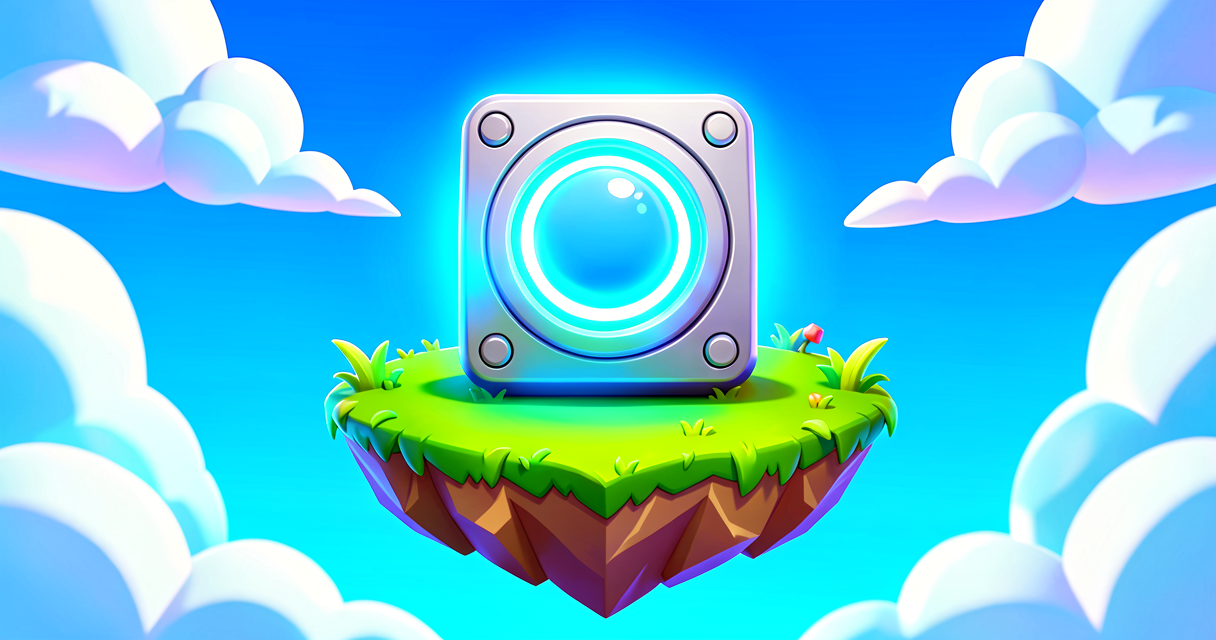
Imagine you are playing a racing game. You find a glowing blue cube. You drive your car into it. Poof! Your car now has rocket boosters. Or maybe it has armor. This is what the Vehicle Mod Box Spawner does. It gives cars special upgrades.
Think of it like a vending machine. But instead of chips, it gives car parts. The device waits for a car to crash into it. When the crash happens, the device works. It adds a "mod" to the car. A mod is a small change. It makes the car better.
Not every car can use this box. Only special cars work with it. These are big trucks, sports cars, and armored vehicles. If you try to hit a small sedan, nothing might happen. That is okay! We will pick the right car for our game.
You can also choose what the power-up looks like. It can be a shield. It can be extra speed. You decide! This makes your island unique. Players will love finding these boxes. They will race to hit them.
Let's Build It
We will build a simple test area. You will place a car. You will place the Mod Box. Then you will test it. Here is the plan.
- Pick a Vehicle. Choose a "Sports Car" or a "Big Rig." These work best.
- Place the Device. Find the "Vehicle Mod Box Spawner" in your device menu.
- Set the Power-Up. Choose what the car gets.
- Test It. Drive into the box and see what happens.
Here is how you set it up in the editor. We use simple settings.
// Step 1: Place the device in your world.
// It looks like a glowing blue cube.

// Step 2: Open the device settings.
// Look for "Power-Up Type".
// Choose "Armor" or "Speed Boost".

// Step 3: Pick the vehicle type.
// Select "Sports Car" or "Big Rig".
// This tells the box which cars to help.

// Step 4: Play your game!
// Drive your chosen car into the box.
// Watch the magic happen.
Let’s look at each step.
Step 1: Place the Device. Go to the Device menu. Search for "Vehicle Mod Box". Drag it into your scene. It sits on the ground. It glows blue. This is the base.
Step 2: Choose the Power-Up. Click the device. A menu opens. Look for "Power-Up Type". This is the change you want. Pick "Armor". Now the car will be tough. Or pick "Speed". Now the car will be fast.
Step 3: Select the Vehicle. Look for "Vehicle Type". This is important. If you pick "Sports Car", only sports cars get the power-up. If you pick "Big Rig", only big trucks get it. This keeps the game fair.
Step 4: Test It. Press Play. Drive your car. Crash into the blue cube. Did the car change? Yes! You did it. You made a power-up.
Try It Yourself
Now it is your turn. Build a small race track. Place two Vehicle Mod Boxes on the track. Make one give Armor. Make the other give Speed. Place a Sports Car at the start. Drive it through the track. Hit both boxes. What happens to your car?
Hint: Try changing the "Vehicle Type" setting. See what happens if you set it to "Pickup Truck" but drive a "Sports Car". Does it work?
Recap
The Vehicle Mod Box Spawner is a fun device. It gives cars special powers. You pick the power. You pick the car. You test it by crashing. Now your island has cool power-ups. Great job, coder!
References
- https://dev.epicgames.com/documentation/en-us/fortnite/vehicle-mod-box-spawner-device-design-examples-in-fortnite
- https://dev.epicgames.com/documentation/en-us/fortnite-creative/device-design-examples-in-fortnite-creative
- https://dev.epicgames.com/documentation/en-us/fortnite/using-vehicle-mod-box-spawner-devices-in-fortnite-creative
- https://dev.epicgames.com/documentation/en-us/fortnite/device-design-examples-in-fortnite-creative
- https://dev.epicgames.com/documentation/en-us/fortnite-creative/using-devices-in-fortnite-creative
Verse source files
- 01-fragment.verse · fragment
Turn this into a guided course
Add vehicle-mod-box-spawner-device-design-examples-in-fortnite to your free study plan — we'll suggest related pages and stitch the lot into one compile-checked, self-guided lesson with worked examples and quizzes.
References
Original tutorial generated by Verse Island from the Verse/UEFN knowledge base, with references to the Epic Games sources above. Code is validated against the knowledge base.