
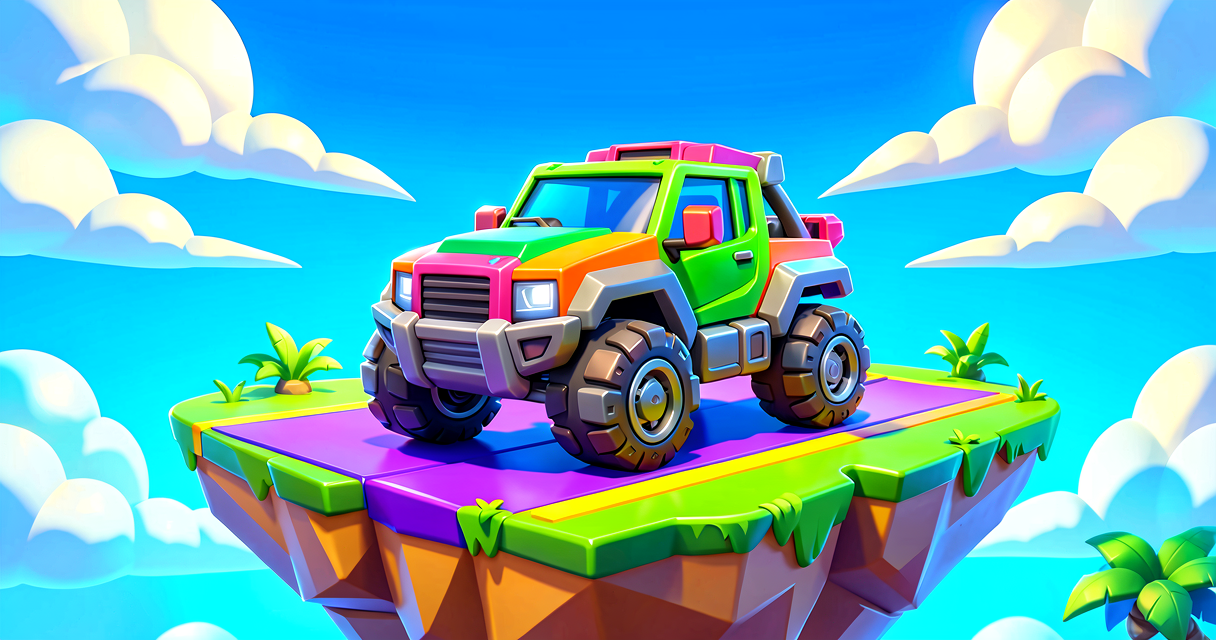
Drive Your First Verse Car
Drive Your First Verse Car
Welcome, future game designer! Have you ever wanted to build a race track in Fortnite? Or maybe a city where players can drive around?
In this tutorial, we will make a car appear on your island. You will use Verse to control it. It is like magic, but with code. Let’s get driving!
What You'll Learn
- What a Vehicle Spawner is.
- How to use Variables to save a car’s location.
- How to write your first Verse script.
- How to test your creation in-game.
How It Works
Imagine you are building with LEGO bricks. You have a special brick that is a car. But where does the car go?
In Fortnite Creative, we use a Vehicle Spawner. Think of it like a magic parking spot. When a player starts the game, the spawner puts the car in that spot.
We need to tell Verse (the language) where to find that parking spot. We do this with a Variable. A variable is like a labeled box. We put the spawner device inside the box. Then, we can use the box name to talk about the car later.
Here is the plan:
- We place a Vehicle Spawner device in the world.
- We write Verse code to "grab" that device.
- We make sure the car is ready to drive when the game starts.
Let's Build It
First, open UEFN (Unreal Editor for Fortnite). Go to the Devices tab. Search for "Vehicle Spawner." Pick one, like the Pickup Truck Spawner. Place it on your island.
Now, click on the spawner. Look at the Details panel on the right. Give it a Name. Let’s call it MyCarSpot. This name is very important. It is the label on our box.
Now, let’s write the code. Create a new Verse file. We will use the @editable keyword. This lets us connect the code to the device in the editor.
Here is your code:
using { /Fortnite.com/Devices }

# This is our main script block
@editable
MyCarSpot: vehicle_spawner_pickup_truck_device = vehicle_spawner_pickup_truck_device{}

# This function runs when the game starts
OnBegin<override>()<suspends>: void =
    # We can add code here later to drive the car
    print("The car is ready to go!")
Let’s break this down line by line.
Line 1: using { /Fortnite.com/Devices }
This tells Verse, "Hey, I want to use devices from Fortnite." It is like opening a toolbox.
Line 4: @editable
This tag tells the editor, "This variable is special. You can see it in the side panel." This is how we link code to the physical device you placed.
Line 5: MyCarSpot: vehicle_spawner_pickup_truck_device = vehicle_spawner_pickup_truck_device{}
This is the big one.
MyCarSpotis the name of our variable (the box).vehicle_spawner_pickup_truck_deviceis the Type. It tells Verse what kind of thing is in the box. In this case, it is a pickup truck spawner.- The
=sign means "equals." We are setting it up.
Line 8-10: OnBegin<override>()...
This is a Function. A function is a list of instructions. OnBegin is a special function. It runs exactly once when the game starts. Right now, it just prints a message.
Save your code. Go back to the editor. Click on your script asset. You will see MyCarSpot in the details. Drag your spawner device into that slot.
Play the game. You should see the pickup truck appear!
Try It Yourself
Great job! You made a car appear. Now, let’s make it move.
Challenge: Can you make the car drive forward automatically when the game starts?
Hint: Look for a function called SetMovement or check the device documentation for how to control movement. You might need to use a Timer to wait a second before it moves.
Hint 2: A timer is like setting an alarm clock in your code. It waits for a set time, then does something.
Recap
- We used a Vehicle Spawner to place a car.
- We used a Variable to connect our Verse code to the device.
- We used the
OnBeginFunction to run code when the game starts. - You are now a Verse driver!
References
- https://dev.epicgames.com/documentation/en-us/fortnite/island-settings-in-unreal-editor-for-fortnite
- https://dev.epicgames.com/documentation/en-us/fortnite-creative/fortnite-creative-glossary
- https://dev.epicgames.com/documentation/en-us/fortnite-creative/using-vehicle-mod-items-in-fortnite-creative
- https://dev.epicgames.com/documentation/en-us/fortnite/speedway-race-with-verse-persistence-template
- https://dev.epicgames.com/documentation/fortnite/verse-api/fortnitedotcom/devices/vehicle_spawner_taxi_device
Verse source files
- 01-fragment.verse · fragment
Turn this into a guided course
Add Vehicles to your free study plan — we'll suggest related pages and stitch the lot into one compile-checked, self-guided lesson with worked examples and quizzes.
References
Original tutorial generated by Verse Island from the Verse/UEFN knowledge base, with references to the Epic Games sources above. Code is validated against the knowledge base.