
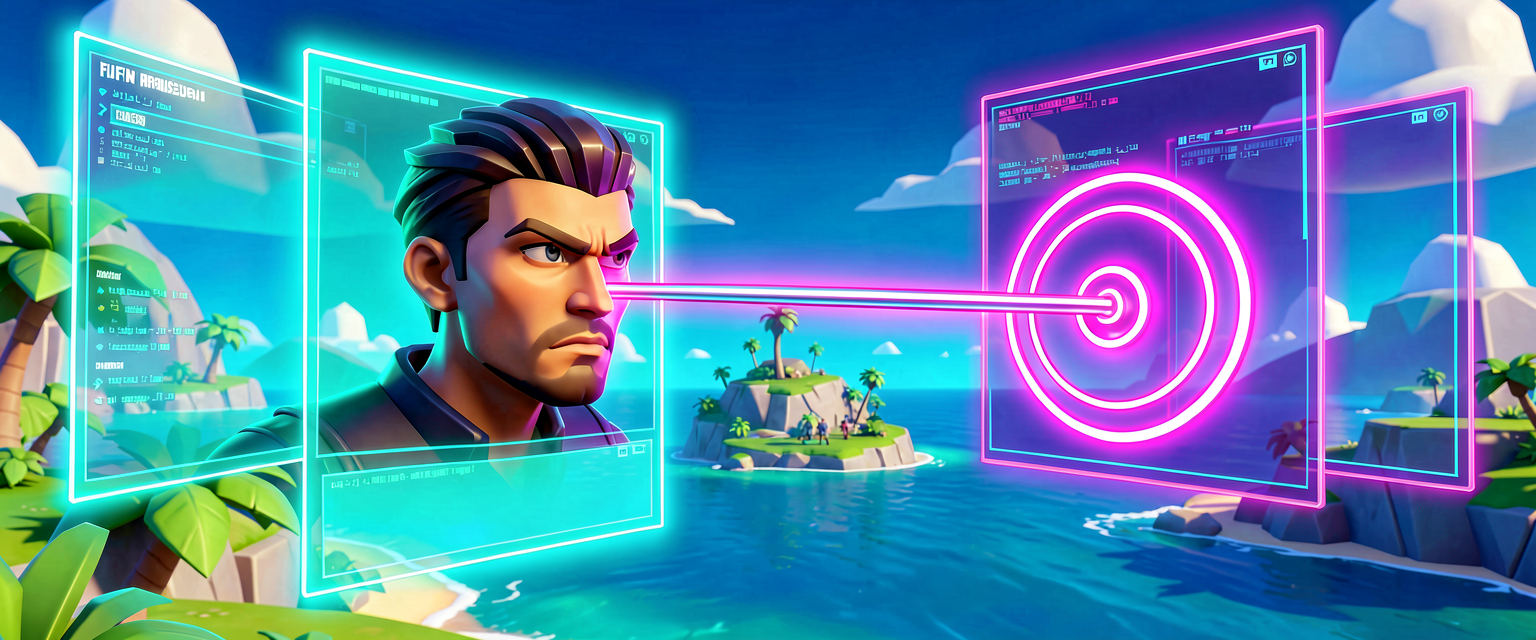
How to use GetFocusInterface
How would I use this?
GetFocusInterface is the bridge between a FortCharacter and the AI system’s attention management. In UEFN, "Focus" isn't just about looking at something; it's about the AI maintaining a target for behaviors like pathfinding, combat, or dialogue. You reach for this method when you need to:
- Assign a target for an NPC to look at, follow, or interact with (e.g.,
MaintainFocus). - Retrieve the current focus target to make decisions based on what the NPC is currently paying attention to.
- Initialize NPC data structures that require a reference to the focus system for later use in state machines.
Typical Call Pattern
The standard pattern involves chaining from an Agent or directly from a FortCharacter to get the focus interface, then calling methods on that interface (like MaintainFocus) or storing the interface reference for later use.
- Get the Character: Ensure you have a
FortCharacterinstance. - Call
GetFocusInterface: Retrieve the focus controller. - Use the Interface: Call methods like
MaintainFocus(Target)to set attention, or check properties if needed.
Concrete Example
Here is how you would use GetFocusInterface to make an NPC look at a specific target (like a player or an item) within a behavior block. This mirrors the usage in the NpcSystem / Npc Statemachine example, where the NPC maintains focus on a direction or entity.
# Assume 'Character' is a valid FortCharacter instance
# Assume 'Target' is a valid FocusTarget (e.g., another character or location)

# 1. Get the Focus Interface from the Character
FocusInterface := Character.GetFocusInterface[]

# 2. Use the interface to set the NPC's attention
# This tells the AI to look at and prioritize 'Target'
FocusInterface.MaintainFocus(Target)

# Optional: You can also store the interface for later use
# InFocus := FocusInterface
Key Notes
MaintainFocus: This is the most common method called on the result ofGetFocusInterface. It keeps the AI's attention on the specified target.- Chaining: You can chain
GetFocusInterfacedirectly after getting the character, as shown in the statemachine example:InAgent.GetFortCharacter[].GetFocusInterface[].MaintainFocus(PlayerDirection). - Initialization: In NPC data structures, you often store the result of
GetFocusInterface(e.g.,InFocus := InCharacter.GetFocusInterface[]) so you can reuse it in state machines without calling the method repeatedly.
Turn this into a guided course
Add GetFocusInterface to your free study plan — we'll suggest related pages and stitch the lot into one compile-checked, self-guided lesson with worked examples and quizzes.
References
Original symbol generated by Verse Island from the Verse/UEFN knowledge base, with references to the Epic Games sources above. Code is validated against the knowledge base.