
SymbolGenerated
Sample: GetFocusInterface
Updated Generated
Sample
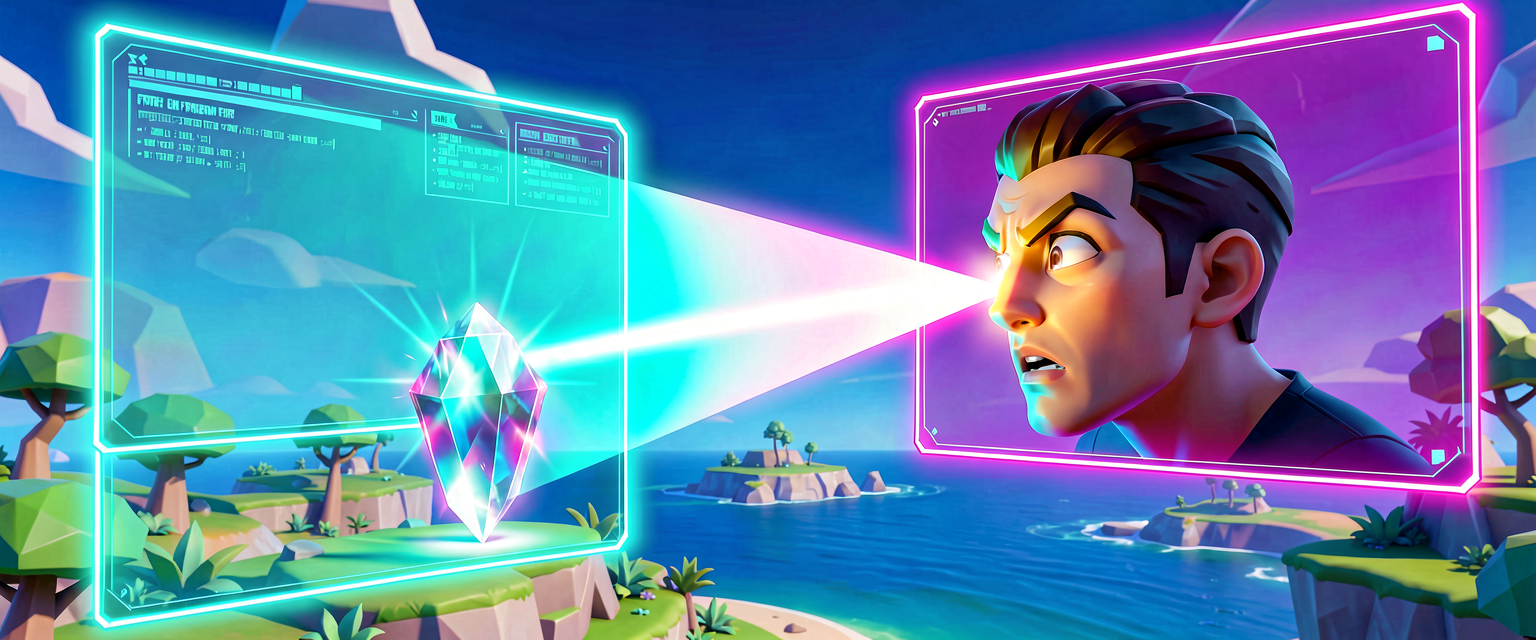
This sample demonstrates how to retrieve the focus_interface from a fort_character to control its attention, using a simple creative device that focuses on a target actor when the game begins.
using { /Fortnite.com/Devices }
using { /Fortnite.com/Characters }
using { /Fortnite.com/AI }

<public> <concrete> class(FocusDevice) (creative_device):
    @editable
    TargetActor: actor = nil

    OnBegin<override>()<suspends>: void =
        if (TargetActor != nil):
            # Retrieve the character associated with this device's owner
            if (OwnerCharacter := Owner.GetFortCharacter[]):
                # Get the focus interface for this character
                FocusInterface := OwnerCharacter.GetFocusInterface[]

                # Create a focus target from the target actor's transform
                FocusTarget := FocusTarget{
                    Target := TargetActor.GetTransform()
                }

                # Apply the focus to make the character look at the target
                FocusInterface.SetFocus(FocusTarget)

                Print("FocusDevice: Character is now focusing on target.")
            else:
                Print("FocusDevice: Owner is not a valid character.")
        else:
            Print("FocusDevice: No target actor assigned.")
usingStatements: Imports necessary modules for devices, characters, and AI interfaces, ensuringGetFocusInterfaceis accessible.@editable TargetActor: A public field allowing you to drag and drop an actor (like a prop or another character) into the device in UEFN to serve as the focus target.Owner.GetFortCharacter[]: Safely retrieves thefort_characterinstance of the player or NPC controlling this device.GetFocusInterface[]: The core API call that returns thefocus_interfaceobject, which contains methods to manage what the character is looking at or attending to.SetFocus(FocusTarget): A method on thefocus_interfacethat immediately directs the character’s attention to the specifiedFocusTarget.PrintStatements: Used for debugging to confirm in the console whether the device successfully found the character and target.
Turn this into a guided course
Add GetFocusInterface to your free study plan — we'll suggest related pages and stitch the lot into one compile-checked, self-guided lesson with worked examples and quizzes.
References
Original symbol generated by Verse Island from the Verse/UEFN knowledge base, with references to the Epic Games sources above. Code is validated against the knowledge base.