

The Magic Backpack: Using Arrays in Verse
The Magic Backpack: Using Arrays in Verse
Imagine you are playing a treasure hunt game. You have one backpack. You can put one item in it at a time. But what if you find ten coins? You need a bigger bag! In programming, we call this big bag an array.
An array is a list of things. It keeps many items together in order. We will build a game where players collect gems. We will use an array to count how many gems everyone has. Let's make some magic!
What You'll Learn
- What an array is and why it is like a list.
- How to add items to your list.
- How to look at each item in the list.
- How to count the total size of your list.
How It Works
<!-- section-art:how-it-works -->

Gem Conveyor Belt
Think of an array like a row of lockers. Each locker has a number. The first locker is number 0. The second is number 1. This number is called an index. An index is just a spot number.
In Verse, we use arrays to store many things at once. We might store player names. We might store gem colors. Or we might store scores.
Here is the cool part. You can look at any locker by its number. If you want the first gem, you look at index 0. If you want the third gem, you look at index 2.
 An array is one contiguous run of same-type slots. The first slot is index
 [0], and the last valid index is .Length - 1 — so a 5-slot array goes from [0] to [4].
Here is the same idea as a quick map of where each element lives:

We also use a loop. A loop is like a robot arm. It moves from locker to locker. It checks each one. This helps us do something to every item in the list.
Let's build a simple gem collector!
Let's Build It
<!-- section-art:let-s-build-it -->
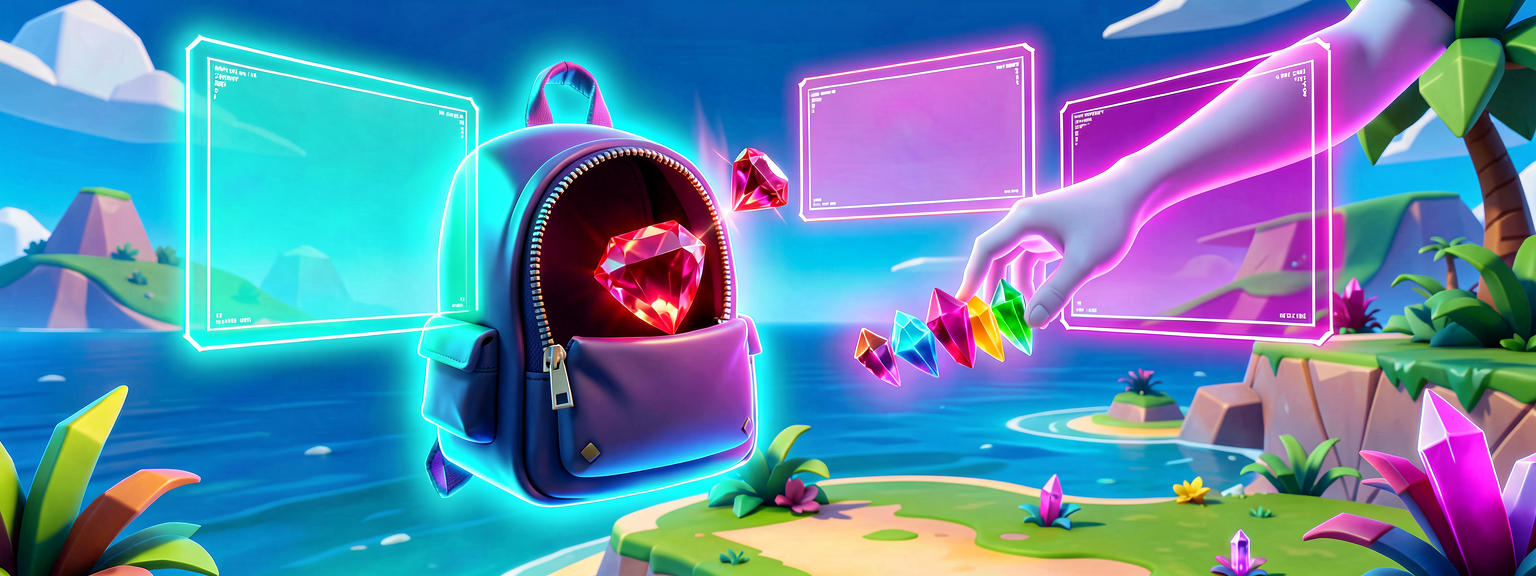
Array Backpack
We will create a device that tracks gems. When a player picks up a gem, we add it to our list. Then we show the list on screen.
First, open UEFN. Create a new device. We need to store our gems. We will use an array.
Here is the code. Read it slowly.
Let's break this down.
The line var Gems : []string = array{} creates our empty list. The []string part tells Verse what kind of items go inside. Here, we store words (strings). We use var so we can change the list later.
The line set Gems = Gems + array{"Ruby"} adds a gem. It makes a new list that includes everything we had before, plus "Ruby" at the end, and saves it back.
The for (Gem : Gems): line is our loop. It picks up one gem at a time. It calls that gem Gem. Then it does the code inside the loop.
The line Gems[0] gets the first gem. Remember, we start counting at 0!
You can run this in UEFN. Open the output window. You will see the gem names printed. You did it! You used an array.
Try It Yourself
Now it is your turn to be creative.
Challenge: Add a new gem to the list called "Diamond". Then, change the loop to print "I found a [Gem]!" instead of just the name.
Hint: Look at how we added "Ruby". You can add "Diamond" right after it. Then, look at the print line. You can put words together like puzzle pieces.
Recap
Arrays are like lists or rows of lockers. They hold many items in order. We use an index to find a specific item. We use a loop to visit every item. You can add items with Gems + array{"NewItem"} and save the result back with set. You can get items with [0]. You are now ready to manage many things at once!
References
- https://dev.epicgames.com/documentation/en-us/fortnite/team-multiplayer-balancing-in-verse
- https://dev.epicgames.com/documentation/en-us/fortnite/team-elimination-game-in-verse
- https://dev.epicgames.com/documentation/en-us/fortnite/triad-infiltration-in-verse
- https://dev.epicgames.com/documentation/en-us/fortnite/array-in-verse
- https://dev.epicgames.com/documentation/en-us/uefn/triad-infiltration-in-verse
Get the complete code — free
You've read the full walkthrough. The complete, copy-paste-ready Verse solution is free for members — sign in to unlock it.
Free with your BrainDead.TV / BrainDeadGuild Discord account. The walkthrough above is always free.
Verse source files
- 01-device.verse · device
Check your understanding
Test yourself with an interactive quiz and track your progress + earn XP — free for members.
Turn this into a guided course
Add Verse arrays to keep track of many things at once to your free study plan — we'll suggest related pages and stitch the lot into one compile-checked, self-guided lesson with worked examples and quizzes.
References
Original tutorial generated by Verse Island from the Verse/UEFN knowledge base, with references to the Epic Games sources above. Code is validated against the knowledge base.