
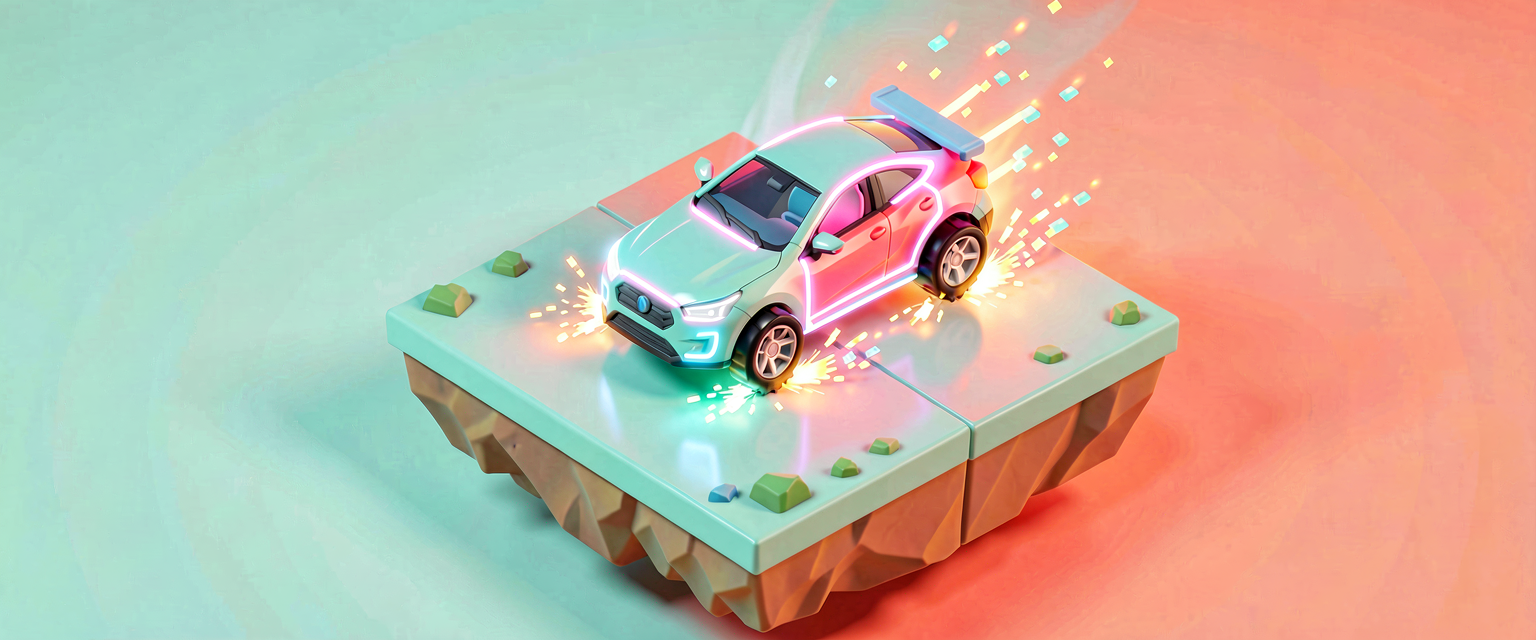
The Drivable Mini-Experience
The Drivable Mini-Experience
The capstone for Scene Graph: Car Primitive. Everything you earned, on one timeline: a primitive you found by tag, a paint swap, a first-person view on entry, and now — actual driving, under the player's own input.
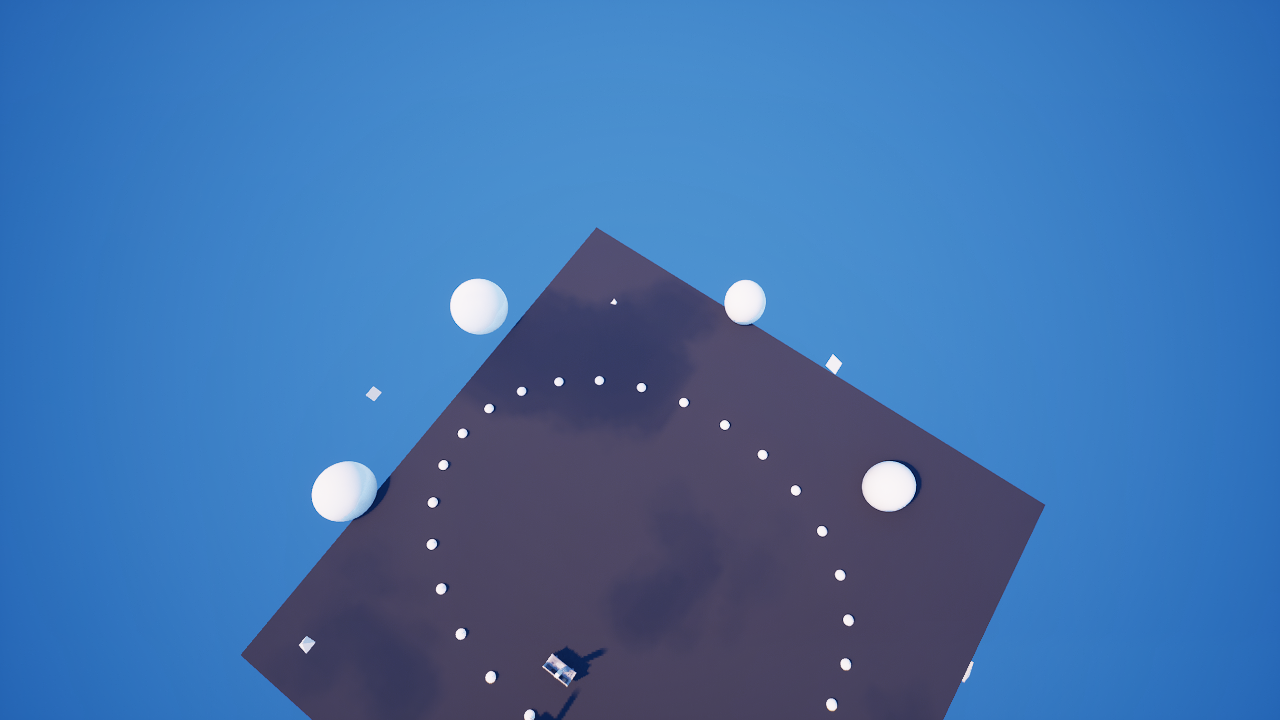
The whole loop
<!-- section-art:the-whole-loop -->

The Driving Loop
- Part 1 the car is a tagged
creative_propwe move withMoveTo. - Part 2
SetMaterialswaps its paint. - Part 3 a
mutator_zone_deviceseats the driver and a first-person camera snaps in. - here Input Trigger devices (throttle + steering) move the car while seated, plus a paint-cycle key.
Driving a prop = moving it yourself
Our car has no engine sim, so we are the engine. While a driver is seated, a coroutine ticks ~16 times a second; each tick reads which controls are held and nudges the car:
DriveLoop(Agent : agent)<suspends> : void =
    loop:
        if (not Driving?):
            break
        MoveTaggedCar(Agent)
        Sleep(0.06)
DriveLoop is launched with spawn the moment the driver enters, and it breaks itself the moment Driving goes false (on exit). Sleep(0.06) paces it. This is the same spawn + <suspends> + Sleep pattern behind every timed system in Verse — here it's a control loop instead of a show.
Reading held input
The step reads each Input Trigger's IsHeld[Agent] — a failable query that succeeds while that player holds the key — and builds the next transform:
StepCar(Agent : agent, Body : creative_prop)<suspends> : void =
    Current : transform = Body.GetTransform()
    var NextRot : rotation = Current.Rotation
    if (SteerLeft.IsHeld[Agent]):
        set NextRot = NextRot.ApplyWorldRotationZ(-TurnRadians)
    if (SteerRight.IsHeld[Agent]):
        set NextRot = NextRot.ApplyWorldRotationZ(TurnRadians)
    var NextPos : vector3 = Current.Translation
    if (Throttle.IsHeld[Agent]):
        Forward : vector3 = NextRot.GetLocalForward()
        set NextPos = Current.Translation + Forward * Speed
    Body.MoveTo(NextPos, NextRot, 0.06)
Steering rotates the car about its up axis (ApplyWorldRotationZ); throttle advances it along the newly-rotated forward, so turning while accelerating curves the path. MoveTo over the same 0.06s as the tick keeps motion smooth.
Seating and releasing
On enter we guard against double-seating, push first person, register every control, flip Driving true, and launch the loop. On exit we undo all of it:
OnSeat(Agent : agent) : void =
    if (not Driving?):
        DriverCamera.AddTo(Agent)
        Throttle.Register(Agent)
        SteerLeft.Register(Agent)
        SteerRight.Register(Agent)
        PaintInput.Register(Agent)
        set Driving = true
        spawn { DriveLoop(Agent) }
The if (not Driving?) re-entry guard means a second player wandering into the zone can't hijack a car that's already being driven.
The full device
This capstone is compile-verified in UEFN 5.8 (0 errors). Tag the car body car_body_tag; wire a Mutator Zone, a First-Person Gameplay Camera, three Input Triggers (throttle / steer-left / steer-right), a paint Input Trigger, and two paint materials. Walk into the zone and drive.
What you built
<!-- section-art:what-you-built -->

Barrel Drift
A genuinely drivable experience from compile-clean, fully-public Verse — find a prop, paint it, seat a driver in first person, and steer it under live input. You also learned the honest boundaries: no creator-built wheeled vehicles, no per-parameter material colour, no custom input actions — and the public tool that stands in for each.
Recap
- The car is a prop, so the drive loop is yours: a
spawned<suspends>loop that ticks whileDriving?. input_trigger_device.IsHeld[Agent]is a failable per-tick read of held controls.ApplyWorldRotationZsteers;GetLocalForward+ throttle drives along the new facing.- A
var Drivingre-entry guard stops a second player hijacking the car. - The domain's honest boundaries: internal vehicle sim, internal material params, internal input authoring — each met with a public stand-in.
Get the complete code — free
You've read the full walkthrough. The complete, copy-paste-ready Verse solution is free for members — sign in to unlock it.
Free with your BrainDead.TV / BrainDeadGuild Discord account. The walkthrough above is always free.
Verse source files
- 01-fragment.verse · fragment
- 03-device.verse · device
Check your understanding
Test yourself with an interactive quiz and track your progress + earn XP — free for members.
Turn this into a guided course
Add UEFN Verse capstone — spawn + <suspends> drive loop, input_trigger_device.IsHeld per-tick read, ApplyWorldRotationZ steering + GetLocalForward throttle, mutator_zone seat/exit, gameplay_camera_first_person AddTo/RemoveFrom, SetMaterial paint cycle, var re-entry guard to your free study plan — we'll suggest related pages and stitch the lot into one compile-checked, self-guided lesson with worked examples and quizzes.
References
Original tutorial generated by Verse Island from the Verse/UEFN knowledge base, with references to the Epic Games sources above. Code is validated against the knowledge base.