
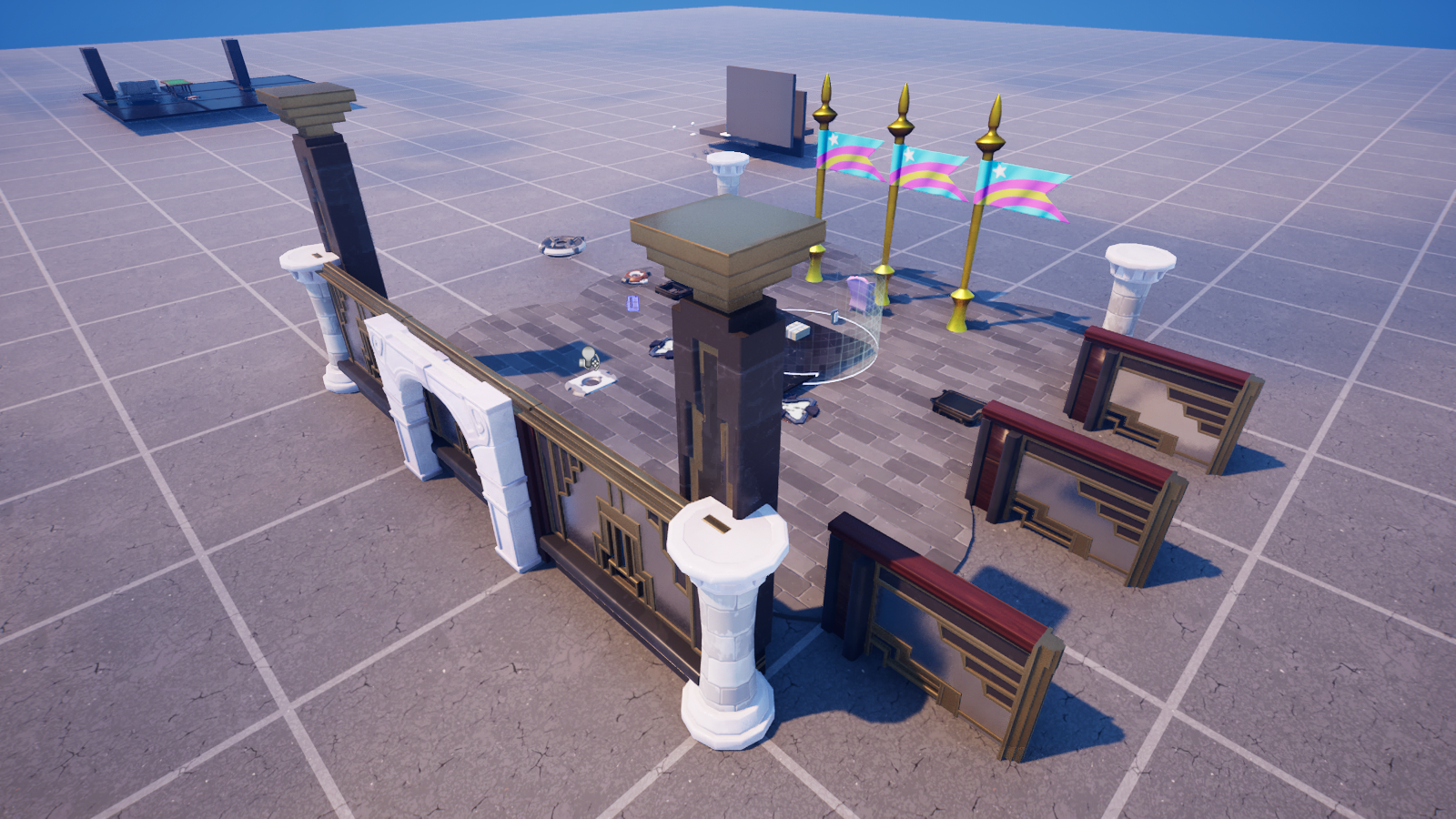
Who's Playing? Finding the Player's Character
Who's Playing? Finding the Player's Character
Everything in this series starts with one move: getting a hold of the player's character. Not the player (the person at the controller) — their character, the body that sprints, crouches, and falls off your map. In Verse that body is a fort_character, and it's the thing you read, move, and react to.
Here's the catch beginners trip on: there is no global "give me the player." You can't just type Player and start working. You walk a short chain from the device you're writing down to each player's body — and one link in that chain can fail, which is actually a feature.
The chain: device → playspace → players → character
<!-- section-art:the-chain-device-playspace-players-character -->

Player Chain
Four steps, every time:
# 1. Every device lives inside a playspace — the running experience.
Playspace := GetPlayspace()
# 2. The playspace knows every human player currently in the match.
AllPlayers := Playspace.GetPlayers()
# 3 + 4. A player's BODY is its fort_character. This can FAIL (a player
# mid-respawn has no body yet), so we use the failable [] form.
for (P : AllPlayers):
    if (Body := P.GetFortCharacter[]):
        Where := Body.GetTransform().Translation
        Print("a player is at height {Where.Z}")
Read it top to bottom:
GetPlayspace()— everycreative_deviceis inside a playspace (the live experience). This hands you that playspace.GetPlayspace().GetPlayers()— the playspace knows every humanplayerin the match. (There's alsoGetParticipants()if you want AI agents too — more on those in the NPC series.)P.GetFortCharacter[]— the bridge from aplayerto itsfort_character. The square brackets are the important part: this call is failable. A player who just joined, or who's mid-respawn, has no body yet — so the call fails, and theifsimply skips them. That's exactly what you want; you never operate on a body that isn't there.
Why [] and not ()?
In Verse, square brackets mark a call that can fail — it might not produce a value. GetFortCharacter[] returns a fort_character if one exists, and fails otherwise. Wrapping it in if (Body := P.GetFortCharacter[]) means: "if there's a body, bind it to Body and run the block; if not, skip." This is the single most common pattern in character code, because at any instant some player might not have a live character.
What a fort_character can tell you
Once you hold a Body, it's an open book. A fort_character is positional, so it carries a transform — and it answers a whole list of yes/no questions about its current state:
Where := Body.GetTransform().Translation   # where it is in the world
Eye   := Body.GetViewLocation()            # where it's looking FROM (eye point)

if (Body.IsCrouching[]):  Print("crouching")
if (Body.IsInAir[]):      Print("airborne")
if (Body.IsOnGround[]):   Print("grounded")
GetTransform()comes frompositional;.Translationis the world position,.Rotationthe facing.GetViewLocation()/GetViewRotation()give the aim — the eye point and look direction, handy for "what is the player pointing at?"IsCrouching[],IsInAir[],IsOnGround[],IsFalling[],IsGliding[]— all failable tests (the[]again). They succeed when true, so you read them inside anif. There's noGetState()returning a string; you ask the specific question you care about.
The full roll-call device
<!-- section-art:the-full-roll-call-device -->
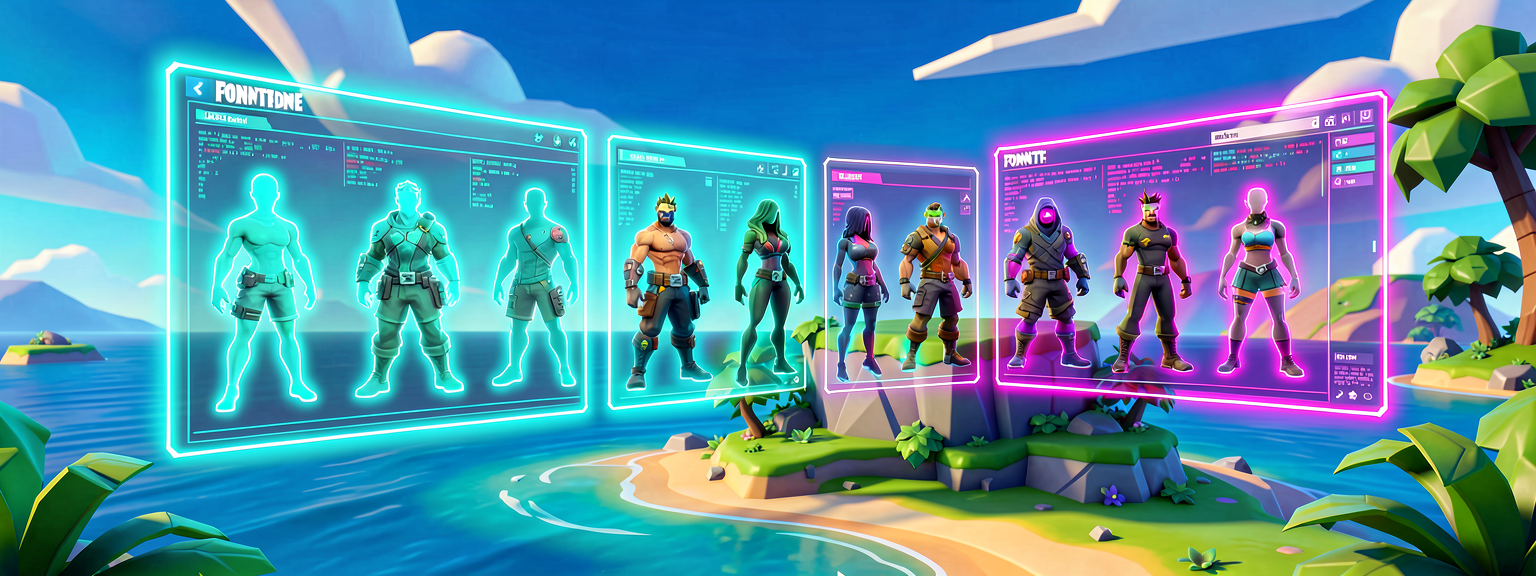
Character Scanner
Here's the whole thing as a drop-in device: press a Button, get a status report on every player in the match.
Note the imports: /Fortnite.com/Characters is the module that gives you GetFortCharacter and the whole fort_character surface — forget it and none of this resolves.
This device is compile-verified in UEFN 5.8 (the whole project builds clean with it installed). Grab it from the download panel as 03-device.verse, drop a Button in your level, and drag it into the ReportButton slot.
Recap
- There's no global player — walk the chain:
GetPlayspace()→GetPlayers()→P.GetFortCharacter[]. - A player's body is a
fort_character; getting it is failable ([]), because a player might not have a live body right now — theifskips them safely. - A
fort_characterispositional:GetTransform().Translationis where it is,GetViewLocation()is where it looks from. - State checks (
IsCrouching[],IsInAir[], ...) are failable tests — they succeed when true, so you read them inside anif. - Import
/Fortnite.com/Charactersfor the character API.
Next — Part 2: Move That Character — now that we can find a body, we'll push it around: launch pads, shoves, and instant teleports.
Get the complete code — free
You've read the full walkthrough. The complete, copy-paste-ready Verse solution is free for members — sign in to unlock it.
Free with your BrainDead.TV / BrainDeadGuild Discord account. The walkthrough above is always free.
Verse source files
- 01-fragment.verse · fragment
- 03-device.verse · device
Check your understanding
Test yourself with an interactive quiz and track your progress + earn XP — free for members.
Turn this into a guided course
Add UEFN Verse characters — GetPlayspace, GetPlayers, GetFortCharacter, fort_character, GetTransform, IsCrouching to your free study plan — we'll suggest related pages and stitch the lot into one compile-checked, self-guided lesson with worked examples and quizzes.
References
Original tutorial generated by Verse Island from the Verse/UEFN knowledge base, with references to the Epic Games sources above. Code is validated against the knowledge base.