
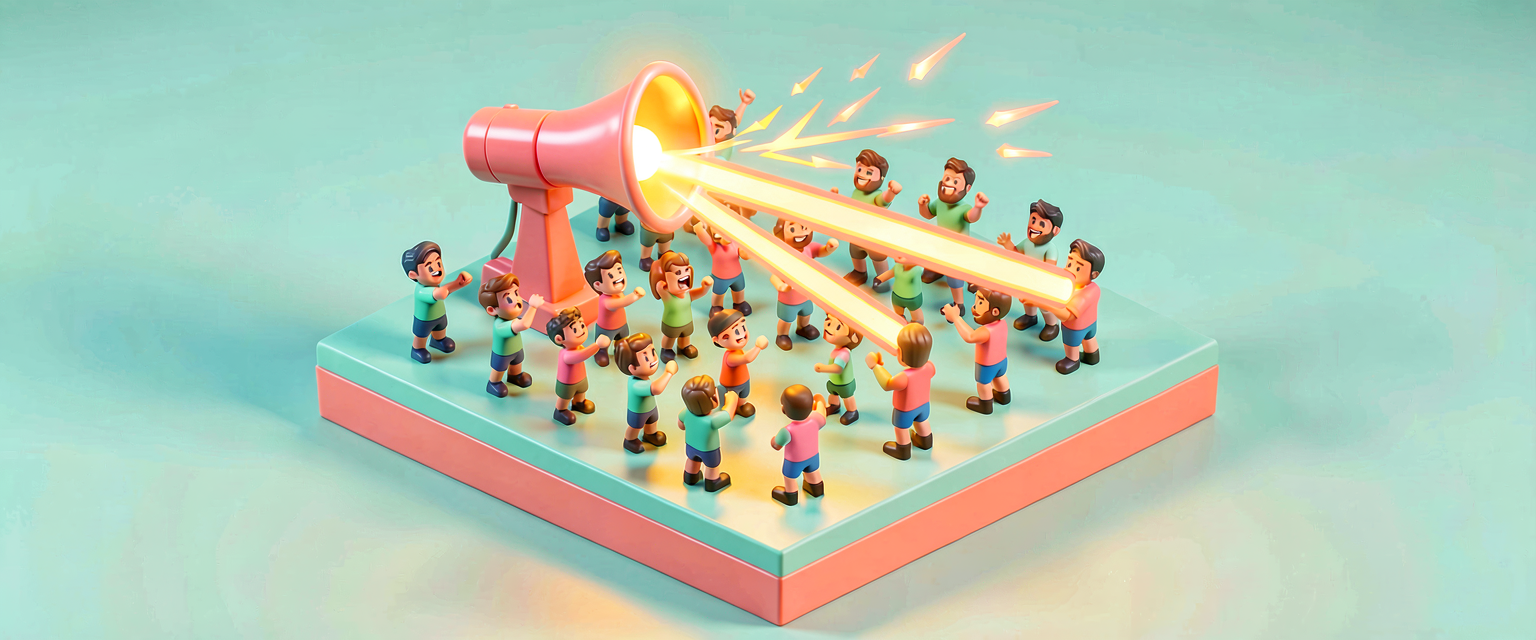
What Events Are: The Announcer and the Crowd
What Events Are: The Announcer and the Crowd
Games are full of the word when. When a player presses the button… when the timer runs out… when someone gets eliminated. Every one of those is an event, and events are how the different parts of your island talk to each other.
An event is an announcement. One thing broadcasts "this just happened!" and anything that cares is listening and reacts.
You already understand this perfectly from playing games — you just have not named it yet.
The stadium picture
<!-- section-art:the-stadium-picture -->
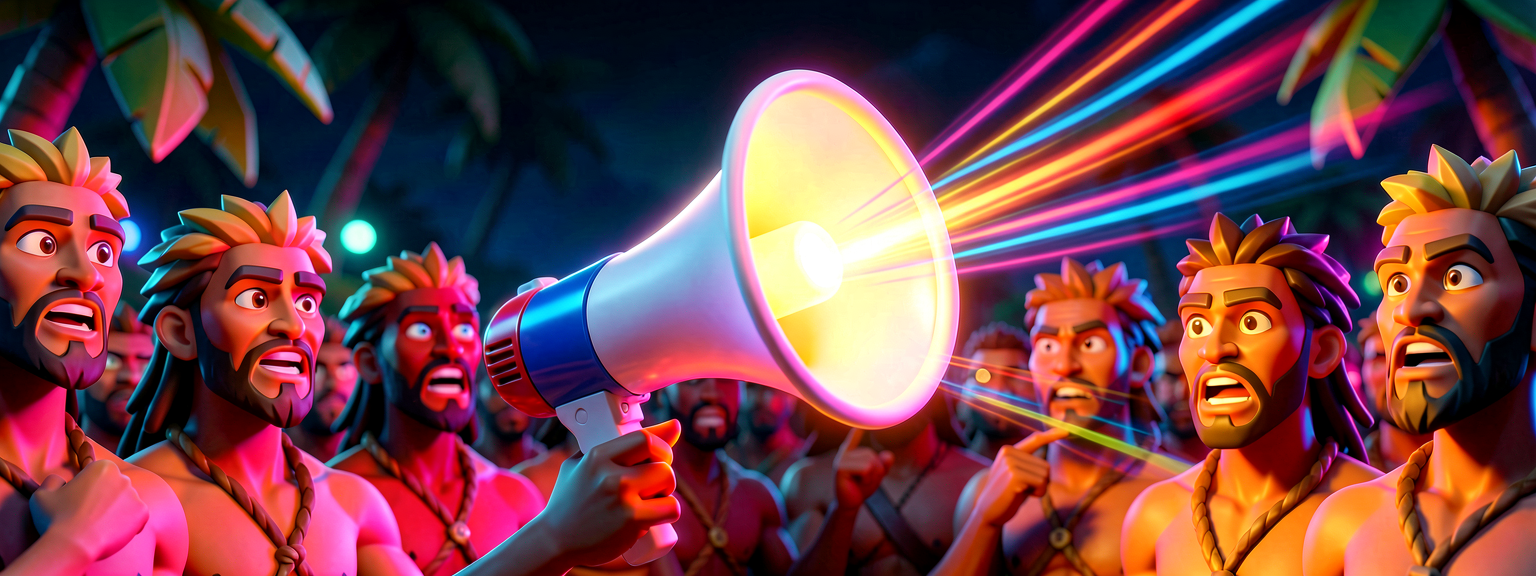
Event Broadcasting
Picture a Fortnite match in a stadium. The announcer shouts "Storm's closing in!" The announcer does not run to each player and tap them on the shoulder. They shout it once, and everyone who is listening reacts: one player runs, one heals, one keeps fighting.
That is an event:
- The announcer broadcasts one message.
- The crowd receives it — but only the people listening for that message react.
- The announcer does not know or care who is listening. They just shout.
This last point is the whole magic of events, so hold onto it: the broadcaster and the listeners do not need to know about each other. The announcer shouts into the air. Whoever cares, reacts.
Broadcast and receive
Every event has two sides:
- Broadcast (sometimes called signal or fire) — the moment of "it happened!" The button got pressed. The timer hit zero.
- Receive (called subscribe or listen) — "when that happens, I will do this." Play a sound. Open a door. Add a point.
A button being pressed broadcasts. Your code that opens a door receives. Connect them, and pressing the button opens the door — even though the button has never heard of your door.
Why this is a big deal
Imagine if every device had to keep a list of every other device it must notify. Add one new thing and you would have to update everything. That is a tangled mess.
Events untangle it. The button just shouts "I was pressed!" into the air. Five different things can quietly listen — a door, a sound, a scoreboard, a particle effect, a fifth you add next week — and the button never changes. You add listeners without ever touching the broadcaster.
Events let you add behavior without rewiring everything. That is the difference between a game you can grow and a game that collapses the moment you change it.
Two kinds of events you will meet
In Verse you will run into events from two places:
- Events devices already give you. A Button has an interacted-with event. A Timer has a success event. A Trigger has a triggered event. These come for free — you just listen to them. (That is the next lesson.)
- Events you create yourself. When your own game logic needs to announce something — "the boss was defeated!" — you can make your own event and broadcast it. (That is lesson 3.)
Both work the same way: something broadcasts, something else receives.
The one word to remember: subscribe
<!-- section-art:the-one-word-to-remember-subscribe -->
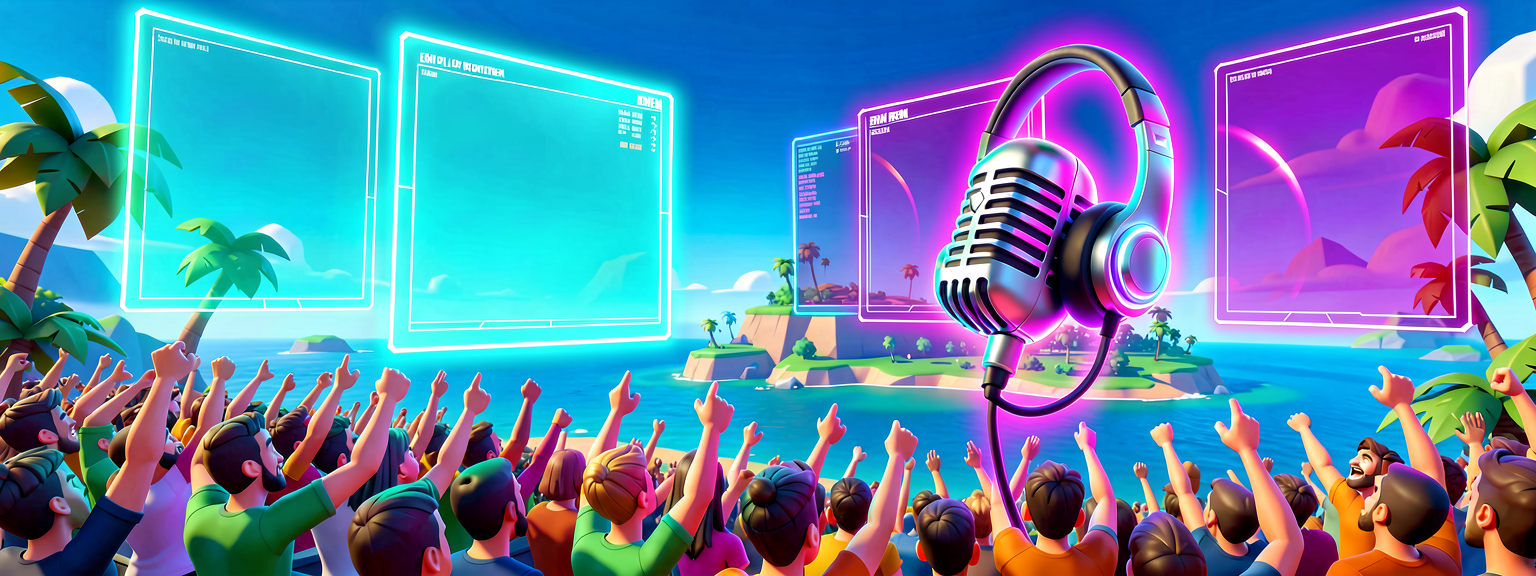
Subscribe Listener
In Verse, "start listening for this event" is spelled Subscribe. You saw it already in the Devices series:
RewardButton.InteractedWithEvent.Subscribe(OnRewardPressed)
Read it as a sentence: "For RewardButton's interacted-with event, Subscribe (start listening), and when it fires, run OnRewardPressed." That is a listener joining the crowd. The next lessons make every piece of that line click.
Why this helps you direct an AI
When you think in events, you can describe behavior the way it actually works: "when the timer succeeds, broadcast a 'round over' event; the scoreboard and the music both listen for it." That sentence names the broadcaster, the event, and the listeners — exactly the structure a helper needs to build a clean, growable system instead of a tangle.
Quick recap
- An event is an announcement: one thing broadcasts, listeners receive.
- The broadcaster does not know who is listening — that is the whole point.
- Broadcast / signal / fire = "it happened." Receive / subscribe / listen = "when it does, do this."
- Events let you add behavior without rewiring everything.
- Devices give you events for free; you can also make your own.
Subscribeis how you start listening in Verse.
Next: Device Events and Subscribe — listening to the events Fortnite devices already broadcast.
References
- Using Events in Verse
- Verse Language Reference
- Part of the Events & Subscribables series. Builds on The Grammar of Verse.
Verse source files
- 01-fragment.verse · fragment
Check your understanding
Test yourself with an interactive quiz and track your progress + earn XP — free for members.
Turn this into a guided course
Add Events in Verse — broadcast and receive, explained via game mechanics to your free study plan — we'll suggest related pages and stitch the lot into one compile-checked, self-guided lesson with worked examples and quizzes.
Original tutorial generated by Verse Island from the Verse/UEFN knowledge base, with references to the Epic Games sources above. Code is validated against the knowledge base.