

The Safety Net: Handling Missing Targets with Verse
The Safety Net: Handling Missing Targets with Verse
Have you ever tried to open a locked door? Or press a button that isn’t there? In Fortnite, things can disappear or fail to appear. Your code needs to be ready for that!
We will build a simple target practice game. But first, we will make it safe. We will learn how Verse handles "missing" things. You will learn to write code that doesn't crash when a target is gone.
What You'll Learn
- What a failable expression is.
- How to use failure as a tool, not just an error.
- How to check if a target exists before shooting it.
- How to write code that stays safe and steady.
How It Works
<!-- section-art:how-it-works -->

Verse Safety Net
Imagine you have a treasure map. The map has a spot marked "X". But what if the treasure is missing? You don’t want to dig a hole in the sky! You want to check first.
In many games, you check if something is true or false. In Verse, we use a different trick. We call it Failure.
The "Try" Box
Think of a failable expression like a mystery box. You reach in to grab a toy.
- Success: You find the toy! The box gives you the toy.
- Failure: The box is empty! The box gives you nothing.
In Verse, some actions are "mystery boxes." For example, picking a target from a list might fail if the list is empty.
The Safety Net
We need a failure context. This is like a safety net under a trampoline. If you fall (fail), the net catches you. It doesn’t let you crash into the ground.
We use a special word: if. But in Verse, if works differently. It asks: "Did this action succeed?"
- If yes, we run the code inside.
- If no, we skip it and stay safe.
This is better than crashing. Your island stays playable!
Let's Build It
<!-- section-art:let-s-build-it -->
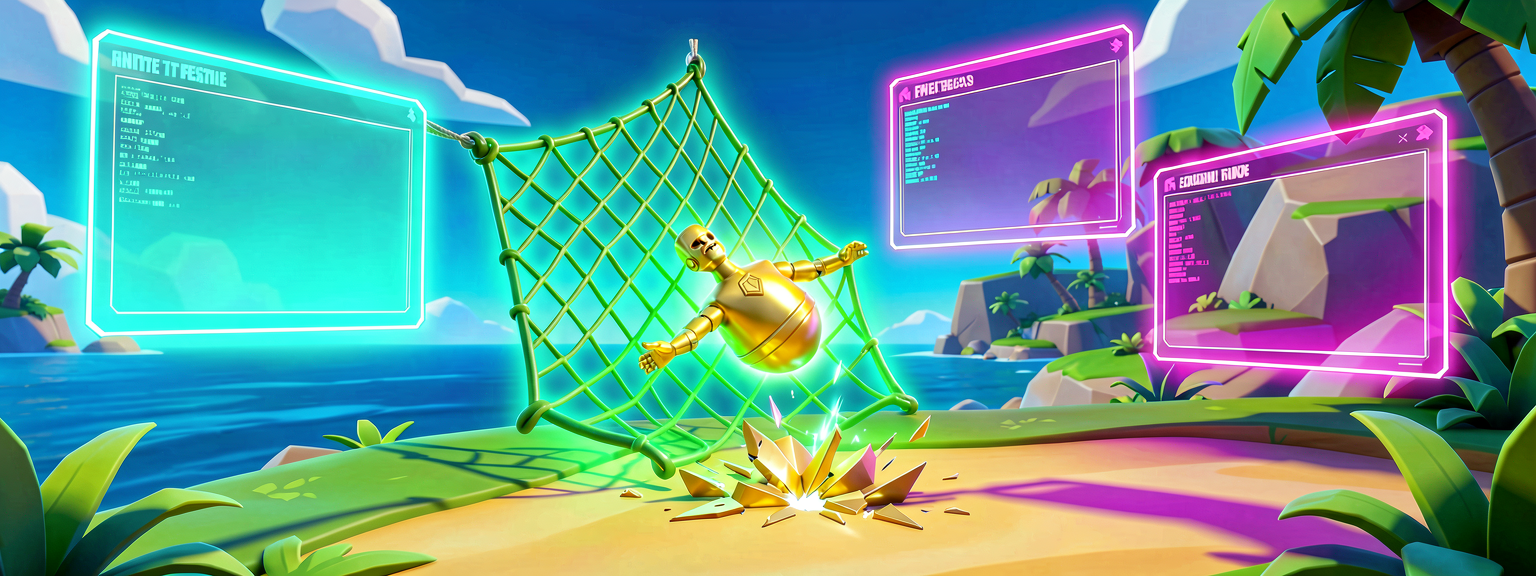
Safety Net Catch
We will make a device that shoots at targets. But first, it checks if the target is there. If the target is missing, it just waits. It does not break.
Step 1: The Setup
Create a new Verse Device. Call it SafeShooter.
Add two variables in the Details panel:
TargetList: A list ofTargetDummyTrackdevices.CurrentIndex: An integer (whole number).
Step 2: The Code
Here is the code. Read it line by line.
# This is our SafeShooter device
type SafeShooter() =
    # A list of targets we can shoot
    TargetList: [TargetDummyTrack] = []

    # Which target are we looking at now?
    CurrentIndex: int = 0

    # This function runs when the game starts
    OnBegin<override>()<suspends>: void =
        # We try to get the target at CurrentIndex
        # This is a "failable expression"
        if (Target := TargetList[CurrentIndex]):
            # This code only runs if the target EXISTS
            # "Target" is now the actual target object
            Target.SetHealth(100)
            Print("Found a target! Health is 100.")
        else:
            # This code runs if the target is MISSING
            Print("No target here. Skipping.")
Walkthrough
TargetList[CurrentIndex]: This is the mystery box. It tries to find the target at the current number.if (Target := ...): This is the safety net.- The
:=symbol tries to grab the value. - It saves it into the variable
Target. - If it succeeds,
Targethas the target. The code inside the block runs. - If it fails (no target),
Targetis empty. The code inside the block is skipped.
- The
else: This is what happens if the box is empty. We print a message instead of crashing.
This keeps your game running smoothly. No crashes!
Try It Yourself
Now you try! Change the code to make it more fun.
Challenge:
Add a Random number generator. Pick a random index from TargetList. Use the if check to see if that random target exists. If it does, change its color to red. If it doesn’t, print "Oops! No target."
Hint:
Use RandomIntN(Count) to get a random number. Remember to check if the number is less than the length of the list first!
Recap
- Verse uses failure for control flow.
- A failable expression can succeed or fail.
- Use
ifwith:=to safely check for values. - This prevents crashes when things are missing.
References
- https://dev.epicgames.com/documentation/en-us/uefn/verse-language-quick-reference
- https://dev.epicgames.com/documentation/en-us/uefn/failure-in-verse
- https://dev.epicgames.com/documentation/en-us/fortnite/first-island-05-spice-up-the-gameplay-with-verse-in-fortnite
- https://dev.epicgames.com/documentation/fortnite/verse-glossary
- https://dev.epicgames.com/documentation/en-us/uefn/verse-glossary
Verse source files
- 01-fragment.verse · fragment
Turn this into a guided course
Add Verse failure and the option type for safe code to your free study plan — we'll suggest related pages and stitch the lot into one compile-checked, self-guided lesson with worked examples and quizzes.
References
Original tutorial generated by Verse Island from the Verse/UEFN knowledge base, with references to the Epic Games sources above. Code is validated against the knowledge base.