
Build a Button That Actually Does Something Cool
Build a Button That Actually Does Something Cool
Welcome to the world of Verse! You have built your first island. You have placed some walls and some traps. But maybe you noticed something boring. You press a button. Nothing happens. Or worse, a trap goes off when you just want to open a door.
Today, we fix that. We are going to write a tiny program. It will make a button do exactly what you want. It will be fun. It will be playable. Let's code!
What You'll Learn
- What a function is (it's like a magic spell).
- How to make a Verse Device in UEFN.
- How to connect a button to a trap using code.
- How to test your code safely.
How It Works
<!-- section-art:how-it-works -->

The Verse Brain
Imagine you are building with LEGO bricks. You have a red brick. You have a blue brick. You can snap them together. That is like using standard Fortnite Creative devices. You click a wire from a button to a door. It opens. Simple.
But what if you want the door to open only if the player is holding a specific sword? Or what if you want a trap to explode three seconds after you step on a plate? Standard wires are too simple. They cannot think.
This is where Verse comes in.
Think of Verse as a super-smart brain. You give the brain instructions. The brain watches the game. When it sees the right thing happen, it tells other devices what to do.
The most important tool in this brain is a function.
What is a function? Imagine a recipe. A recipe has a name, like "Make Pancakes." It has steps. "Mix eggs." "Pour batter." "Cook." You don't rewrite the whole recipe every time you want breakfast. You just say, "Make Pancakes!" and the kitchen does the work.
In Verse, a function is a named set of instructions. You write it once. You call it whenever you need it. We will write a function called OnButtonPressed. When the player presses the button, our code will say, "Hey, turn on the explosion!"
Let's build it.
Let's Build It
<!-- section-art:let-s-build-it -->
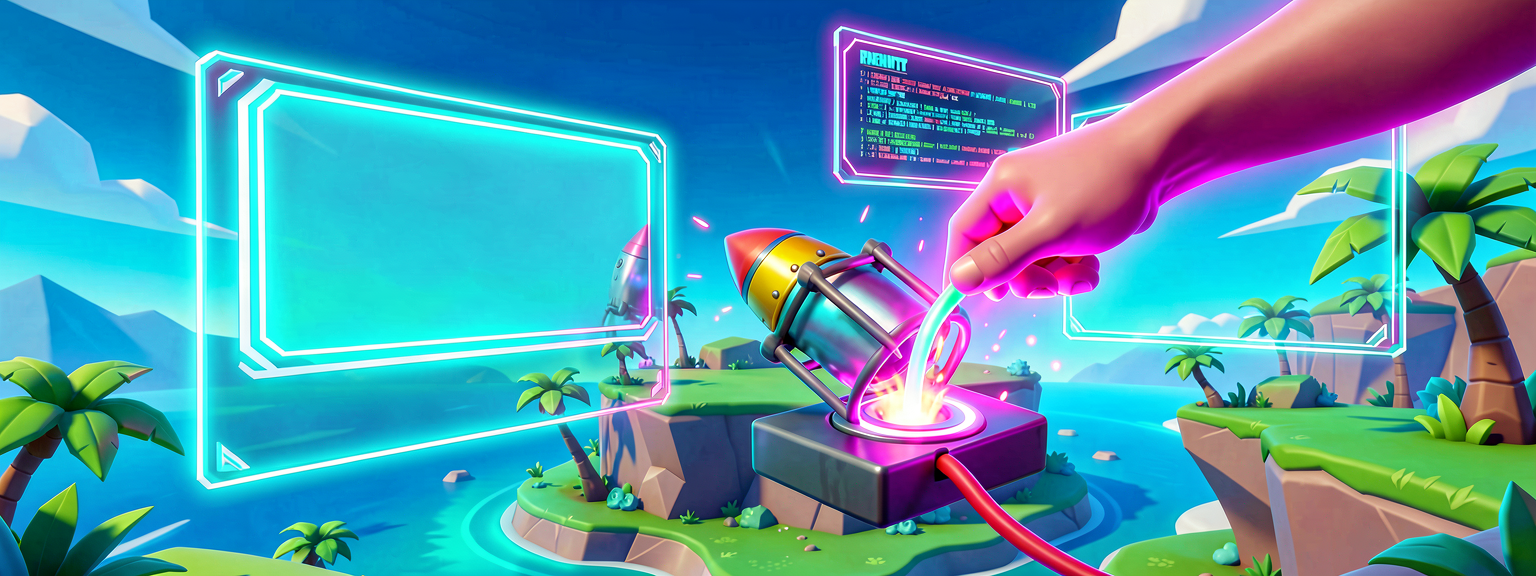
Button Trap Link
We are going to make a simple game.
- Place a Button on the floor.
- Place a Trap (like a rocket launcher trap) in the air.
- Write Verse code so the trap fires when you press the button.
Step 1: Open the Verse Editor
- In UEFN, go to the top menu.
- Click Verse.
- Click Verse Explorer.
- Click Create New Verse Device.
- Name it
ButtonTrapController.
Step 2: The Code
Copy this code into your new device. Do not worry if it looks scary. We will break it down line by line.
# This is a Verse Device. It lives in your island.
# It watches for events and controls other devices.
using { /Fortnite.com/Devices }
using { /Verse.org/Simulation }
using { /UnrealEngine.com/Temporary/Diagnostics }

device ButtonTrapController : creative_device {

    # We need a way to talk to the trap.
    # We will link this in the editor later.
    @editable
    Trap : trap_device = trap_device{}

    # This is our main function.
    # It runs when the button is pressed.
    # It is <suspends> because it can be used with async events.
    OnButtonPressed(Agent : agent) : void {
        # This line tells the trap to enable and trigger!
        Trap.Enable()

        # This line prints a message to the console.
        # It helps you know the code worked.
        Print("Boom! The trap fired!")
    }
}
Step 3: Connect the Wires (The Scene Graph)
In Fortnite, everything is part of a Scene Graph. This is just a fancy name for the family tree of objects in your game. Your button is a child. Your trap is a child. Your Verse device is a parent that controls them.
- Go back to the Level Editor.
- Find your
ButtonTrapControllerin the World Outliner. - Look at the Details Panel on the right.
- Find the property named
Trap. - Drag your Trap device from the world and drop it into the
Trapbox. - Now, we need to tell the Verse device when to run
OnButtonPressed. - In the Verse code, we need to add an Event. An event is a trigger. It says "Wait here until this happens."
Let's update the code to include the event. Replace your code with this better version:
# A Verse Device that fires a trap when a button is pressed.
using { /Fortnite.com/Devices }
using { /Verse.org/Simulation }
using { /UnrealEngine.com/Temporary/Diagnostics }

device ButtonTrapController : creative_device {

    # This is the trap we want to control.
    # The @editable tag lets us assign it in the UEFN Details Panel.
    @editable
    Trap : trap_device = trap_device{}

    # This is the button we want to watch.
    # The @editable tag lets us assign it in the UEFN Details Panel.
    @editable
    Button : button_device = button_device{}

    # OnBegin runs automatically when the game session starts.
    # We use it to subscribe to the button's InteractedWithEvent.
    OnBegin<override>()<suspends> : void = {
        # Tell the Button: when someone interacts with you,
        # call our FireTheTrap function.
        Button.InteractedWithEvent.Subscribe(FireTheTrap)
    }

    # Here is the function that does the work.
    # It receives the agent (player) who pressed the button.
    FireTheTrap(Presser : agent) : void = {
        # Tell the trap to enable so it can fire!
        Trap.Enable()

        # Tell the console we did it.
        Print("Target acquired! Boom!")
    }
}
Wait, how do we connect the button to the function?
In UEFN, you connect devices by assigning them to @editable properties in the Details Panel. The Subscribe call inside OnBegin does the rest — it listens for the button's InteractedWithEvent and calls your function automatically.
- Select your ButtonTrapController device in the editor.
- Look at the Details Panel on the right.
- Assign your Button device to the
Buttonproperty. - Assign your Trap device to the
Trapproperty.
Now, when you press the button, the game fires the InteractedWithEvent. Your FireTheTrap function runs. Your function tells the trap to enable and fire. It is that simple!
Step 4: Test It
- Click Play.
- Walk up to the button.
- Press the button.
- Watch the trap fire!
- Check the console (press
~key) to see your message.
You just wrote your first Verse function! You made a device that thinks.
Try It Yourself
You did it! You made a button trigger a trap. Now, let's make it harder.
Challenge: Can you make the trap fire twice?
Hint:
Inside your FireTheTrap function, you can call Trap.Enable() more than once. But wait! If you do it too fast, it might look like one big boom.
Bonus Hint:
Verse has a special command called Sleep(). It pauses the code for a second. Because Sleep is an async operation, we mark the function with <suspends>. Try this:
See if you can make a double-boom!
Recap
- Verse is a programming language for Fortnite islands.
- A function is a named set of instructions. It is like a recipe.
- You write the function once. You call it when you need it.
- You connect your code to devices using
@editableproperties andSubscribe. - You can control traps, doors, and props with simple code.
You are now a Verse creator. Keep building. Keep coding. Have fun!
References
- https://dev.epicgames.com/documentation/en-us/fortnite/first-island-05-spice-up-the-gameplay-with-verse-in-fortnite
- https://dev.epicgames.com/documentation/en-us/fortnite/discover-the-resources-waiting-for-you-as-a-fortnite-creator
- https://dev.epicgames.com/documentation/en-us/fortnite-creative/discover-the-resources-waiting-for-you-as-a-fortnite-creator
- https://dev.epicgames.com/documentation/en-us/fortnite/build-your-first-island-in-fortnite
- https://dev.epicgames.com/documentation/en-us/uefn/verse-language-get-started-in-unreal-editor-for-fortnite
Get the complete code — free
You've read the full walkthrough. The complete, copy-paste-ready Verse solution is free for members — sign in to unlock it.
Free with your BrainDead.TV / BrainDeadGuild Discord account. The walkthrough above is always free.
Verse source files
- 01-fragment.verse · fragment
- 02-fragment.verse · fragment
- 03-fragment.verse · fragment
Check your understanding
Test yourself with an interactive quiz and track your progress + earn XP — free for members.
Turn this into a guided course
Add Verse functions and when to use them in a Fortnite island to your free study plan — we'll suggest related pages and stitch the lot into one compile-checked, self-guided lesson with worked examples and quizzes.
References
Original tutorial generated by Verse Island from the Verse/UEFN knowledge base, with references to the Epic Games sources above. Code is validated against the knowledge base.