
Spawner Waves: Building a Horde with the NPC Spawner
Spawner Waves: Building a Horde with the NPC Spawner
Welcome to Scene Graph: NPCs — the part of UEFN where your empty island finally fills up with things that move on their own. Guards that patrol, villagers that flee, companions that follow you home, and waves of enemies that just keep coming. Every NPC you ever place starts at one device: the NPC Spawner.
Who vs. when: the spawner's split brain
<!-- section-art:who-vs-when-the-spawner-s-split-brain -->
Spawner Mechanism
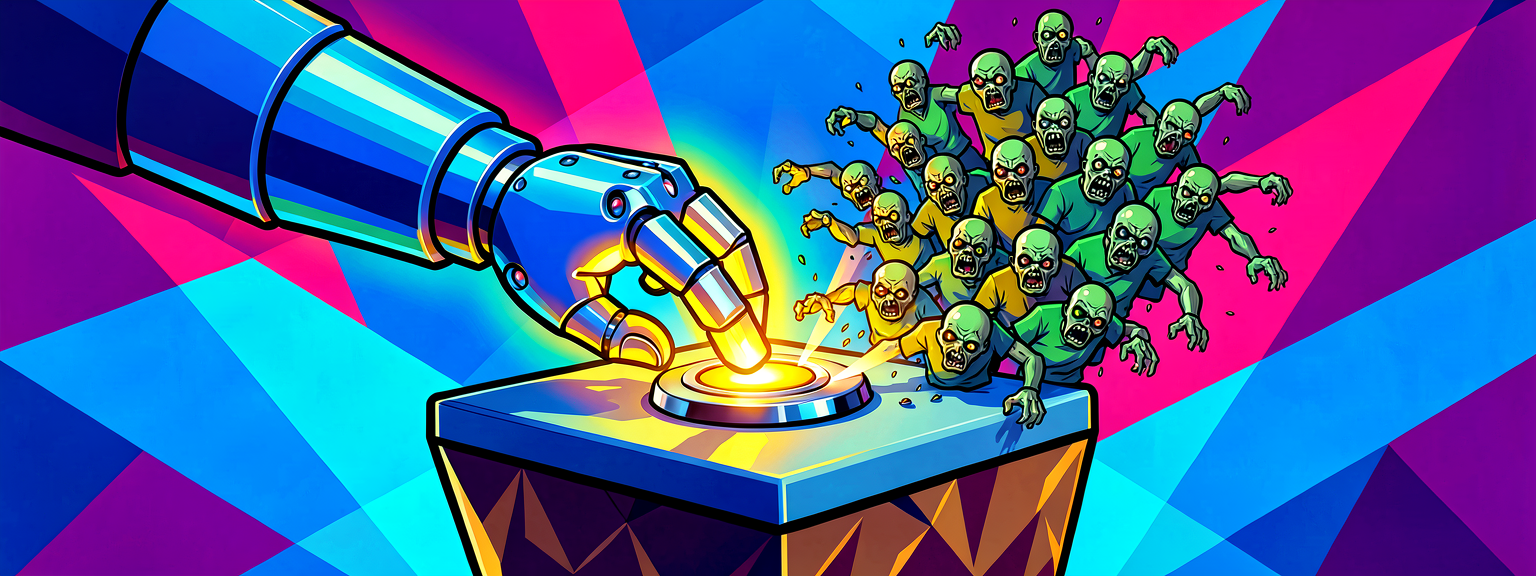
The single most important thing to understand about npc_spawner_device is the division of labor:
- You pick who it spawns — in the editor, you give the device an NPC Character Definition (a zombie, a husk, a custom shopkeeper, a Sidekick — anything).
- Verse decides when and how many —
Enable(),Spawn(),SpawnAt(), and the events the device fires back at you.
Verse never builds a character from scratch. It presses the spawner's buttons. That's the whole model, and it's wonderfully simple once it clicks.
The spawner's Verse surface
The public API on npc_spawner_device is small and event-driven:
Spawner.Enable()              # turn the device on; characters can now spawn
Spawner.Disable()             # turn it off
Spawner.Spawn()               # try to spawn one character
Spawner.Reset()               # reset the spawn COUNT so a new batch is allowed
Spawner.DespawnAll(?Instigator)  # clear everyone the device made
Spawner.GetAgents()           # []agent of everything it currently owns

Spawner.SpawnedEvent          # listenable(agent)  — fires per spawn
Spawner.EliminatedEvent       # listenable(device_ai_interaction_result) — fires per death
The device caps itself at its configured spawn limit, and Reset() is what lets you start a fresh batch — that's the key to wave systems.
A self-escalating horde
<!-- section-art:a-self-escalating-horde -->
Escalating Horde
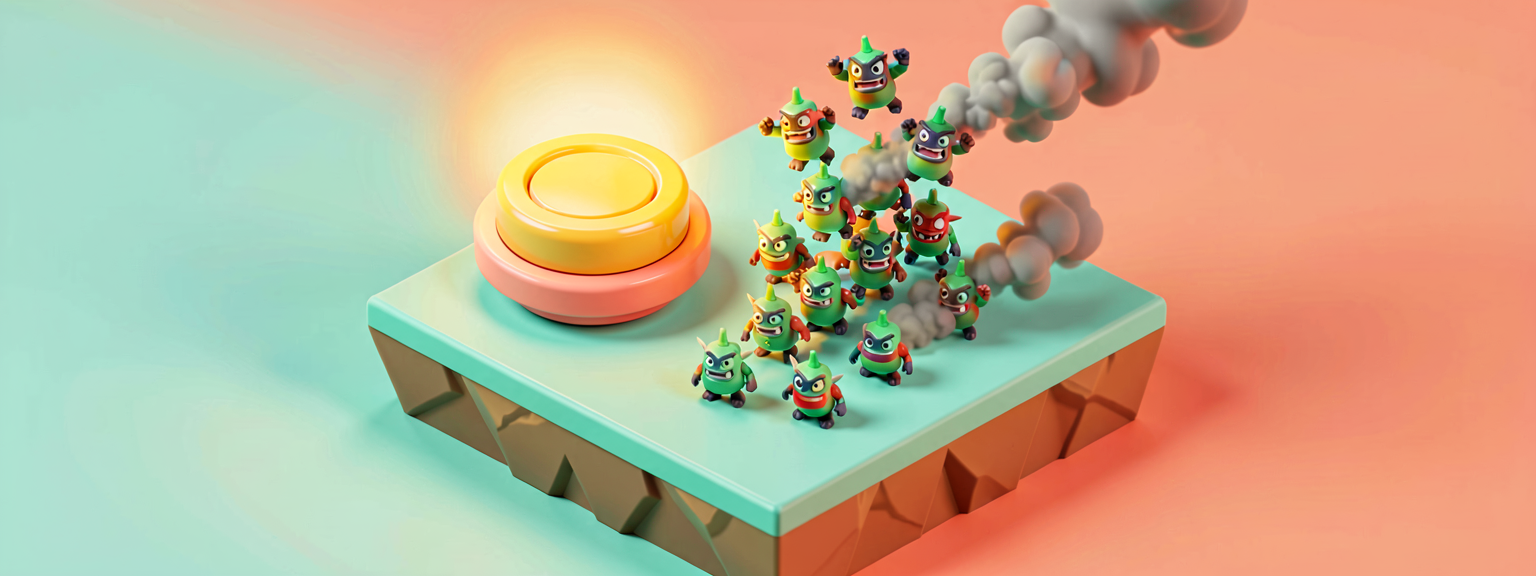
Let's wire a survival loop: a button starts wave 1, and every time the whole wave is wiped, the next wave rolls automatically — one enemy bigger each time. We count the living via the spawner's own SpawnedEvent and EliminatedEvent.
The pieces that matter:
SpawnedEvent/EliminatedEvent— we never poll. The device tells us when a character appears and when one dies, and we keep a runningAliveCount.device_ai_interaction_result— the payloadEliminatedEventhands us. It carries aSource(who got the kill) and aTarget(who died), both as?agent. We don't even need them here — the signal is what drives the wave logic.Reset()before each wave — without it, the device hits its spawn limit and quietly refuses.Reset()clears the count so the next, bigger batch is allowed.var WaveNumber/var AliveCount— mutable state, changed only withset. The wave size isFirstWaveSize + WaveNumber - 1, so wave 1 spawns 3, wave 2 spawns 4, and so on.
This device is compile-verified in UEFN 5.8 (the whole project builds clean with it installed). Drop an NPC Spawner and a Button in your level, give the spawner a character definition, and wire the two @editable slots.
Recap
- The NPC Spawner device is the front door for every NPC: you choose the character in the editor, Verse drives when/how many.
- Drive it with
Enable(),Spawn(),Reset(),DespawnAll()and react withSpawnedEventandEliminatedEvent. Reset()clears the spawn count — that's what makes repeated waves possible.device_ai_interaction_resultcarriesSource/Targetas?agent; you often just need the event firing, not its payload.
Next — Part 2: Guard Patrol & Hire — we meet the one NPC type that comes with a combat brain already wired in, and learn to tune and command it from Verse.
Get the complete code — free
You've read the full walkthrough. The complete, copy-paste-ready Verse solution is free for members — sign in to unlock it.
Free with your BrainDead.TV / BrainDeadGuild Discord account. The walkthrough above is always free.
Verse source files
- 03-device.verse · device
Check your understanding
Test yourself with an interactive quiz and track your progress + earn XP — free for members.
Turn this into a guided course
Add UEFN Verse NPCs — npc_spawner_device Enable/Spawn/Reset/DespawnAll, SpawnedEvent, EliminatedEvent, device_ai_interaction_result, var/set, escalating waves to your free study plan — we'll suggest related pages and stitch the lot into one compile-checked, self-guided lesson with worked examples and quizzes.
References
Original tutorial generated by Verse Island from the Verse/UEFN knowledge base, with references to the Epic Games sources above. Code is validated against the knowledge base.