

What Is the Scene Graph? Things in the World and the Powers You Bolt On
What Is the Scene Graph? Things in the World and the Powers You Bolt On
If you've read The Grammar of Verse, you already know the trick: don't memorize, read. We're going to do the same thing with the Scene Graph — the system Verse uses to describe everything that exists in your game world. It sounds fancy. It is actually two ideas you already understand from playing games.
A game world is a bunch of things. Each thing has powers bolted onto it.
That's the whole Scene Graph in one sentence. The rest of this lesson just gives those two ideas their real names and shows you why this is becoming the heart of Verse as Fortnite moves toward Unreal Engine 6.
A thing in the world is an entity
<!-- section-art:a-thing-in-the-world-is-an-entity -->
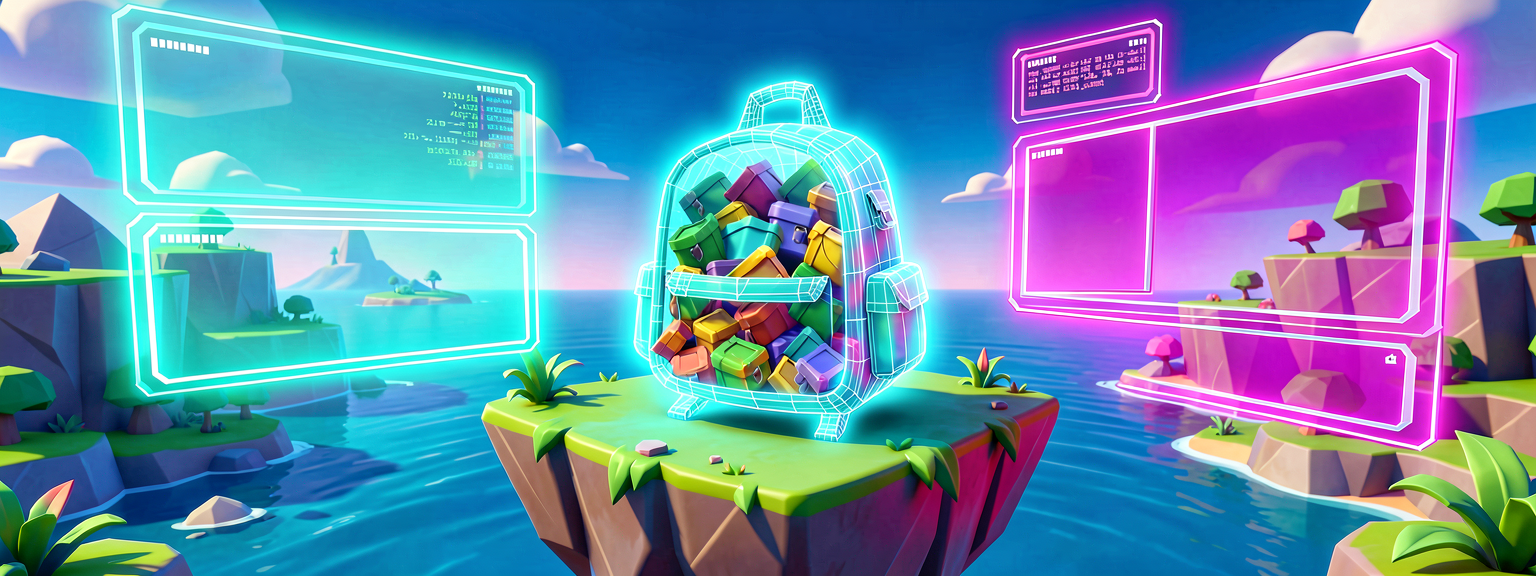
Empty Entity Backpack
Think about anything you can point at in a game: a treasure chest, a door, a lamp post, a floating coin, a moving platform. Each of those is a thing in the world. In the Scene Graph, the word for "a thing in the world" is an entity.
Here is the surprising part: an entity, all by itself, is empty. It has no shape. You can't see it. It makes no sound. The official docs say it straight:
"An empty entity will have no visible effects or functionality."
So an entity is like an empty backpack, or an empty Lego baseplate. It's a container that's ready to hold stuff — but until you put stuff in, there's nothing to look at.
A power you bolt on is a component
The "stuff" you put into an entity is called a component. A component is one specific power or feature you snap onto a thing.
- Want the thing to be visible — to have a shape you can see? Bolt on a
mesh_component(a mesh is just a 3D shape, like a box or a tree). - Want the thing to glow? Bolt on a
light_component. - Want the thing to have a position in the world? Bolt on a
transform_component(it stores where the thing sits, how it's turned, and how big it is). - Want a player to be able to interact with it by pressing a button? Bolt on an
interactable_component.
Each component is one power. You mix and match them. The official guide puts it perfectly:
"The combination of components added to an entity define what that entity is doing in the scene."
So a floating coin is really just: an empty entity + a mesh component (the coin shape) + a light component (the glow) + an interactable component (so you can grab it). Snap those powers onto one backpack and you have a coin.
# Read this like a sentence, the way we learned in The Grammar of Verse:
# "a mesh_component is a kind of power that gives an entity a visible shape."
#
# entity              → the empty thing in the world
# mesh_component      → the "be visible" power
# light_component     → the "glow" power
# transform_component → the "have a position" power
That block has no logic in it yet — it's just naming the real Scene Graph types so your eye gets used to them. Every one of those names (entity, mesh_component, light_component, transform_component) is a real Verse type you can look up in the docs. We're not inventing words.
One rule worth knowing now: one power of each kind
There's one rule that trips people up, so meet it early: an entity can only hold one component of a given kind at a time. One mesh_component. One light_component. The docs spell it out:
"Only one component of a specific component type can be added to an entity at a time... To use multiple components of a common type you can create new entities to hold each instance of the component."
So if you want a lamp post with two lights, you don't cram two light components into one entity — you make two entities, each with its own light, and group them together. (Grouping is the next idea, and we cover it in Part 3.)
The whole world is one big family tree
<!-- section-art:the-whole-world-is-one-big-family-tree -->

The Root Hook
Entities aren't a loose pile. They hang off each other in a tree, like a family tree. At the very top sits one special entity called the simulation entity — the root of everything. The docs describe it like this:
"One entity (the simulation entity) sits at the root of your project to represent the simulation. The scene is created when entities are nested under the simulation entity."
Picture it like a mobile hanging over a crib: the simulation entity is the hook in the ceiling, and every chest, door, and coin in your game hangs somewhere below it. When you drag a prop into your level, you're automatically hanging a new entity under that root. We'll explore parents and children properly in Part 3 — for now, just hold the picture: one root, everything else hangs below it.
Why this is the future
You might wonder why Epic built a whole new system. A few reasons, straight from the design:
- It's reusable. Group some entities together, save them as a prefab (a reusable template, like a cookie cutter), and stamp out fifty copies that all behave the same. "Anything you build in Scene Graph can be reused many times over, and with less memory."
- It's stable. "Scene Graph improves project stability because Verse does all the heavy lifting in the background."
- Verse can touch everything. "Verse also has deep access to all parts of the scene entities and components," which means your code can find, change, add, and remove things while the game runs.
That last point is the big one. The Scene Graph isn't just how the world is built — it's the thing your Verse code reaches into to make the world come alive. As Verse grows toward Unreal Engine 6, this is the central model. Learning it now is learning the language the whole platform is moving toward speaking.
Why this helps you boss around an AI
Here's the payoff, same as the grammar series. If you can say:
"Make an entity with a mesh component for the shape and a light component for the glow, then hang it under the simulation entity"
— you've described a real Scene Graph object using real Scene Graph words. Any helper, human or AI, knows exactly what you mean. Someone who only knows "make a glowing thing" gets a vague guess back. You get the real thing, because you spoke the real model.
Quick recap
- An
entityis a thing in the world. By itself it's an empty backpack — invisible, silent, no behavior. - A
componentis one power you bolt on:mesh_component(shape),light_component(glow),transform_component(position),interactable_component(press to use), and many more. - The combination of components is what makes an entity be something.
- One component of each kind per entity; for more, use more entities.
- Everything hangs in a tree under one root, the simulation entity.
- This is the model Verse is built around going forward — and the one your code reaches into to change the world.
Next up: Entities & Components — where we actually create entities, add components, and read them back in real Verse code.
An empty entity is a backpack; each component is one power you bolt on — and everything hangs under the simulation entity.
References
Get the complete code — free
You've read the full walkthrough. The complete, copy-paste-ready Verse solution is free for members — sign in to unlock it.
Free with your BrainDead.TV / BrainDeadGuild Discord account. The walkthrough above is always free.
Verse source files
- 01-fragment.verse · fragment
Check your understanding
Test yourself with an interactive quiz and track your progress + earn XP — free for members.
Turn this into a guided course
Add Verse Scene Graph — entities, components, and the big picture to your free study plan — we'll suggest related pages and stitch the lot into one compile-checked, self-guided lesson with worked examples and quizzes.
References
Original tutorial generated by Verse Island from the Verse/UEFN knowledge base, with references to the Epic Games sources above. Code is validated against the knowledge base.