
Variables: State That Changes Mid-Race
In this lesson you'll learn to
- ✓Declare var vs constant, use set, and track a changing lap counter.
Declare var vs constant, use set, and track a changing lap counter.
📖 Reference & full walkthrough: Variables: State That Changes Mid-Race
🔁 Builds on: south-shores mutable var/set lesson (prerequisite recap)
🧩 Your capstone piece: Racer lap/boost counters (mutable state)
The Magic Scoreboard: How Verse Variables Work
Do you want to make a game where points go up when you jump? Or a light that turns red when you get hit? You need variables.
Variables are like magic boxes. They hold a value. That value can change. This is how games keep track of things. Let’s build a simple scoreboard.
What You'll Learn
- What a variable is.
- How to create a variable in Verse.
- How to change a variable’s value.
- How to show that value to players.
How It Works
<!-- section-art:how-it-works -->
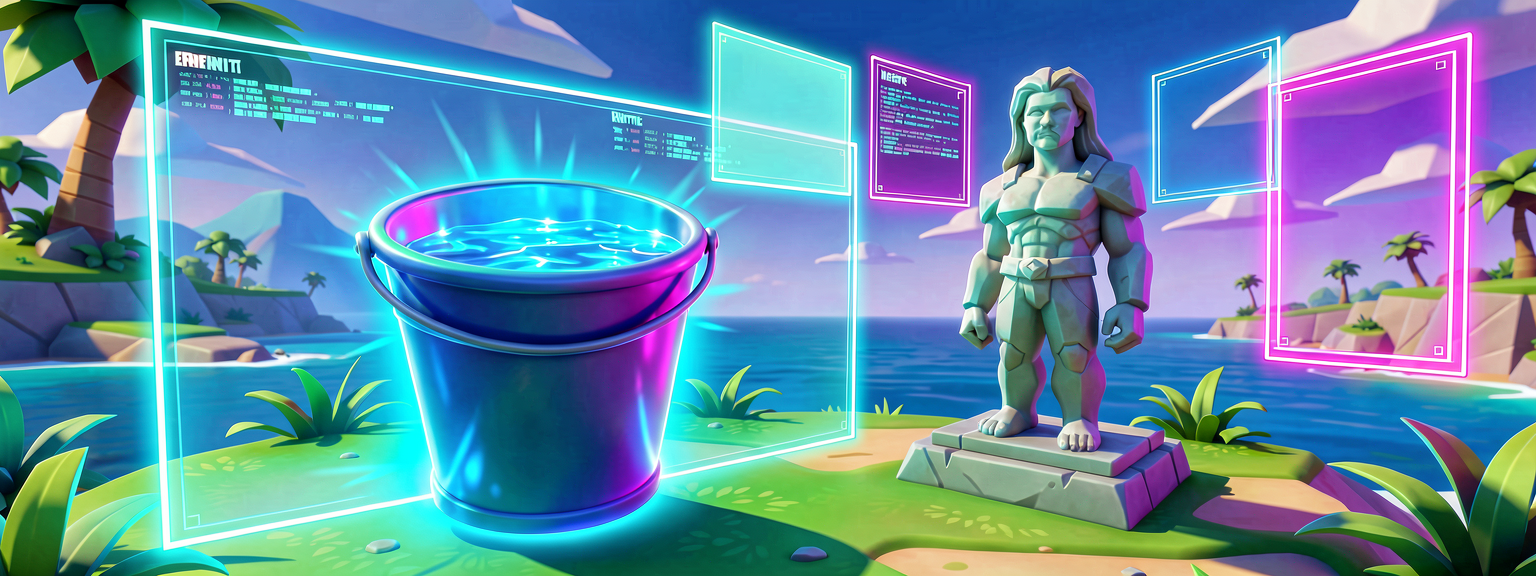
Variables vs Constants
Imagine you have a toy scoreboard. It has a number on it. That number starts at zero. When you score a point, you turn the dial. The number changes.
In programming, we call this a variable.
A variable is a named storage space. It holds a piece of data. The data can change. Think of it like a bucket. You can fill it with water. Then you can pour some out. The bucket is still there. The amount of water changes.
There is another type called a constant. A constant is like a statue. It is set once. It never changes. We use variables for scores. We use constants for things like gravity strength.
In Fortnite islands, we use variables to track health. We use them to track ammo. We use them to track time. Without variables, every game would be the same every time. Variables make games alive.
Let's Build It
<!-- section-art:let-s-build-it -->

Variable Energy
We will build a script. This script will track a score. When you press a button, the score goes up. We will use a Slider device. This device has a value. We will read that value. Then we will print it to the screen.
First, open UEFN. Create a new Verse script. We need to import the UI library. This lets us talk to the slider.
using { /Fortnite.com/UI }

# This is our variable.
# It holds an integer (a whole number).
# We start it at 0.
Score: integer = 0

# This function runs when the game starts.
Main<init>()<static>: void =
    # We find the slider device in our level.
    # Replace "MySlider" with the name of your slider.
    slider := GetWorld().FindDevice<ISlider>("MySlider")

    # We connect to the slider's event.
    # This event fires when the slider moves.
    slider.OnValueChanged().Subscribe(OnSliderChanged)

# This function runs every time the slider changes.
OnSliderChanged(_): void =
    # We get the current value from the slider.
    # This is a float (a number with decimals).
    new_value := slider.GetValue()

    # We convert it to an integer (whole number).
    # We round it to the nearest whole number.
    Score = Int(new_value)

    # We print the score to the screen.
    # This helps us see the variable change.
    Print("Score is now: {Score}")
Let’s look at the important parts.
The line Score: integer = 0 creates our variable. It is named Score. It is an integer. This means it holds whole numbers. It starts at zero.
The line slider.OnValueChanged().Subscribe(OnSliderChanged) is key. This is an event. An event is a signal. It says "Hey! Something happened!" Here, the signal says "The slider moved!" We subscribe to this signal. This means we listen for it.
When the signal fires, our function OnSliderChanged runs. Inside that function, we update our variable. We set Score to the new value. Then we print it.
You can see the variable change in real-time. This is the power of variables. They react to your game.
Try It Yourself
Now it is your turn. Can you make the score go down?
- Find the button that decreases the slider value.
- Add code to subtract from
Scorewhen that happens. - Print the new score.
Hint: You can use the minus sign - to subtract. Try Score = Score - 1.
Recap
Variables are like magic boxes. They hold data. That data can change. We use them to track scores, health, and time. In Verse, we define variables with a name and a type. We update them when events happen. This makes your game dynamic and fun.
References
- https://dev.epicgames.com/documentation/en-us/uefn/verse-glossary
- https://dev.epicgames.com/documentation/fortnite/verse-glossary
- https://dev.epicgames.com/documentation/en-us/fortnite/verse-glossary
- https://dev.epicgames.com/documentation/fortnite/verse-api/fortnitedotcom/ui/slider_regular/onvaluechanged
- https://dev.epicgames.com/documentation/en-us/fortnite/verse-api/fortnitedotcom/ui/slider_regular/onvaluechanged
Keep going — free
You've read the intro. The rest of this lesson is free for members. Sign in to continue and track your progress.
Sign in free to continue this lessonSources
/guides/verse-variables-and-how-values-change-during-gameplayBiloxi Studios original lesson
Add this lesson to your free study plan.
🧭 The Keeper’s log
Quest complete? Chart your next heading from the 🐻 North Jungle expedition.
⛵ Take me there