
Player Settings Configuration
There are a number of ways you can modify how players interact with your island, from how gravity affects them to whether they can build. All of these options contribute to the player experience.
There are many Player subcategories, and each one has multiple settings. From the Island Settings tab, click Player, then click any subcategory to expand it.
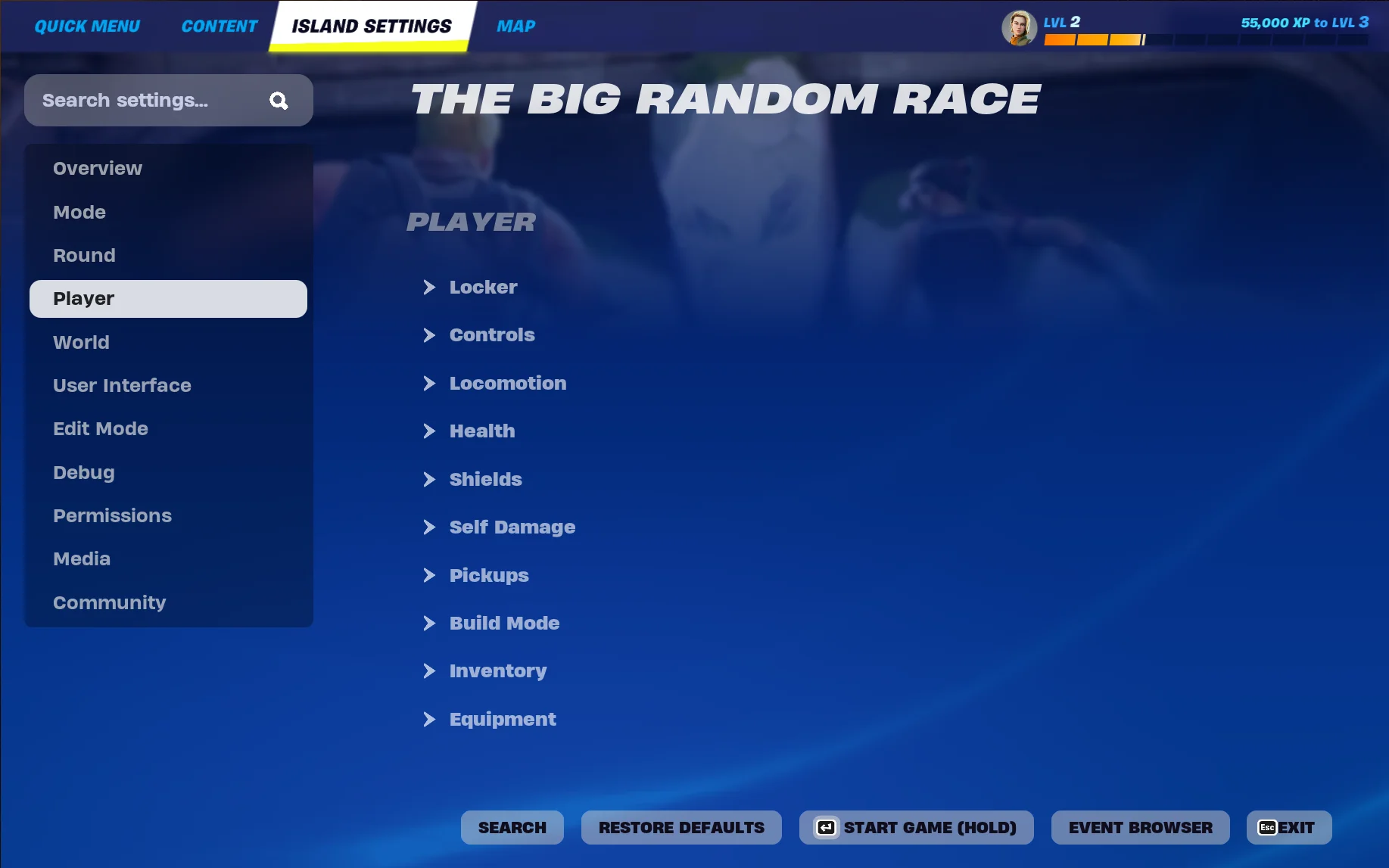
If you want to modify a specific setting and know the name of that setting, use the search bar to find it.
Any changes you make to these settings are automatically saved. You can restore the settings to their original values at any time by clicking the Restore Defaults button. This will reset only the settings for your current selected category.
The following sections describe the settings available in each subcategory, and how you can use them.
Some settings are grayed out. This usually indicates that another setting must be changed to make that setting available.
Default values are bold. Values that make other settings active or inactive are italic.
Locker Settings
You're reading a preview
The full reference is free for BrainDeadGuild Discord members — sign in to read it all, or open the original at the source.
Sign in with your BrainDead.TV / BrainDeadGuild Discord account for full access.