VerseIsland
Feed Learn Leaderboard Guides Reference Explore Search Docs Verse Library
Sign in
Feed Learn 📖 Codex Leaderboard Guides Reference Explore Search Docs Verse Library
Fortnite › Animation · Up to Fortnite · Animation · 1 of 15 in Animation
Browse Fortnite

Animation 101 Template

The Animation 101 template is a fast way to learn how to animate skeletal meshes.

This template showcases the current slate of animation devices, tools, assets, and workflows available in UEFN.

It also packages some of the assets you’ll need to plug into those devices and tools from the Content Browser.

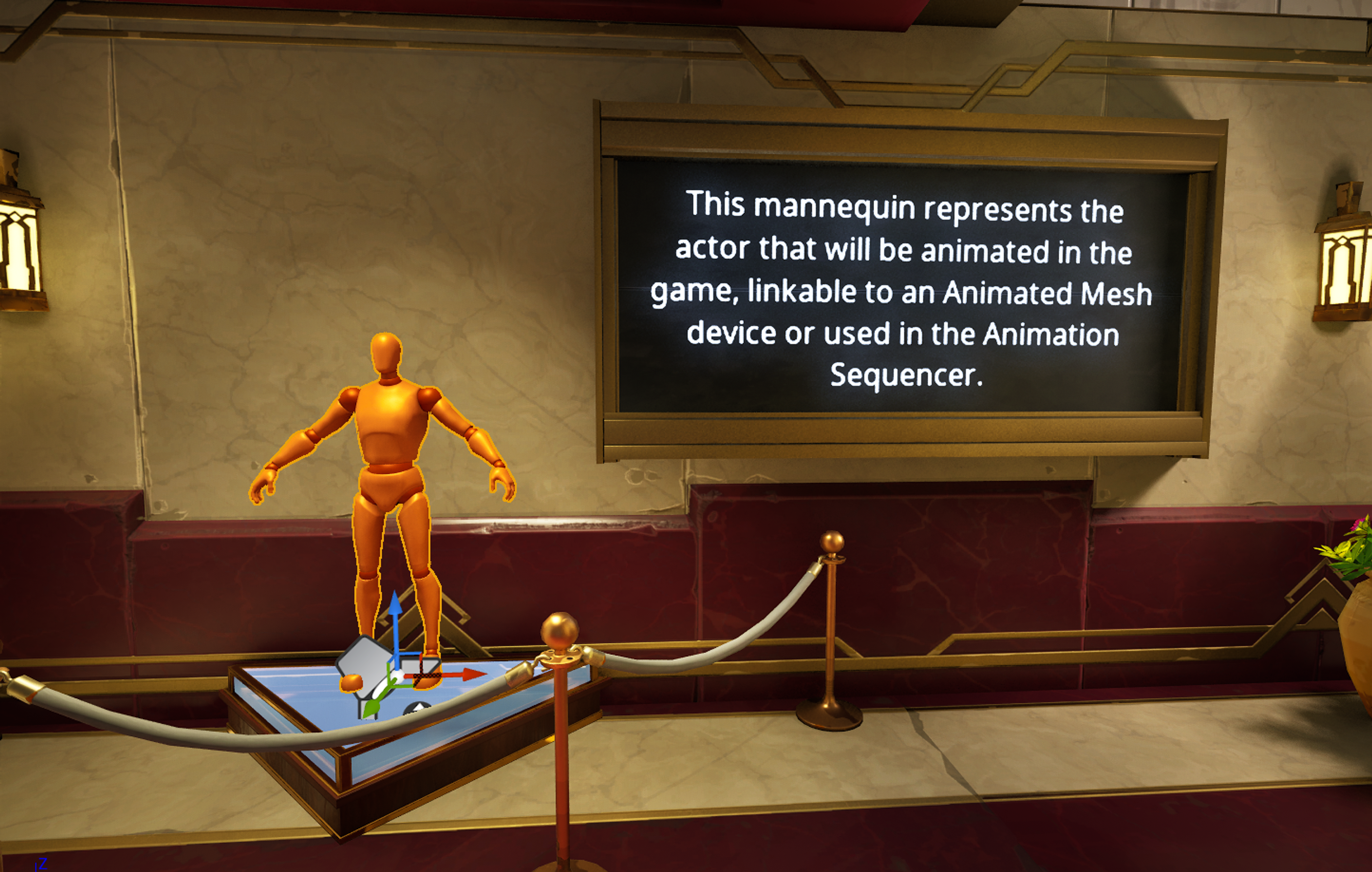
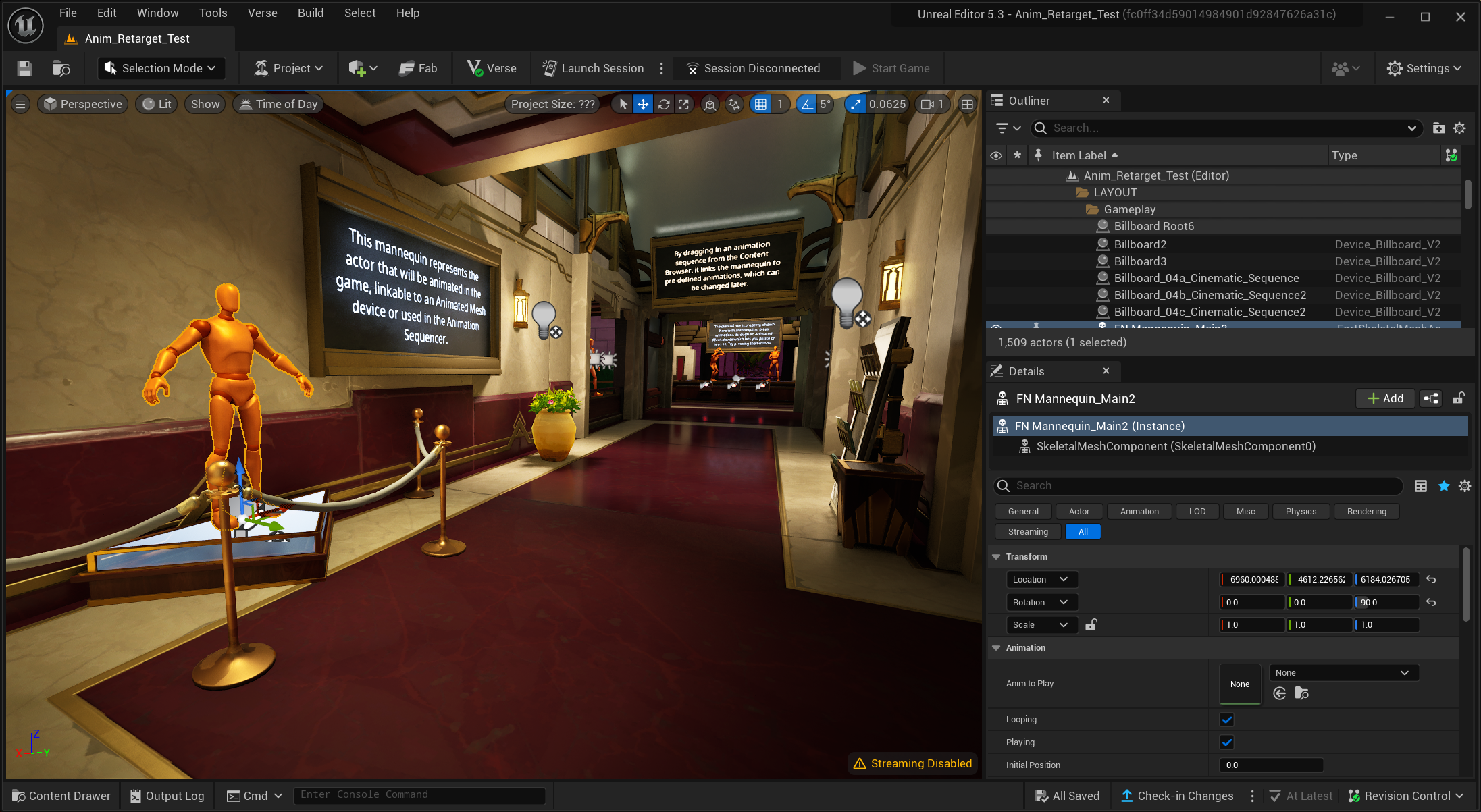
This template takes you on an educational journey into a museum where you will learn about skeletal meshes and how to animate them, using either the Animated Mesh device or the Control Rig and Sequencer.

You can find this template in the Project Templates section of the Project Browser.

This tutorial will walk you through the template and explain its contents.
Launch Session

Skeletal Mesh

iSkeletal Mesh

You're reading a preview

The full reference is free for BrainDeadGuild Discord members — sign in to read it all, or open the original at the source.

Sign in with Discord — free for members Read the original at Epic Games

Sign in with your BrainDead.TV / BrainDeadGuild Discord account for full access.

Comments

    Sign in to vote, comment, or suggest an edit. Sign in
    📄
    Source
    Epic Games

    © Epic Games. Official Epic developer documentation, shown here as a reference with a link to the original. All rights remain with Epic Games. Terms ↗

    View original Sources & licensing
    Request removal
    Last updated Feb 10, 2026
    Keep exploring
    More in Animation · 1 of 15
    Next
    animation presets in unreal editor for fortnite
    Browse all files in this folder (A–Z)
    Next up
    • It also packages some of the assets you’ll need to plug into those devices and tools from the Content Browser.
    • It also packages some of the assets you’ll need to plug into those devices and tools from the Content Browser.
    • It also packages some of the assets you’ll need to plug into those devices and tools from the Content Browser.
    • In the **Content Drawer**, under **Mannequin**, you have various assets that make up our mannequin.
    • The following settings will show in the **Details** panel when you apply an animation to a skeletal mesh.
    • Animated Mesh Device
    Related topics
    • Animation 101 Template In Unreal Editor For Fortnite Animation
    • Animation And Cinematics In Unreal Editor For Fortnite Cinematics
    • Unreal Editor For Fortnite Starter Templates Tutorials
    • Import And Play Mesh Animations In Unreal Editor For Fortnite Building & Props
    • Transfer Character Animations In Unreal Editor For Fortnite Animation

    Related

    Open in graph →

    Linked docs

    • Using Animated Mesh Device In Unreal Editor For Fortnite
    • Control Rig
    • Sequencer And Control Rig In Unreal Editor For Fortnite

    Related topics

    • Animation 101 Template In Unreal Editor For Fortnite
    • Animation And Cinematics In Unreal Editor For Fortnite
    VerseIsland · an archipelago of Verse & UEFN knowledge
    🗺️ Island atlas Learn Guides History About & Press Sources & Licensing Status

    Not affiliated with Epic Games. Fortnite, UEFN, Unreal Engine, and Verse are trademarks of Epic Games, Inc. Content is attributed to its source — see Sources & Licensing.

    🦜

    Scout · your island guide

    The Isle of Verse