
Campaigns Page in Fortnite
From the dashboard, you can create and manage a campaign and find your Sponsored Row campaign history. Review your historical data to bid smarter and find optimal days to run a campaign for your island. Get started by opening the Campaigns dashboard from the project menu.
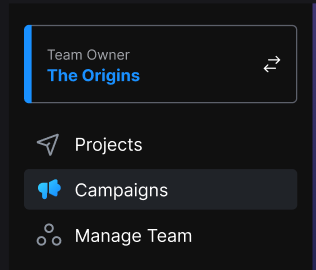
Click to enlarge image.
Campaigns are a way to increase the visibility of your published island. To create your first campaign, see Creating and Editing a Campaign.
Campaigns Dashboard
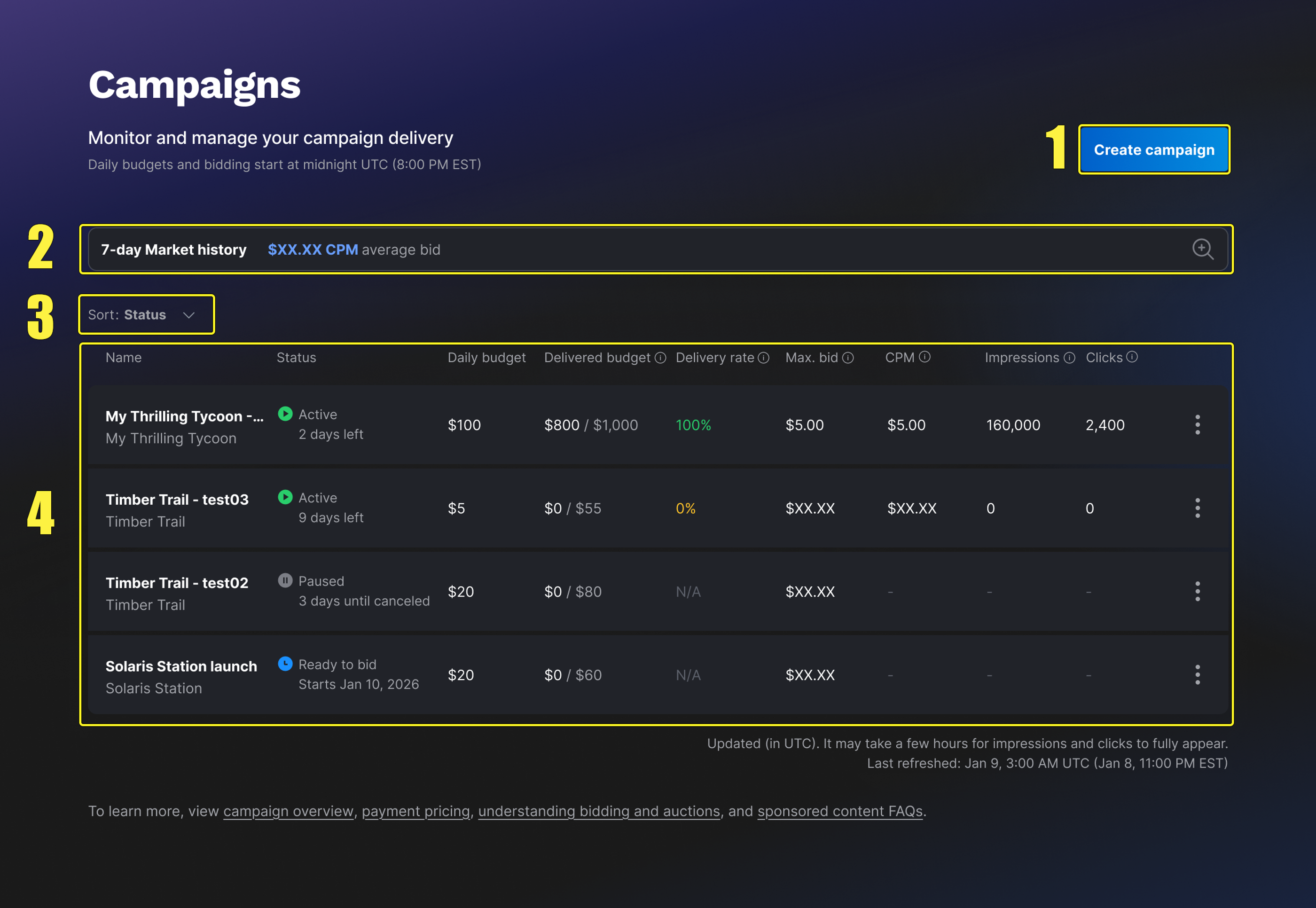
This page provides a way to create new campaigns, manage your campaigns, and view campaign metrics. Each campaign is listed by the campaign name and includes campaign information at a glance.
You're reading a preview
The full reference is free for BrainDeadGuild Discord members — sign in to read it all, or open the original at the source.
Sign in with your BrainDead.TV / BrainDeadGuild Discord account for full access.