
Capture The Flag 1 Setup The Game
Devices Used:
- 1 x Island Settings
-
Open UEFN, select the Blank template, choose your Project Location and Project Name, and click Create.
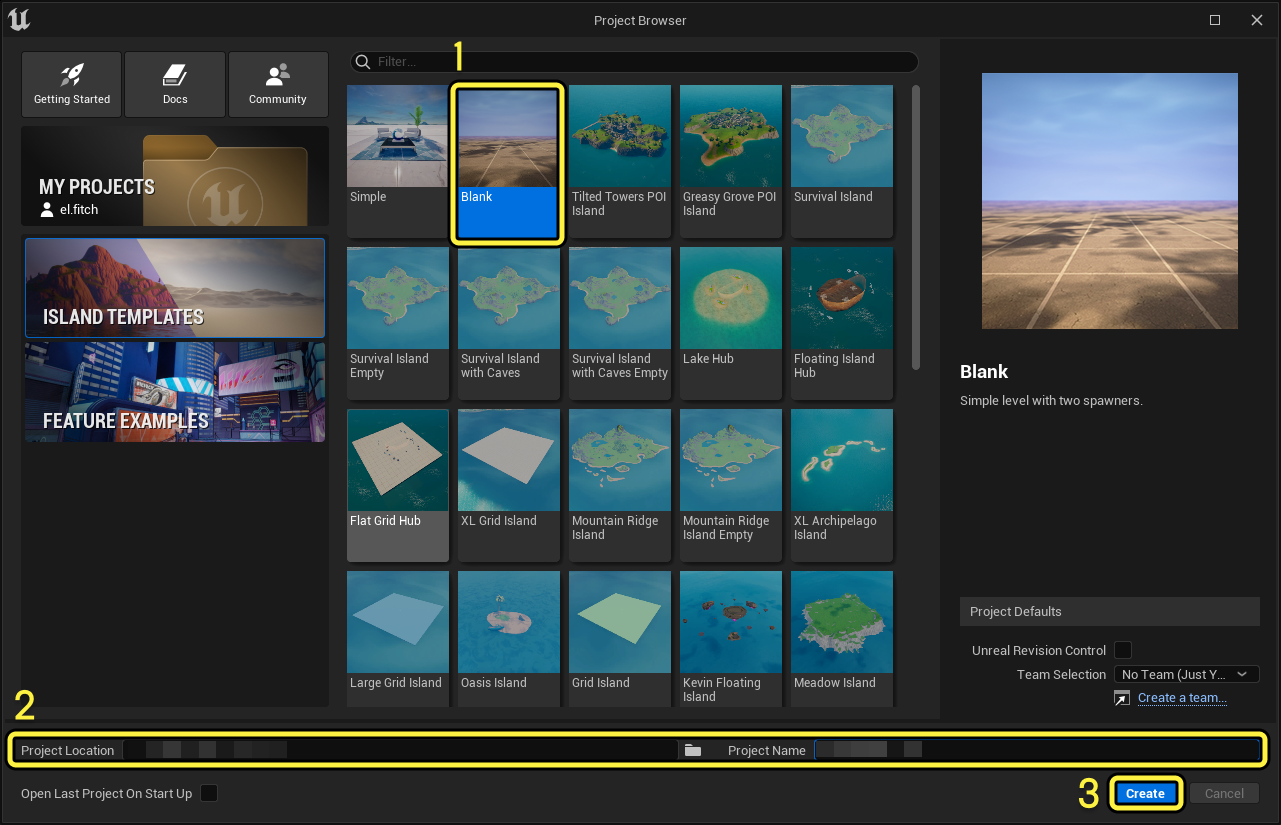
Click image to enlarge.
-
This opens the Blank template in the Editor window.
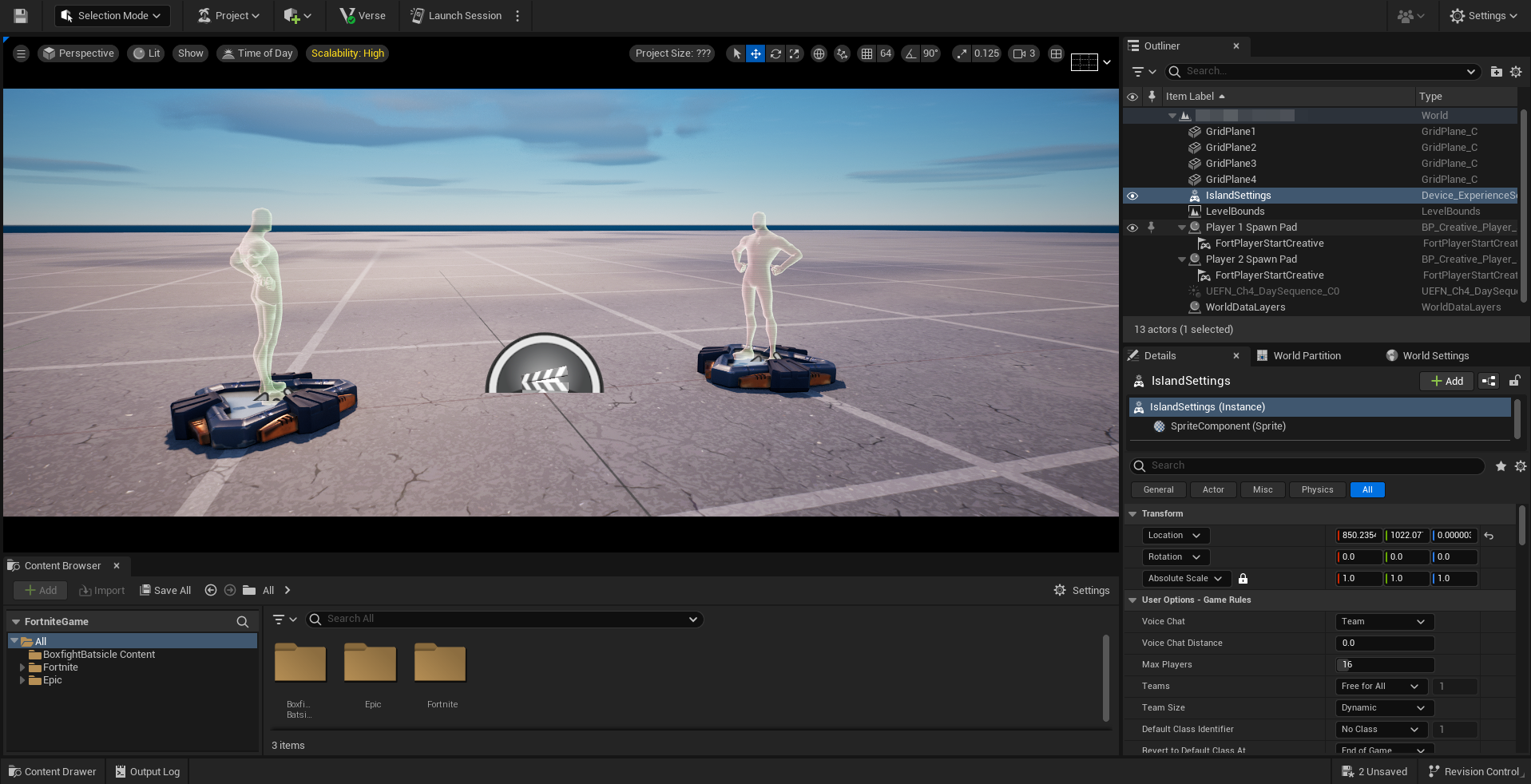
Click image to enlarge.
-
Select IslandSettings in the Outliner.
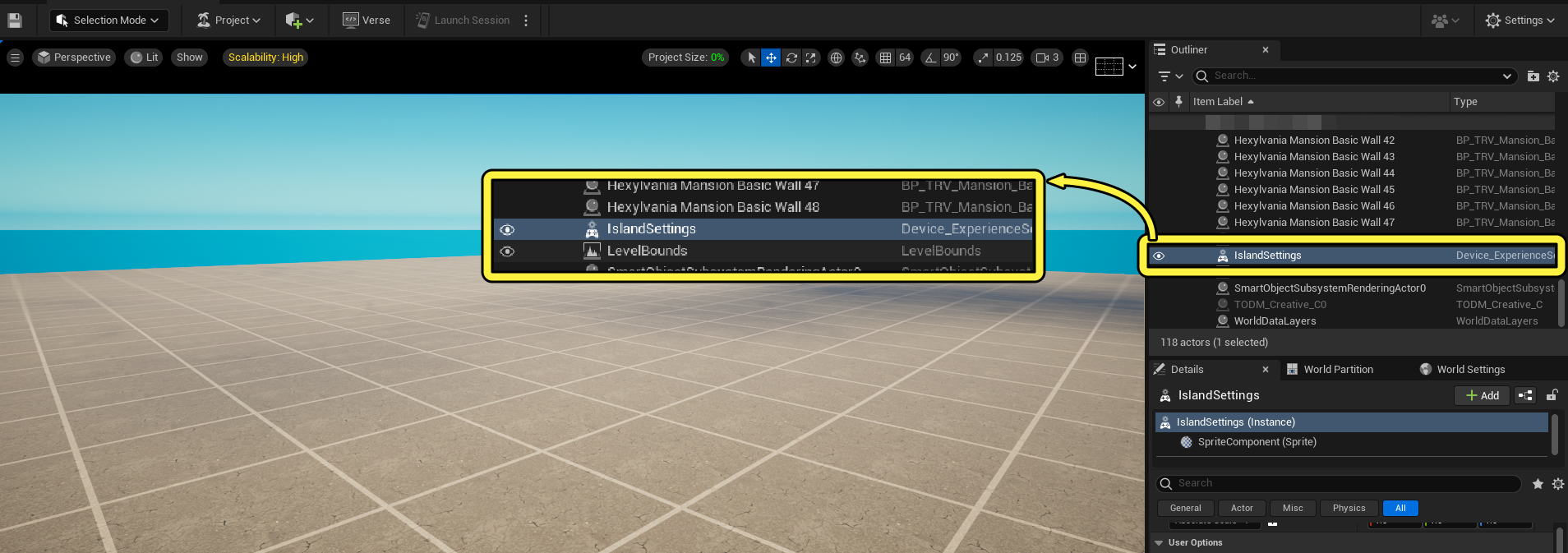
Click image to enlarge.
Any settings that are not listed in the following sections should stay at the default value.
-
Locate the User Options - Game Rules.
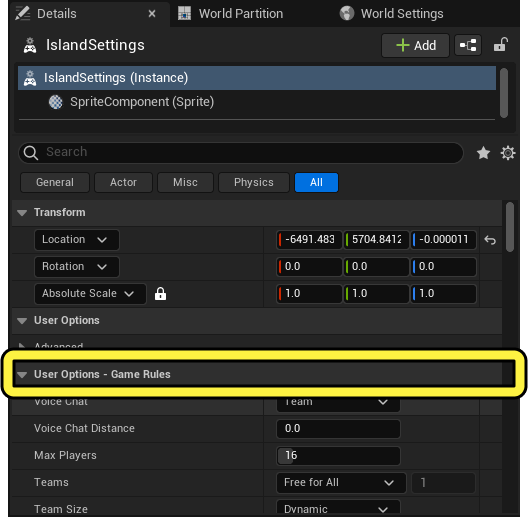
-
Modify the User Options with the values in the table below.
You're reading a preview
The full reference is free for BrainDeadGuild Discord members — sign in to read it all, or open the original at the source.
Sign in with your BrainDead.TV / BrainDeadGuild Discord account for full access.