
Creator Pages in Fortnite Creative
With Profile Pages, the Fortnite Discover UI makes it easier for players to find you and the islands you have published. Your Profile Page is where all your published islands are displayed.
In-game Profile Page
When you become an active member of the Island Creator & Engagement Program, your own Profile Page is generated in Discover. Players visit Profile Pages by clicking the MORE FROM button on the bottom of the screen.
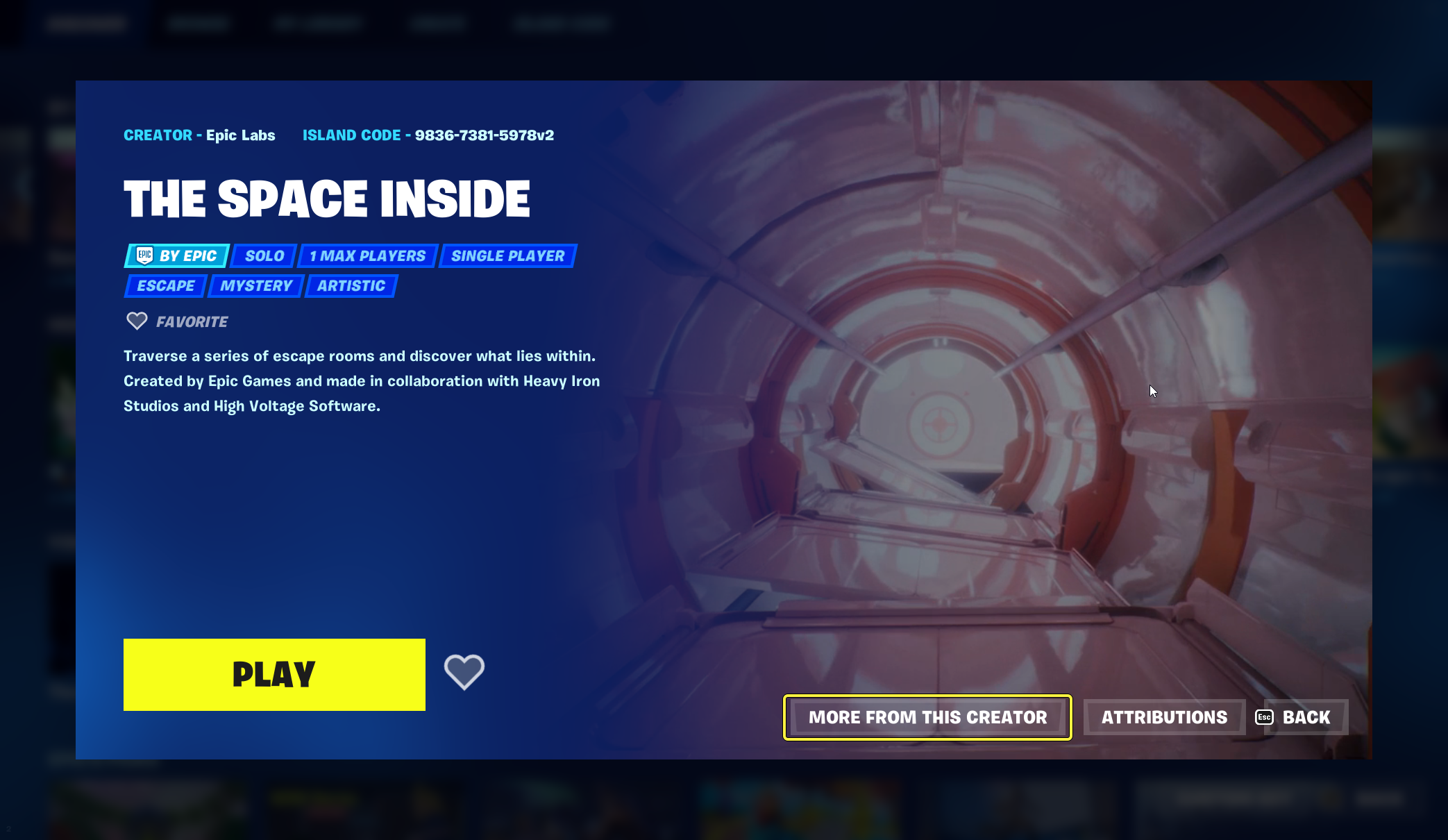
Click to enlarge image.
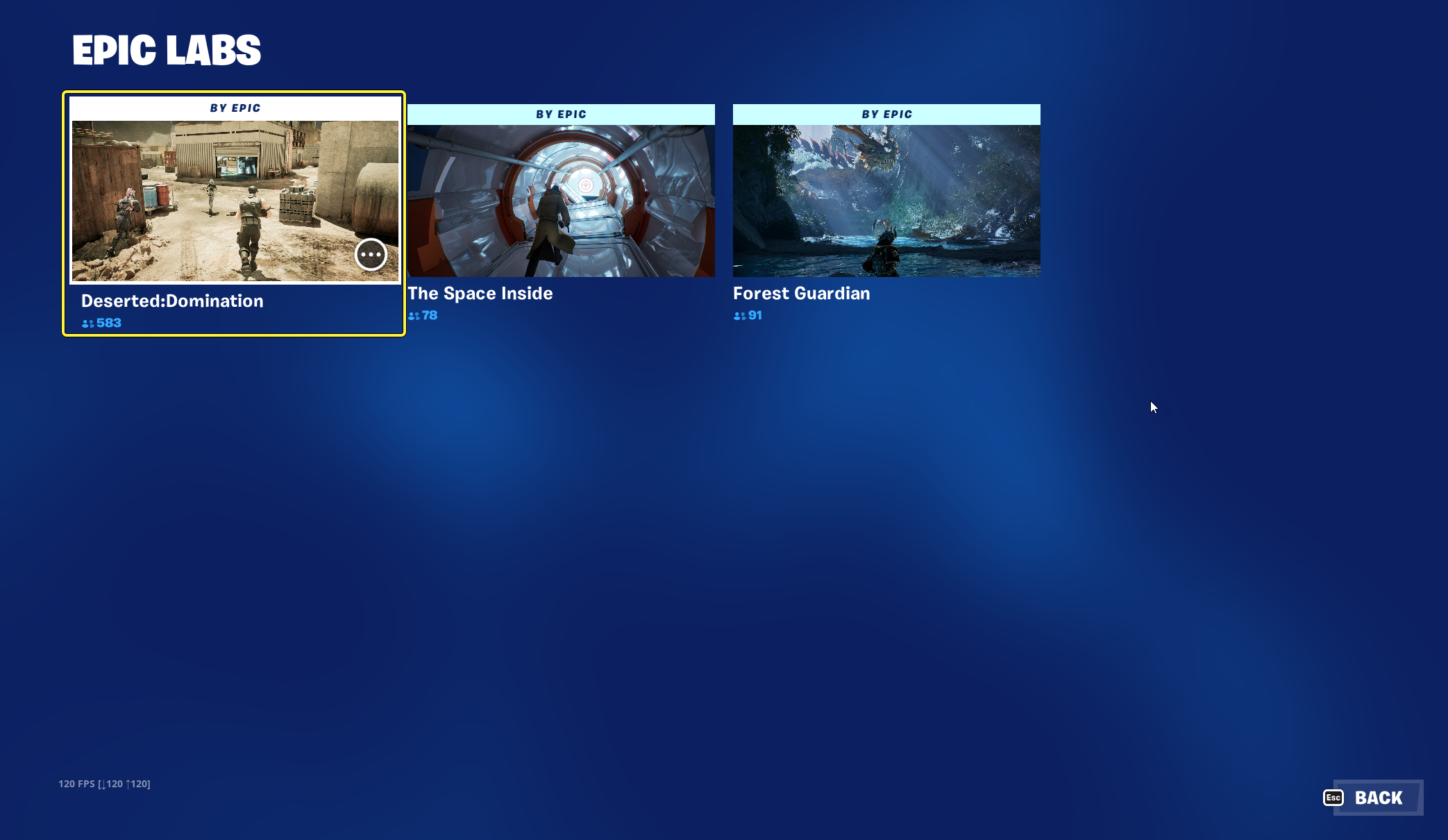
As you publish islands through the Creator Portal, your Profile Page updates with the latest published islands
You’ll want to visit your Profile Page too — each island tile features a concurrent user counter that shows you how many players are playing your islands at that moment! Clicking an island tile takes you to the island's Island Details page where you can view information about the island.
You're reading a preview
The full reference is free for BrainDeadGuild Discord members — sign in to read it all, or open the original at the source.
Sign in with your BrainDead.TV / BrainDeadGuild Discord account for full access.