
Greyboxing and Level Blockout in UEFN
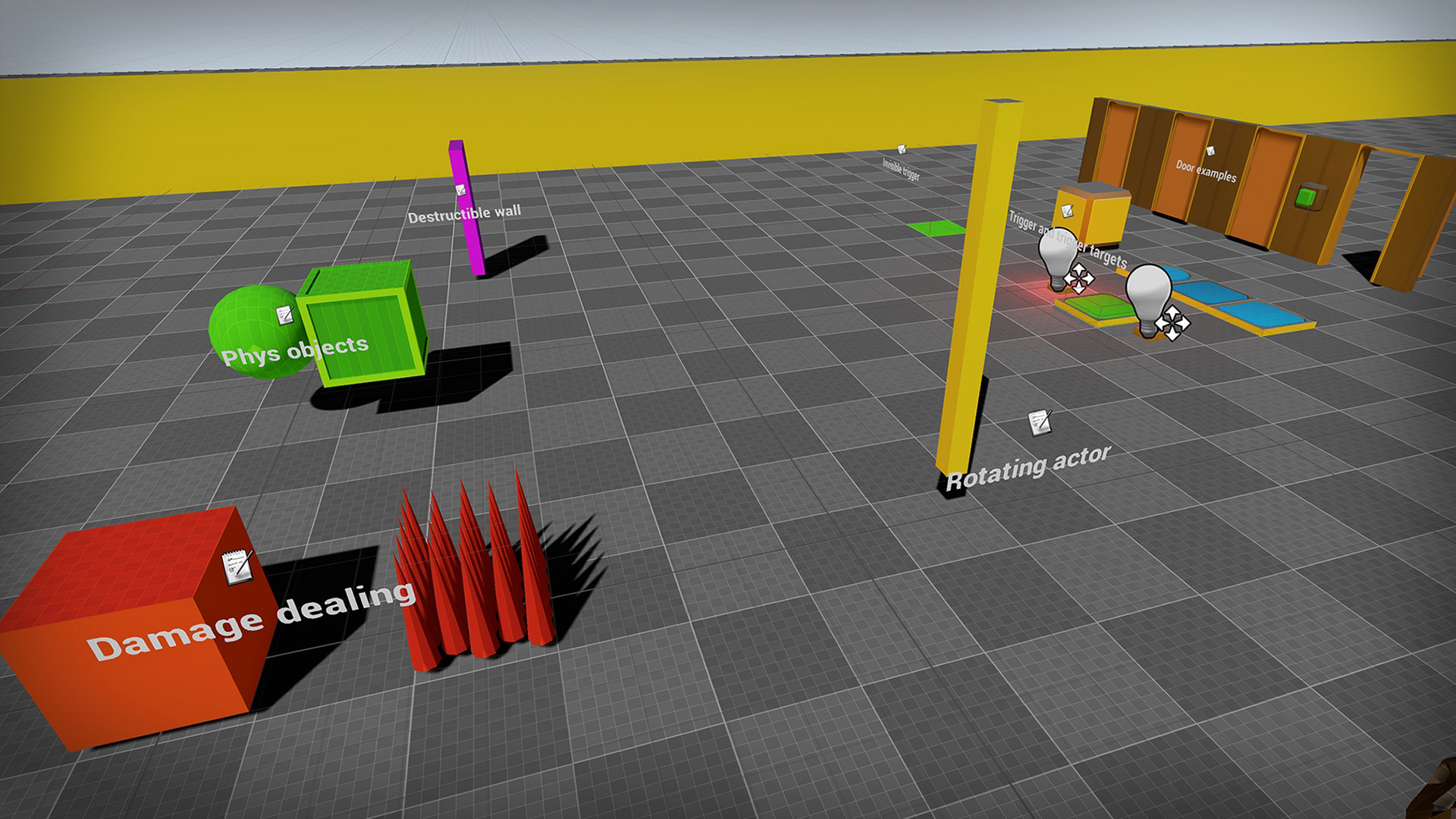
Greyboxing (also known as blockout) is the process of making a playable rough draft of a level to get a sense of its gameplay before polishing its look.
It's common for level designers to greybox a game environment to test its layout for gameplay purposes.
Material artists also use greyboxing to add and test textures and materials to the different greyboxed assets in the level. These tests can be photobashed images or actual materials and textures.
Using Greyboxing
Greyboxing helps you identify issues before building your level and adding gameplay mechanics.
When building a level, you want to think about what the gameplay is and what you want players to be able to do.
Use greyboxing before level design to test:
- Scale
- Layout
You can find a greyboxing kit in the Unreal Engine Marketplace.
Using Shape Tools
Use the Shape tools to create blocks where you plan to put buildings, roads, bridges, and any other physical part of your level. Do this by dragging out different shapes (blocks, discs, cylinders, and more) and scaling them in the Shape tool before accepting and placing the mesh in your level.
You're reading a preview
The full reference is free for BrainDeadGuild Discord members — sign in to read it all, or open the original at the source.
Sign in with your BrainDead.TV / BrainDeadGuild Discord account for full access.