
Mystic Portal 3 Create Portal Material
To make the swirl inside the portal, you need to create a material and use it on a Static Mesh disc. To make the swirl material, you can use the provided Green_Layer_Swirl.png below, or create your own swirling image and import it into your UEFN project.
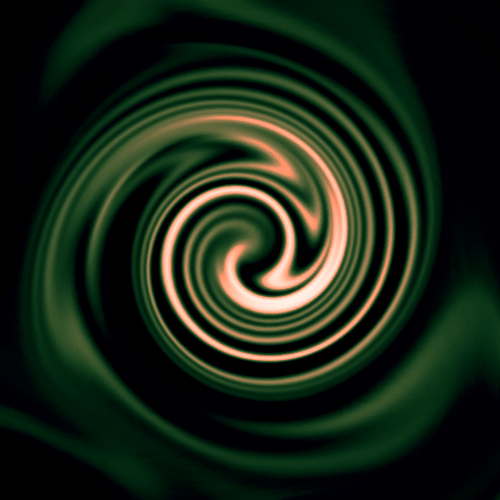
Creating a Swirling Material
Open the Content Browser in the editor and follow these steps to create a material.
-
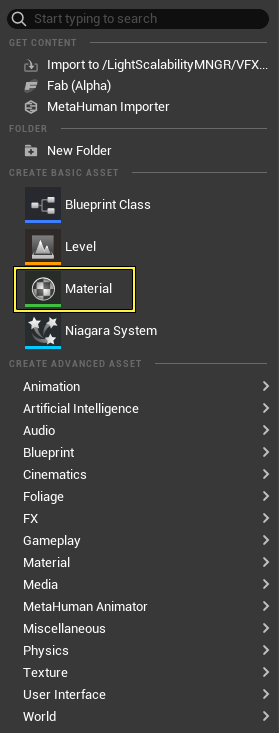
In the Content Browser right-click to open the context menu.
-
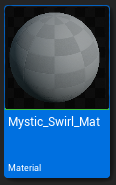
Select Material from the context menu. A Material thumbnail appears in the Content Browser.
-
Name the Material Mystic_Swirl_Mat.
You're reading a preview
The full reference is free for BrainDeadGuild Discord members — sign in to read it all, or open the original at the source.
Sign in with your BrainDead.TV / BrainDeadGuild Discord account for full access.