VerseIsland
FeedLearnLeaderboardGuidesReferenceExploreSearchDocsVerse Library
Sign in
Feed Learn 📖 Codex Leaderboard Guides Reference Explore Search Docs Verse Library
Browse Fortnite›Devices·Up to Fortnite · Devices·46 of 1369 in Devices

Configuring Informative Devices for Prop Hunt

This section will show you how to configure devices that can send useful information like instructions to players. This section also includes devices that send information to the game to keep track of information like player scores.

Devices used:

  • 4 x HUD Messages
  • 2 x HUD Controller
  • 2 x Score Managers
  • 1 x Tracker
  • 2 x Timers

HUD Message Device

HUD Message

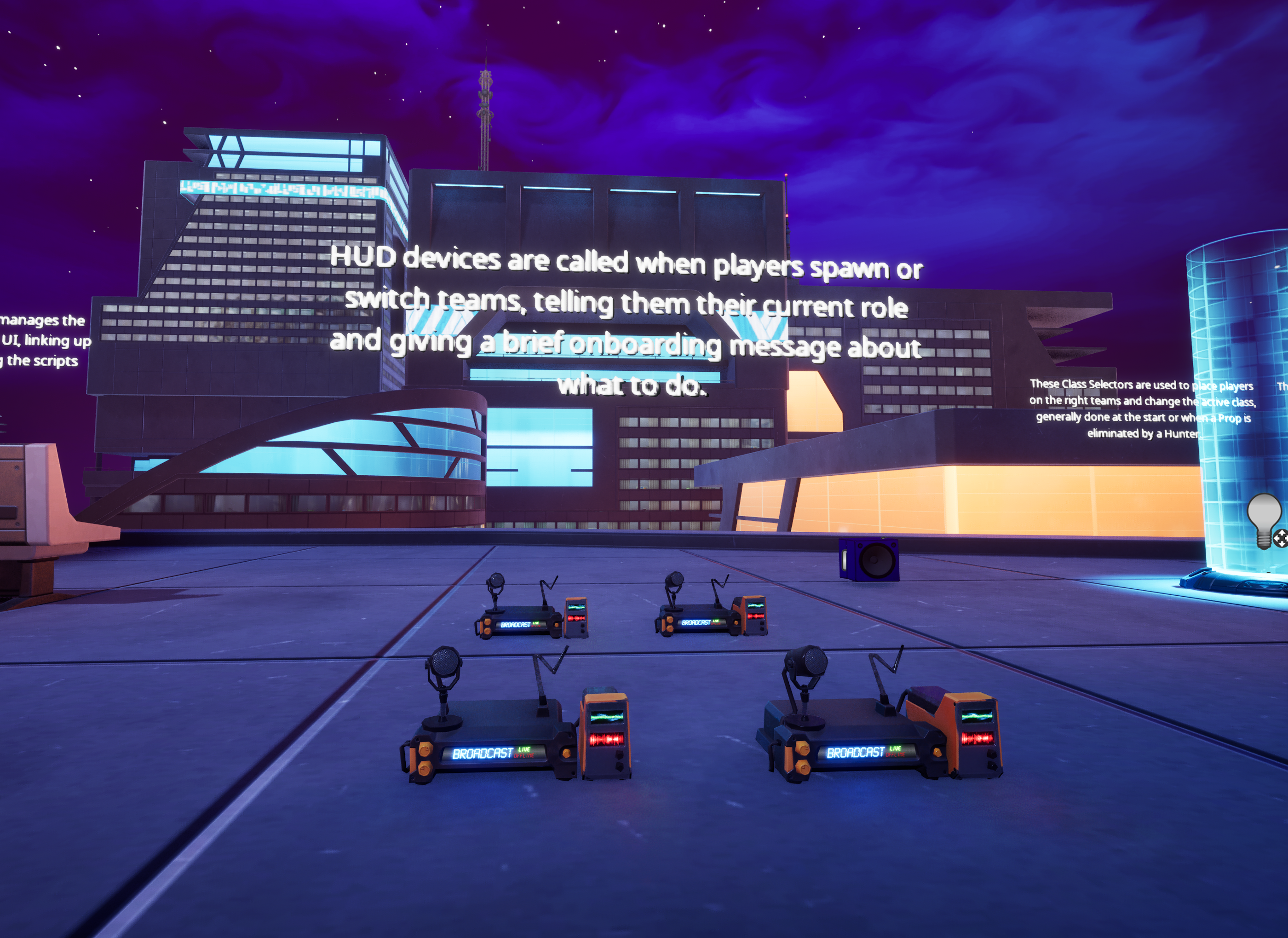
This device sends on-screen messages to players to let them know what team they are on. These messages are activated when a player’s class and team are set through Verse.

You're reading a preview

The full reference is free for BrainDeadGuild Discord members — sign in to read it all, or open the original at the source.

Sign in with Discord — free for members Read the original at Epic Games documentation

Sign in with your BrainDead.TV / BrainDeadGuild Discord account for full access.

Guided course

Add this to your free study plan — we’ll suggest related material and stitch it into one compile-checked lesson.

Keep exploring
More in Devices · 46 of 1369
Prev
pizza pursuit 2 defining the pickup and delivery zones for time trial in verse
Next
prop manipulator device design examples in fortnite
Browse all files in this folder (A–Z)

Source

Epic Games documentation

View original

Last updated 2026-02-11T09:15:59.380131+00:00

VerseIsland· an archipelago of Verse & UEFN knowledge
🗺️ Island atlasLearnGuidesHistoryAbout & PressSources & LicensingPrivacy PolicyTermsStatus

Not affiliated with Epic Games. Fortnite, UEFN, Unreal Engine, and Verse are trademarks of Epic Games, Inc. Content is attributed to its source — see Sources & Licensing.

🦜

Scout · your island guide

The Isle of Verse