
Controlling The Default UEFN HUD
As you design your game in Unreal Editor for Fortnite (UEFN), you might want to customize or remove the HUD available by default in Fortnite.
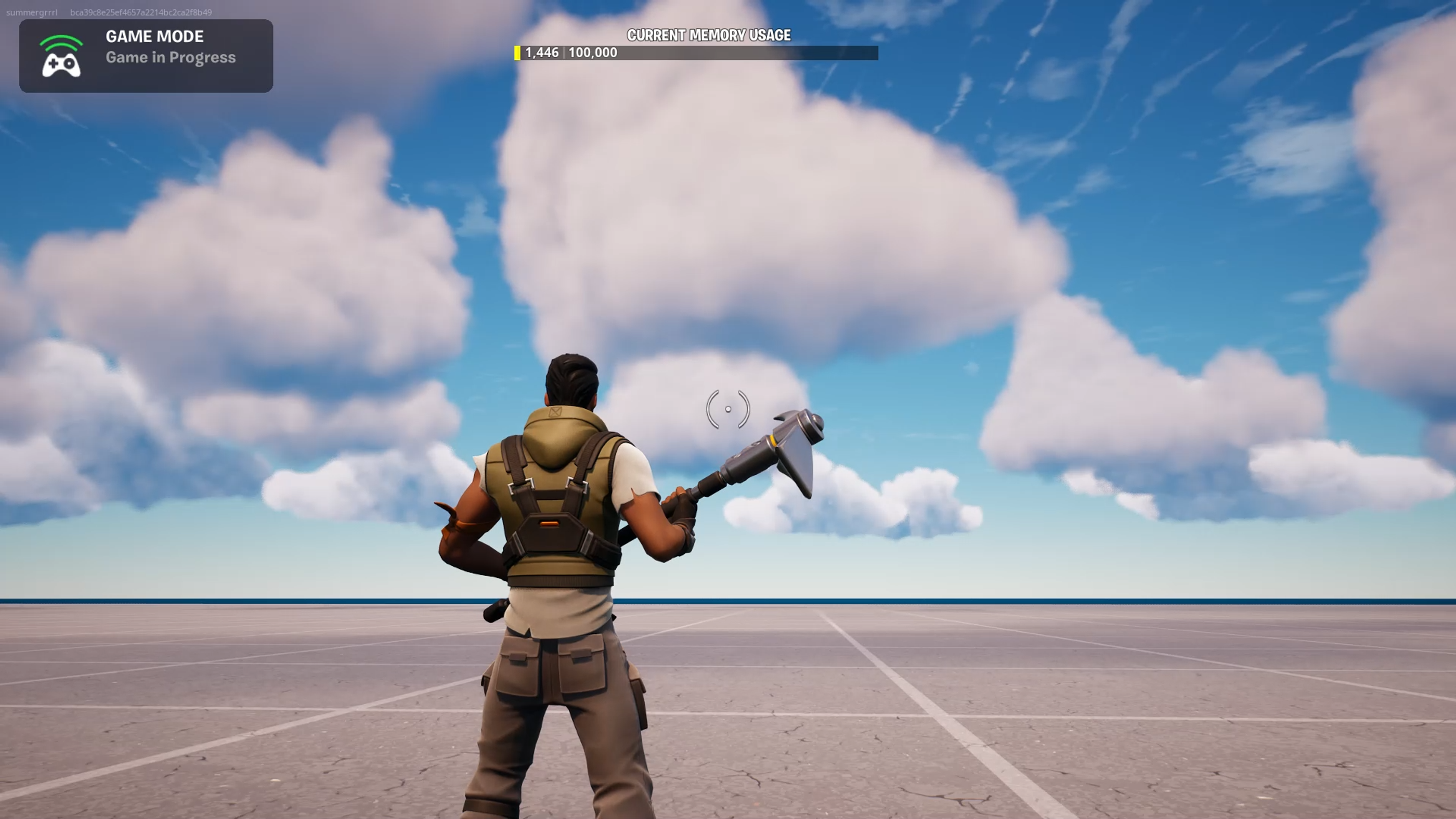
Fortnite client launched from UEFN with all default HUD elements hidden.
The following sections describe different methods for controlling the HUD in your game.
Using the HUD Controller Device
You can use the HUD Controller device to change what will display in your game HUD.
For how to place a device and edit its settings in UEFN, see UEFN Controls for Creative Users.
Using the HUD Controller in Verse
You can also use the HUD Controller API in Verse to change what displays in your game HUD.
You're reading a preview
The full reference is free for BrainDeadGuild Discord members — sign in to read it all, or open the original at the source.
Sign in with your BrainDead.TV / BrainDeadGuild Discord account for full access.