
Set Up The Game In Unreal Editor For Fortnite
The island set up here is for a single player. This step includes creating a UEFN project and changing the Island Settings.
-
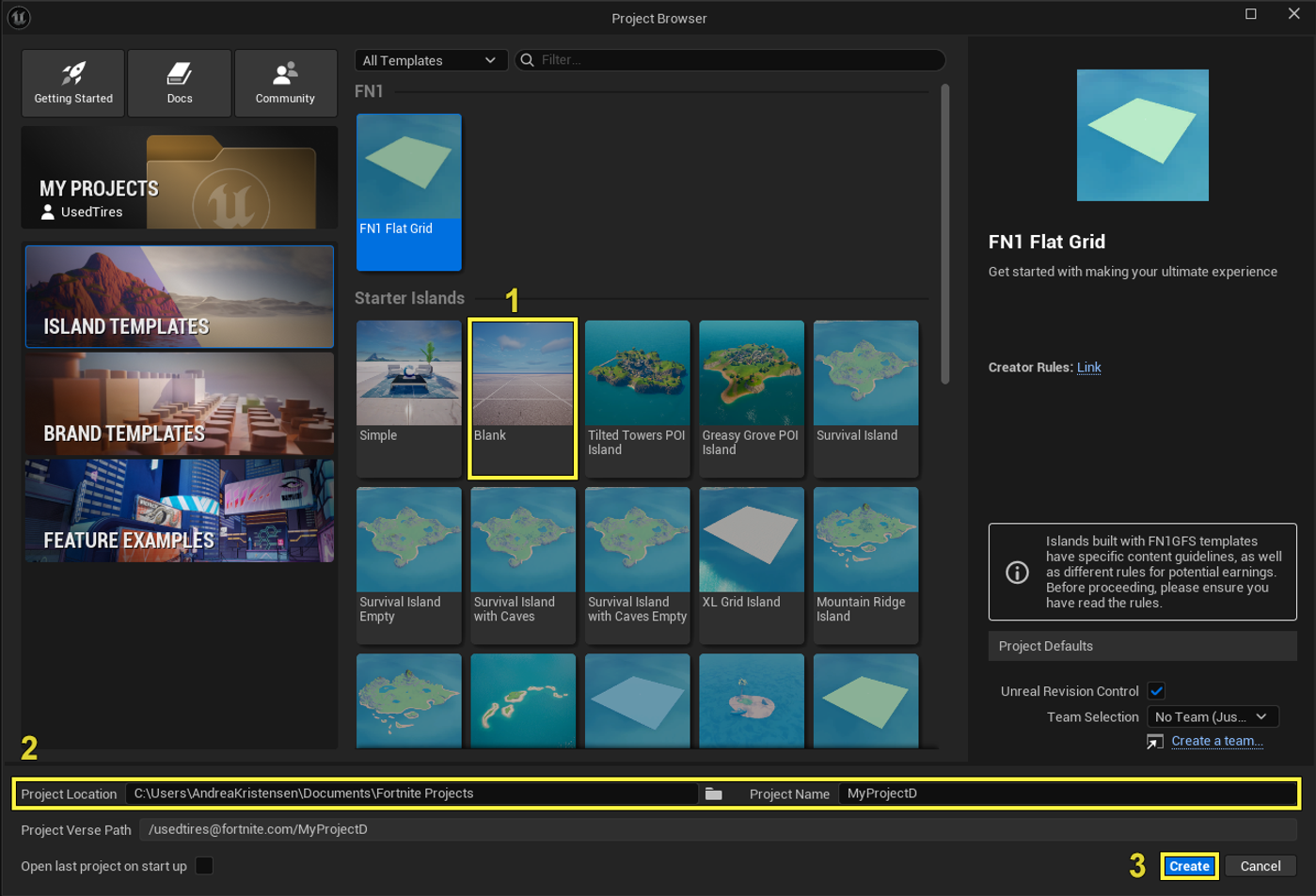
Open UEFN and select a Blank template from the Project Browserwindow.
-
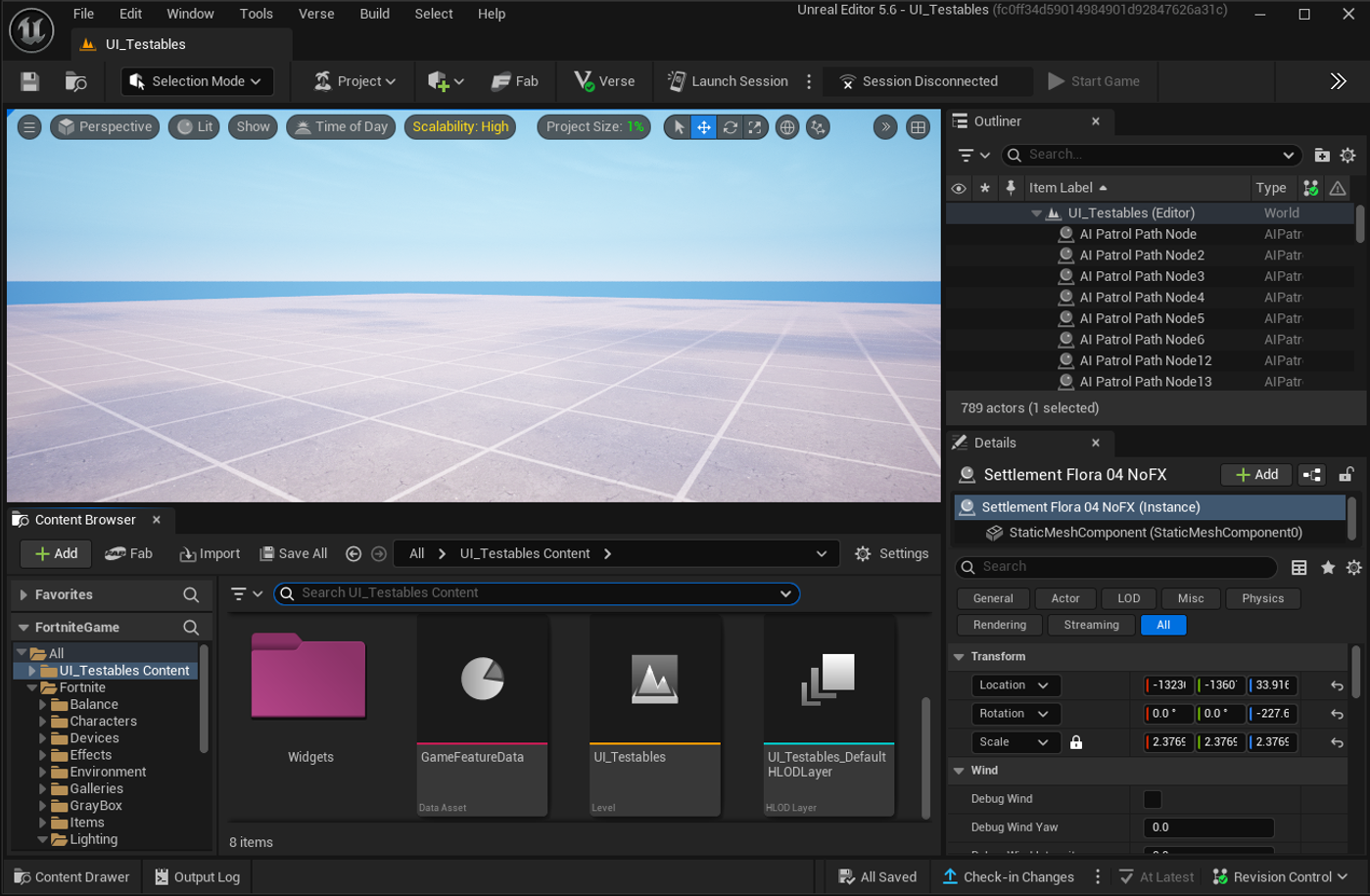
This opens a Blank project in the editor.
-
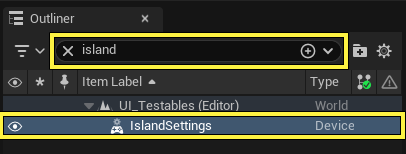
In the Outliner panel, type island**** in the search**** bar, then select Island Settings from the asset list.
-
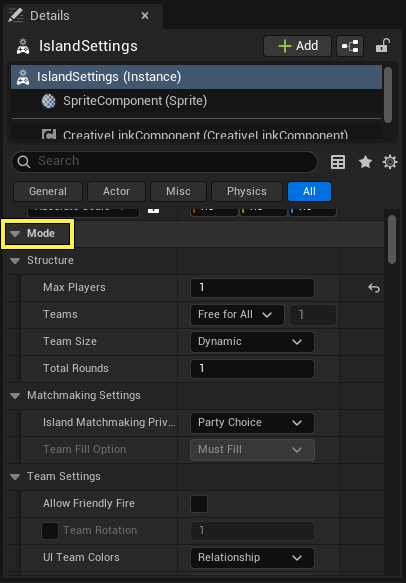
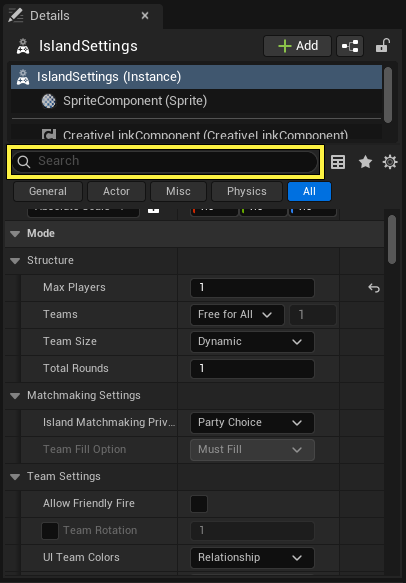
The Island Settings user options appear in the Details panel .
-
Modify the User Options with the values in the table below.
Use the Search bar to quickly locate each setting.
You're reading a preview
The full reference is free for BrainDeadGuild Discord members — sign in to read it all, or open the original at the source.
Sign in with your BrainDead.TV / BrainDeadGuild Discord account for full access.