
Using Items Gallery Devices
You can use the Items Gallery to offer players a quick status buff during gameplay. These status buffs will temporarily give the consuming player an increase of either health, shield, speed boost, or jump boost.
Selecting the Items Gallery will place eight different items that you can choose from. The preferred item can be copied by equipping the cell phone device and left-clicking to drag a duplicate as explained in Moving and Removing the Device.
Players can consume the item by standing near it and pressing E. Players will not be able to equip these items in their inventories.
Players can also stack items that offer status buffs, such as the Hop Rock and Pepper.
Finding and Placing the Device
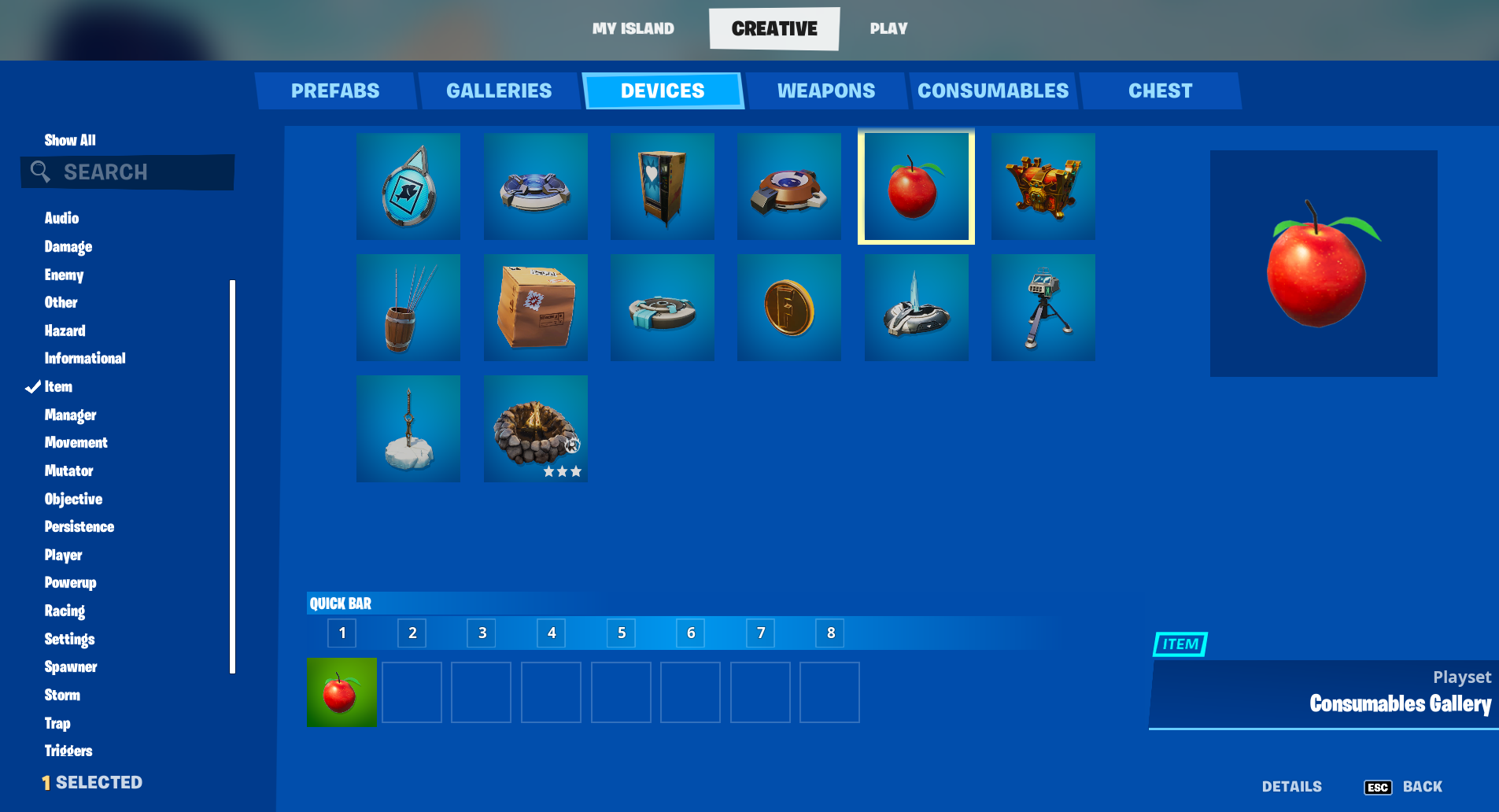
Click image to enlarge.
- From Create mode, press the Tab key to open the Creative inventory window.
- Click the Devices tab and scroll to select the device. You can also use the Search box or the Categories panel on the left to find your device.
- Click PLACE NOW to place immediately, or put the device in the **QUICK BAR** to place later.
- Press Esc to return to your island in Create mode. Use your phone to position the device, then left-click to place it. Press P to detach the device from your phone, then press P again to reactivate your phone.
You're reading a preview
The full reference is free for BrainDeadGuild Discord members — sign in to read it all, or open the original at the source.
Sign in with your BrainDead.TV / BrainDeadGuild Discord account for full access.