VerseIsland
FeedLearnLeaderboardGuidesReferenceExploreSearchDocsVerse Library
Sign in
Feed Learn 📖 Codex Leaderboard Guides Reference Explore Search Docs Verse Library
Browse Fortnite›Devices·Up to Fortnite · Devices·193 of 1369 in Devices

Rocket Racing EMP Volume Devices

When a Rocket Racing vehicle passes over an RR EMP Volume device, the vehicle is slowed down.

This device is only available to use in a Rocket Racing UEFN island template and will only work when creating Rocket Racing experiences.

The amount of speed the player loses and the duration of the speed loss are not editable, which ensures consistency for both gameplay and player expectations within Rocket Racing. However, you can change the shape of the device.
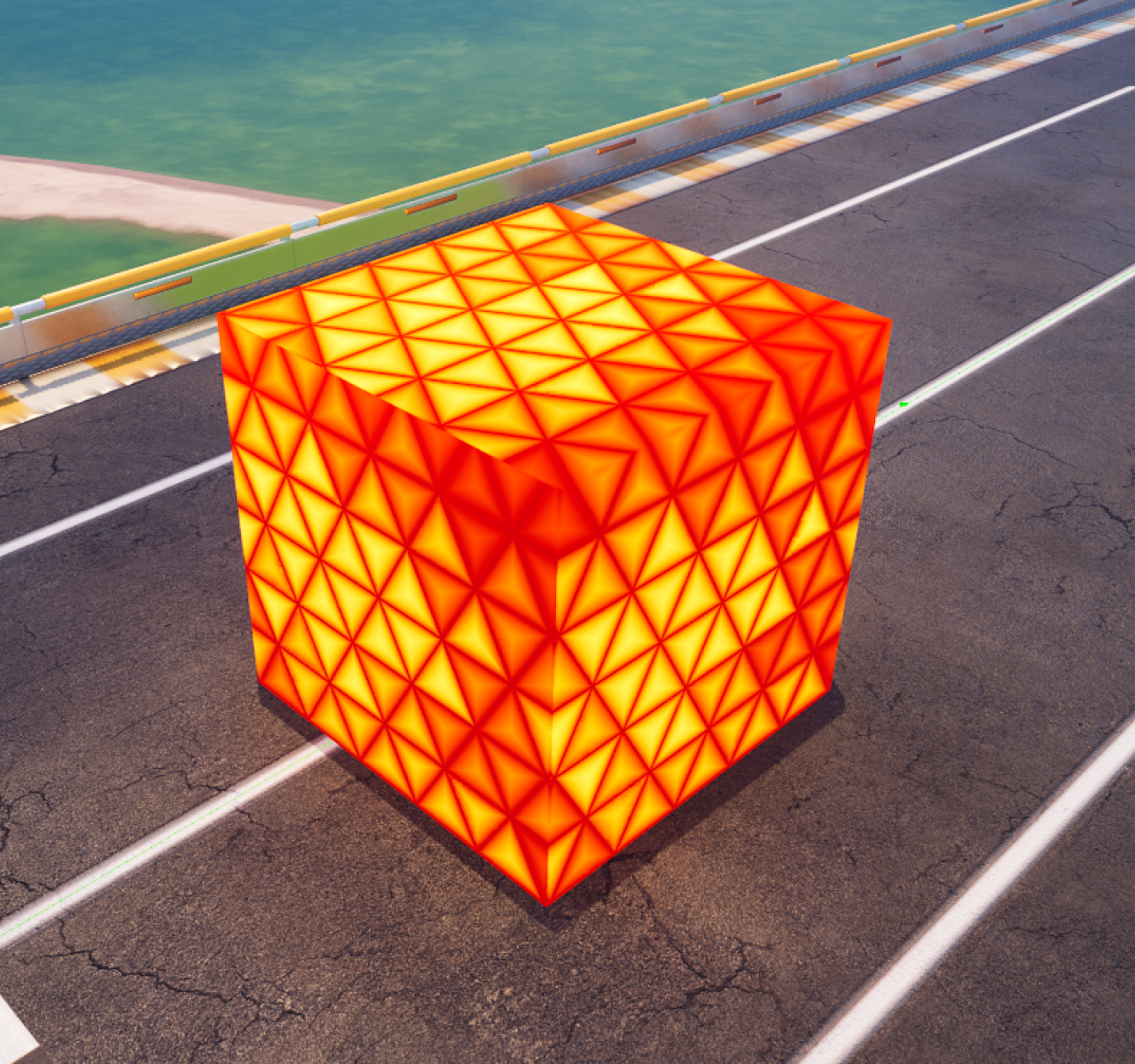
EMP Volume

See Rocket Racing Devices for tips on how to find this device.

User Options

EMP options

Default values are bold.

You can configure this device with the following option:

Option Value Description
Shape Cube, Sphere Changes the shape of the RR EMP Volume device, which also affects the shape of the collision.
Guided course

Add this to your free study plan — we’ll suggest related material and stitch it into one compile-checked lesson.

Keep exploring
More in Devices · 193 of 1369
Prev
using rocket racing elimination volume devices in unreal editor for fortnite
Next
using rocket racing player start position devices in unreal editor for fortnite
Browse all files in this folder (A–Z)

Source

Epic Games documentation

View original

Last updated 2026-02-11T13:23:06.146320+00:00

VerseIsland· an archipelago of Verse & UEFN knowledge
🗺️ Island atlasLearnGuidesHistoryAbout & PressSources & LicensingPrivacy PolicyTermsStatus

Not affiliated with Epic Games. Fortnite, UEFN, Unreal Engine, and Verse are trademarks of Epic Games, Inc. Content is attributed to its source — see Sources & Licensing.

🦜

Scout · your island guide

The Isle of Verse