
Using the Viewmodel in UMG
Viewmodel is natively a part of Unreal Motion Graphics (UMG) in Unreal Editor for Fortnite (UEFN). Viewmodel is used to control player information. To do this, the Viewmodel has a number of functions in UEFN.
- Viewmodel provides a way to bind the function of a device to a UMG widget to replace default Fortnite UI elements.
- Provides a way to show materials and textures in UI elements.
By adding materials to a viewmodel you can animate the material in your UI, surround the material in a texture container, or use the material on its own to provide a dynamic flat look to your UI.
The documentation in this section explains how to use Viewmodel to show materials, textures, and set materials.
For a deeper dive into Viewmodel, refer to UMG Viewmodel in Unreal Engine documentation.
[
Conversion Functions: Showing Textures from a Viewmodel
Use conversion functions to insert images and icons into your User Widget.](/docs/documentation/en-us/fortnite/conversion-functions-showing-textures-from-a-viewmodel.md)[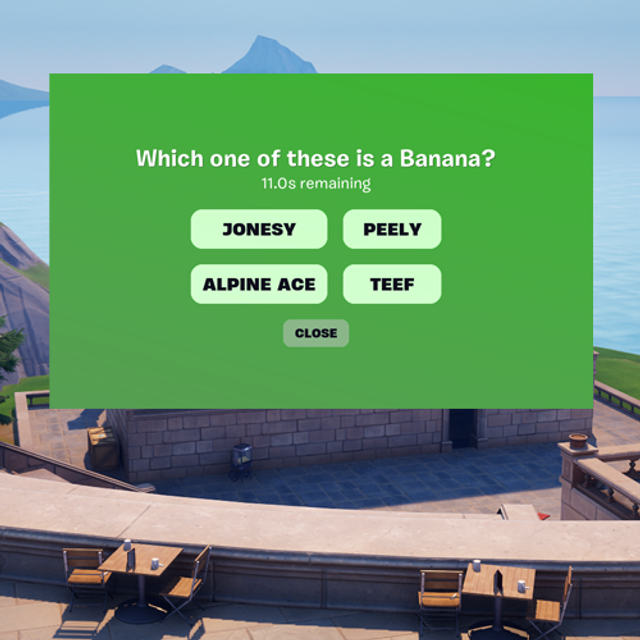
You're reading a preview
The full reference is free for BrainDeadGuild Discord members — sign in to read it all, or open the original at the source.
Sign in with your BrainDead.TV / BrainDeadGuild Discord account for full access.